

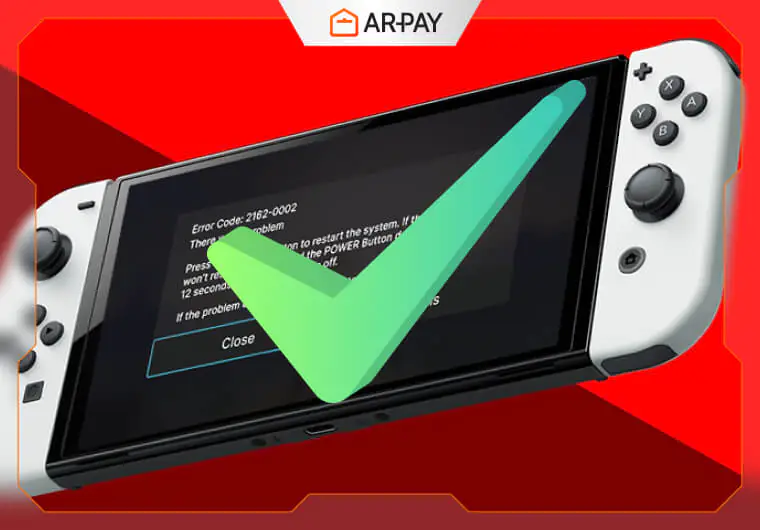
You booted up your favorite Switch game on your shiny new Switch 2, only to watch it crash at the loading screen. Frustrating, right? Backward compatibility sounds great on paper, but the reality can be messy when older games meet new hardware.
Nintendo just rolled out fixes for compatibility problems affecting certain Switch titles on the Switch 2. If you’ve been dealing with crashes, glitches, or unplayable games from your original library, this update brings some much-needed relief.
For anyone who upgraded or is planning to make the jump, these patches show Nintendo is serious about making your existing game collection work smoothly on the new console.
Background: Switch to Switch 2 Backward Compatibility
What Nintendo Promised
When Nintendo announced the Switch 2, they guaranteed that your existing Switch games would work on the new hardware. Sounds perfect until you remember that two different console architectures rarely play nice together without some technical wizardry.
The Technical Reality
The Switch 2 uses different internal components than its predecessor. To make old games run, Nintendo built a translation layer that converts older code into something the new hardware understands. Think of it like running Windows software on a Mac through emulation. It works most of the time, but hiccups happen.
Problems Players Reported
Early adopters quickly discovered issues across various titles:
- Games crashing during startup or specific scenes
- Graphical glitches like missing textures or screen tearing
- Control inputs not registering properly
- Performance drops in areas that ran fine on original Switch
These weren’t just minor annoyances. Some games became completely unplayable, forcing players to dust off their old Switch consoles just to continue their progress.

The October 2025 Update: Games That Were Fixed
Firmware 20.5.0 Arrives
Nintendo released firmware update 20.5.0 specifically targeting backward compatibility problems. This wasn’t just a routine system update. The patches addressed deep-rooted issues preventing certain games from running correctly.
Five Games Now Work Properly
Deemo Reborn
This rhythm game had serious stability problems. Players reported frequent crashes during songs and menu navigation. The patch fixed these issues, letting players enjoy the full musical experience without interruptions.
Library of Ruina
The deck-building RPG suffered from progression-blocking bugs. Certain battles would freeze or fail to load entirely. Gamers can now complete the story without hitting invisible walls.
Powerful Pro Baseball 2024-25
Sports fans were hit hard when this baseball sim crashed during matches. The update resolved startup problems and in-game freezing, making the title fully playable again.
Ultra Age
This action RPG had rendering issues that made combat nearly impossible to follow. Visual glitches and frame drops are now gone, restoring the smooth hack-and-slash gameplay.
Warframe
The online looter-shooter experienced connection problems and graphics corruption on Switch 2. Players can now jump back into missions without worrying about sudden crashes or visual artifacts.
What “Fixed” Actually Means
These games now run as intended. No more crashes at launch. No game-breaking bugs. You can play them start to finish just like you did on the original Switch, sometimes even with better performance thanks to the upgraded hardware.
Remaining Titles & Compatibility Challenges

Games Still Having Problems
Not everything got fixed. Five titles continue to have documented issues:
Jelly Troops
- Problem: Game progression stops working at certain checkpoints
- Impact: You might get stuck and unable to advance
Kingdoms of Amalur: Re-Reckoning
- Problem: Graphical glitches like texture pop-in and lighting errors
- Impact: Playable but visually distracting
Mugen Souls
- Problem: Item displays show incorrect or missing information
- Impact: Makes inventory management confusing
Subway Simulator 2025: City Train
- Problem: Animation bugs causing trains to clip through environments
- Impact: Breaks immersion but doesn’t stop gameplay
Transistor
- Problem: Switching between docked and handheld modes causes crashes
- Impact: You need to stay in one mode to avoid losing progress
Special Controller-Dependent Games
Some Switch games were designed around specific Joy-Con features. Ring Fit Adventure needs the Ring-Con. Nintendo Labo kits require the original Joy-Cons with their specific sensors. The Switch 2’s updated controllers might not work with these titles, or you’ll need to keep your old Joy-Cons around.
Playable vs. Fully Fixed
There’s a difference worth noting. Some games technically run but have annoying quirks. Others work perfectly. Before assuming a game is broken, check if it’s on the “still has issues” list or if it’s just a minor bug you can work around.
What You Should Do Right Now
Update Your Console Immediately
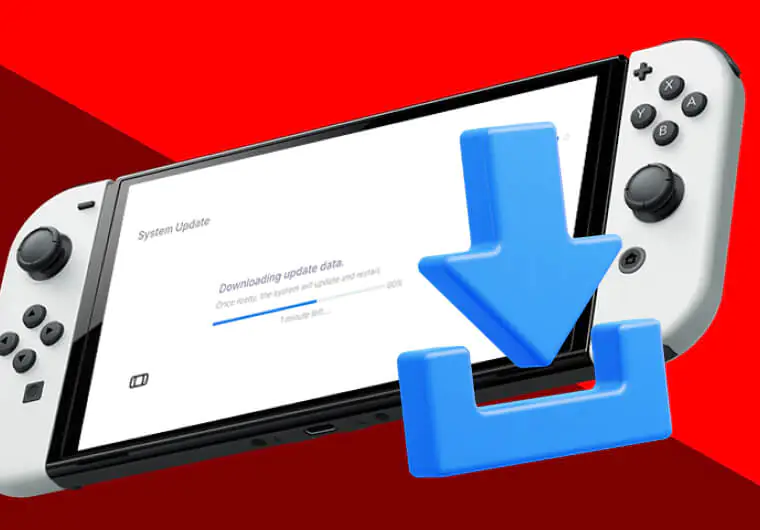
Go to System Settings and check for updates. Firmware 20.5.0 won’t install automatically if your console is in sleep mode. Make sure you manually trigger the update to get these fixes.
Test Your Game Library
If you’ve been avoiding certain games because they didn’t work, now’s the time to test them. Boot up those titles that gave you trouble before. You might be pleasantly surprised.
Report Problems You Find
Still experiencing issues? Report them directly to Nintendo through their support channels. Publishers also need to hear about ongoing problems. Your feedback helps prioritize which games get fixed next.
Keep Your Old Controllers
If you play games like Ring Fit Adventure or have Labo kits, don’t sell your original Joy-Cons. You’ll need them for full functionality on those specialty titles.
Check Community Reports
Before buying older Switch games for your Switch 2, search online for compatibility reports. Reddit threads and gaming forums often have updated lists of what works and what doesn’t.
Read more: Super Mario Galaxy vs Super Mario Galaxy 2 Review
Conclusion
Nintendo’s October update proves they’re committed to solving backward compatibility problems. While not every game works flawlessly yet, the company is actively patching issues as they’re identified and prioritized.
For Switch 2 owners, this situation improves month over month. Your investment in Switch games over the years won’t go to waste. Keep your system updated, stay informed about which games work, and don’t hesitate to report problems when you find them.
Your existing library matters, and Nintendo seems to understand that. The transition between console generations always has bumps, but this proactive patching approach makes the road smoother for everyone making the upgrade.
Ready to dive back into your favorite games without the frustration? Make sure your Switch 2 is fully updated — and stock up on Nintendo eShop credit the easy way. Grab a Nintendo Gift Card from AR-Pay today to download, update, and enjoy your favorite titles instantly.

FAQs
Will all my Switch games work on Switch 2?
Most Switch games work on Switch 2, but not all. Nintendo continues to patch compatibility issues as they’re discovered. Games with special hardware requirements like Ring Fit Adventure may need original Joy-Cons. Check online compatibility lists before assuming every game in your library will work perfectly.
How do I know if my game got fixed in the latest update?
Check Nintendo’s official patch notes for firmware updates or visit gaming news sites that track compatibility fixes. The October 2025 update (20.5.0) specifically fixed Deemo Reborn, Library of Ruina, Powerful Pro Baseball 2024-25, Ultra Age, and Warframe. If your game isn’t listed, it either works fine already or still has unresolved issues.
What should I do if my Switch game still crashes on Switch 2?
First, make sure your console firmware is fully updated. Restart your console and try the game again. If problems persist, report the issue to Nintendo Support with specific details about what’s happening. Check if the game appears on known problem lists online. You might need to wait for a future patch or use your original Switch temporarily.

Hager Hesham
Content Writer and your go-to gaming expert. I'm here to share my best practices, valuable strategies, and professional gamer guidance. Also, I'm a gem hunter for the best deals and gift cards, just to enjoy games at almost zero cost with AR-pay.

