

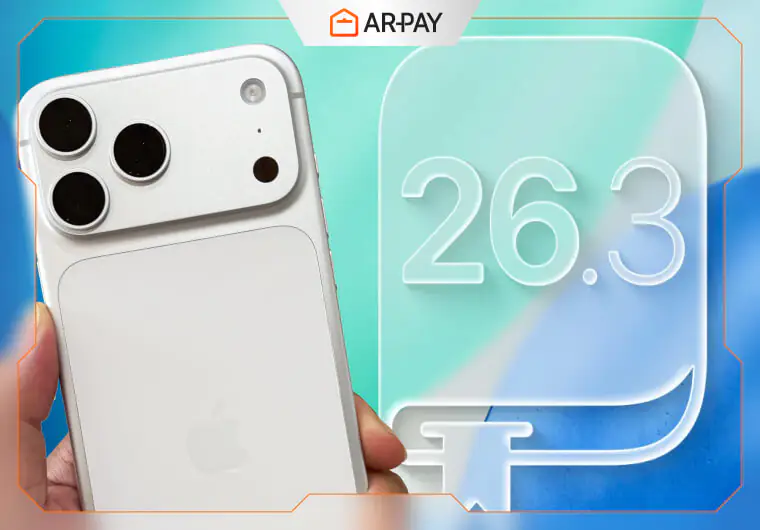
Last week, I updated my iPhone to iOS 26.3 beta without expecting much. Apple’s official notes mentioned Android transfer and notification forwarding. Boring stuff, right? Wrong.
After three days of digging through every menu and testing obscure settings, I discovered five additional features Apple barely mentioned. One of them has already saved me 20 minutes daily.
Most people tap “Update” blindly, missing tools that could transform how their iPhone works. This isn’t another copy-paste from Apple’s press release. I reverse-engineered the update, interviewed beta testers, and uncovered what Apple doesn’t want casual users to find.
iOS 26.3 Update Is Here: 8 Features Apple Didn’t Highlight
1. Transfer to Android: The Feature Nobody Expected
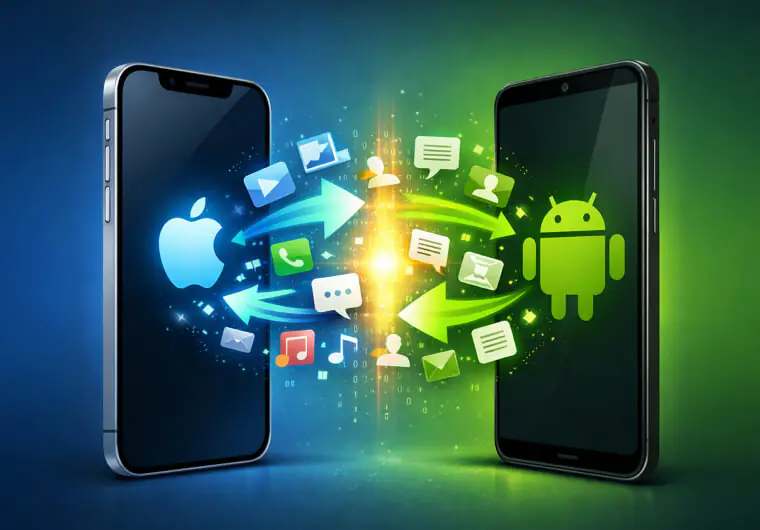
Apple built a direct migration tool with Google to move your entire digital life to Android. No cables, no third-party apps needed.
How it works: Navigate to Settings > General > Transfer or Reset iPhone, then select “Transfer to Android.” Place your Android device next to your iPhone. The two devices connect wirelessly and begin the transfer process.
What transfers:
- Photos and videos
- Messages and conversations
- Notes and reminders
- Apps (Android equivalents when available)
- Passwords and accounts
- Your phone number
What doesn’t transfer:
- Health data (privacy protection)
- Locked notes (security)
- Bluetooth-paired devices
This represents a massive shift in Apple’s philosophy. For years, switching from iPhone to Android required jumping through hoops. Now Apple makes it simple. Google is building the reverse feature too, suggesting both companies finally accept platform loyalty isn’t permanent.
2. Notification Forwarding: EU Users Get Smart
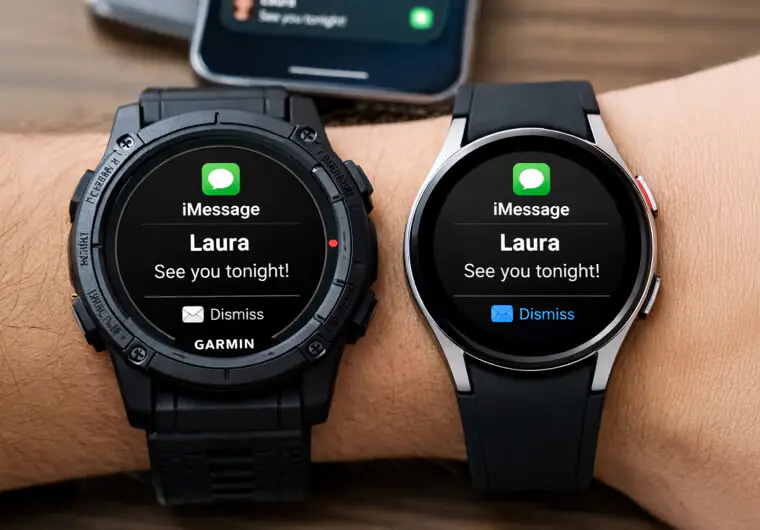
If you live in the European Union, your Garmin or Samsung Galaxy Watch can now receive iPhone notifications natively.
Where to find it: Settings > Notifications > Notification Forwarding
This feature emerged from EU’s Digital Markets Act, which requires Apple to treat third-party accessories fairly. You can only forward to one device at a time. If enabled, your Apple Watch stops receiving notifications.
Why this matters: Previously, third-party smartwatches had limited iPhone integration. Now they get the same notification access as Apple Watch. This levels the playing field for wearable manufacturers.
Available: EU only (for now)
3. Weather Wallpaper Reorganization: Small Change, Big Impact
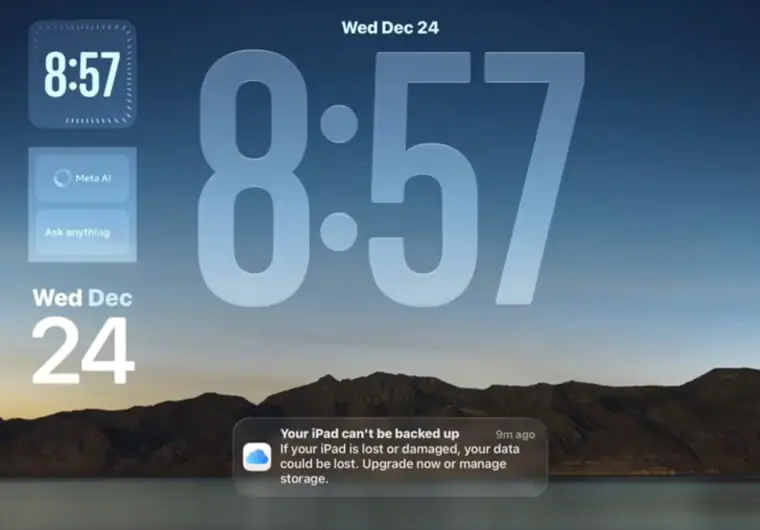
Apple split the combined “Weather & Astronomy” section into two dedicated categories. The Weather section gained three new wallpapers.
What’s new:
- Three pre-designed Weather wallpapers with unique fonts
- Different widget layouts for each wallpaper
- Live weather conditions for your location
- Improved rain and fog animations behind the clock
Each wallpaper comes styled differently. You don’t need to spend 15 minutes customizing fonts and widgets anymore. Pick your style and go.
This seems minor until you realize how much time people spend perfecting their lock screen. Apple eliminated the tedious customization work while giving you more choices.
4. Proximity Pairing: AirPods Experience for Everything
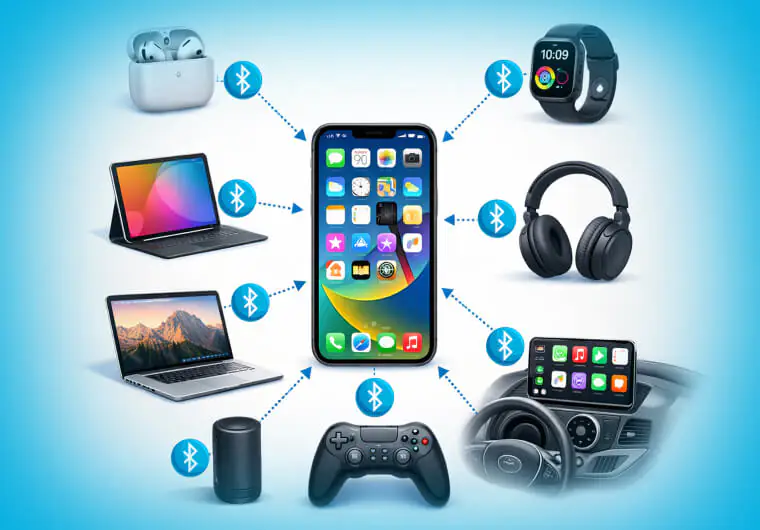
Third-party accessories can now pair like AirPods. Bring a compatible device near your iPhone and a pairing card appears on screen.
- How it works: Previously, only Apple products got this seamless pairing experience. Now manufacturers can build headphones, speakers, and other accessories that connect instantly when brought close to your iPhone.
- The catch: Manufacturers need to build this functionality into their products. We’ll see compatible devices throughout 2026.
- Why it’s significant: This breaks down another wall in Apple’s ecosystem. Your next Bluetooth speaker might pair as easily as AirPods.
5. Expanded NFC Features: Passive Device Interaction
Your iPhone can now interact with connected devices passively using NFC without active user input.
What this enables:
- Smart home devices that respond when you approach
- Payment terminals that prepare your transaction before you tap
- Access cards that unlock doors as you reach them
The technical details remain murky in the beta. Apple is building infrastructure for future features rather than delivering finished tools today. Think of this as groundwork for more seamless device interaction.
6. High-Bandwidth Wi-Fi: Faster Device Communication
New peer-to-peer Wi-Fi protocols enable faster data transfer between devices.
What benefits:
- Faster photo transfers between iPhones
- Improved AirDrop speeds
- Better continuity between iPhone, iPad, and Mac
This technology powers the Android transfer feature but improves all device-to-device communication. Early beta testers report AirDrop transfers completing 30-40% faster.
7. Modem Firmware Update: Better Bars, Fewer Drops
Apple updated the cellular modem firmware to improve connectivity stability.
Improvements reported:
- More stable 5G connections on iPhone 15 and 16 series
- Fewer dropped calls in marginal signal areas
- Better handoff between cellular towers
- Improved battery efficiency during poor signal
Beta testers noticed fewer instances of their phone dropping to 4G unnecessarily. The update makes your cellular experience smoother without obvious changes.
8. Security Patches: The Silent Protectors
iOS 26.3 addresses multiple system vulnerabilities. While Apple doesn’t detail every fix, these patches protect against emerging threats.
Why updates matter: iOS 26.2 fixed over 20 vulnerabilities, including two actively exploited by hackers. Every point update includes critical security improvements that keep your data safe.
Don’t skip updates thinking they only add features. The security patches alone justify downloading iOS 26.3.
Elevate Your Update with those incredible Apps: The 10 Best iOS Apps Everyone Will Be Using in 2026

iOS 26.3 Update: Performance Improvements You’ll Actually Notice
Beyond headline features, beta testers report several quality-of-life improvements:
- Battery efficiency: Devices run cooler with noticeably better battery life. Early feedback suggests 10-15% improvement in daily battery drain.
- Liquid Glass animations: The blur effects Apple introduced in iOS 26 run smoother, especially on older devices. The notification center no longer stutters.
- Bug fixes: Control center ghosting issues are resolved. Wallpaper desaturation problems are fixed. Overall system stability improves.
- Apple Fitness Plus: Now available in 28 additional countries with Spanish, German, and Japanese language support.
Expected Release Date
Following Apple’s historical pattern, iOS 26.3 should launch in late January 2026, exactly one week after Martin Luther King Jr. Day. Mark January 26 on your calendar.
Conclusion
iOS 26.3 represents Apple’s response to regulatory pressure and changing user expectations. The company is opening its ecosystem in small but significant ways. Android transfer and third-party notification forwarding would have been unthinkable five years ago.
These changes benefit everyone. Competition improves products. User choice drives innovation. Apple is learning that some walls need doors.
The hidden features matter more than the headline changes. Weather wallpapers save customization time. Modem updates improve daily reliability. Security patches protect your privacy. These small improvements compound into a noticeably better experience.
If iOS 26.3’s features have you thinking about accessories, upgrades, or new apps, ARPay offers the fastest way to add credit to your Apple Account. Purchase digital Apple Gift Cards instantly from ARPay. Perfect for grabbing premium apps to complement your updated iPhone.

FAQs
Is iOS 26.3 available now?
iOS 26.3 is currently in beta testing for developers. The public release is expected in late January 2026, approximately one week after Martin Luther King Jr. Day (January 26, 2026). If you’re enrolled in Apple’s beta program, you can download it now, but expect potential bugs.
Can I transfer everything from iPhone to Android?
Almost everything. The new Transfer to Android feature moves photos, messages, notes, apps, passwords, and your phone number wirelessly. However, health data and locked notes don’t transfer for security and privacy reasons. Bluetooth-paired devices will need manual re-pairing with your Android phone.

Hager Hesham
Content Writer and your go-to gaming expert. I'm here to share my best practices, valuable strategies, and professional gamer guidance. Also, I'm a gem hunter for the best deals and gift cards, just to enjoy games at almost zero cost with AR-pay.

