

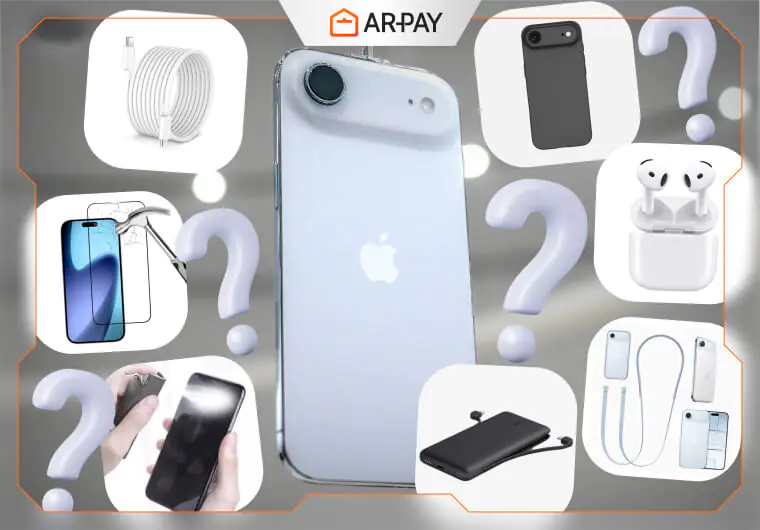
The iPhone Air 17 has quickly become one of the most talked-about devices of the year. With its sleek design, advanced display, and improved battery life, it’s no surprise that users want to pair it with the “best” accessories. But here’s the catch: not every product advertised for your iPhone is worth buying.
Many shoppers fall for “must-have” deals on accessories that promise better protection, faster charging, or improved style. In reality, some of these products are unnecessary, overpriced, or even harmful to your phone. Before you fill your cart, it’s worth knowing which items you can skip.
This guide breaks down seven accessories you should avoid buying for the iPhone Air 17, along with smarter alternatives that actually protect your phone and give you value for money.
7 iPhone Air 17 Accessories You Should Never Buy (and What to Get Instead)
Cheap Screen Protectors
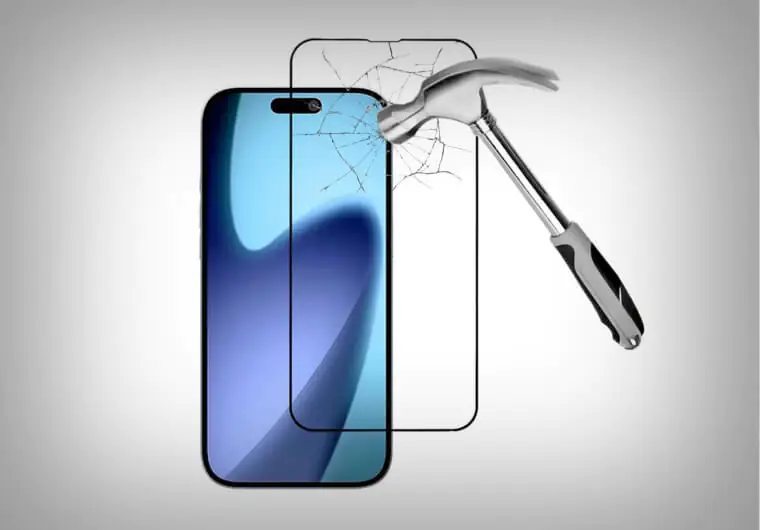
Screen protectors are everywhere — from gas stations to online bargain shops. They seem like a quick and affordable way to protect your iPhone Air 17’s gorgeous display. The problem is that low-cost protectors rarely last. They bubble, peel at the edges, and often reduce the screen’s touch sensitivity.
Pros and Cons
| Pros | Cons |
| Affordable, easy to find | Poor durability, bubbles, reduced screen sensitivity |
Instead of buying the cheapest option, invest in a tempered glass protector from a trusted brand. It offers strong protection against drops and scratches without compromising touch accuracy.
Uncertified Charging Cables
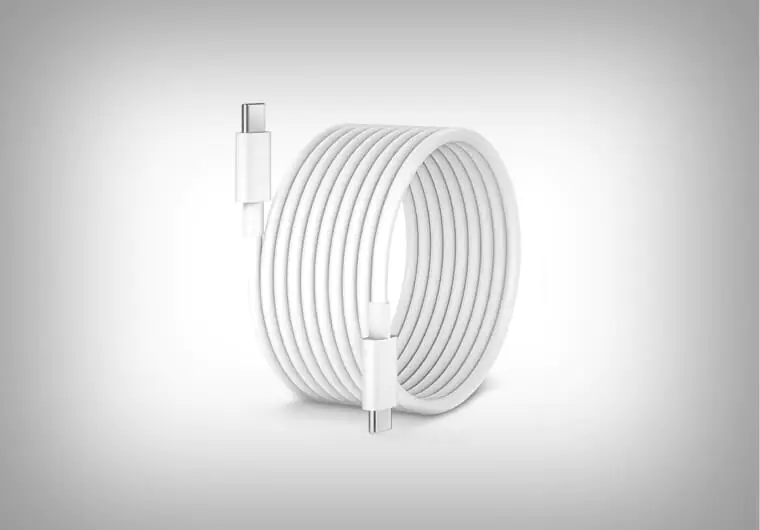
A charging cable may look like any other piece of wire, but when it comes to iPhones, quality matters. Uncertified cables — those not carrying Apple’s MFi (Made for iPhone) certification — can be dangerous. They may overheat, fail after a few weeks, or even damage your phone’s charging port.
Pros and Cons
| Pros | Cons |
| Low price | Risk of overheating, short lifespan, potential phone damage |
A reliable cable may cost more upfront, but it protects your iPhone’s battery health in the long run. Certified cables are tested for safety and durability, making them a smarter choice.
Bulky Non-Apple Cases
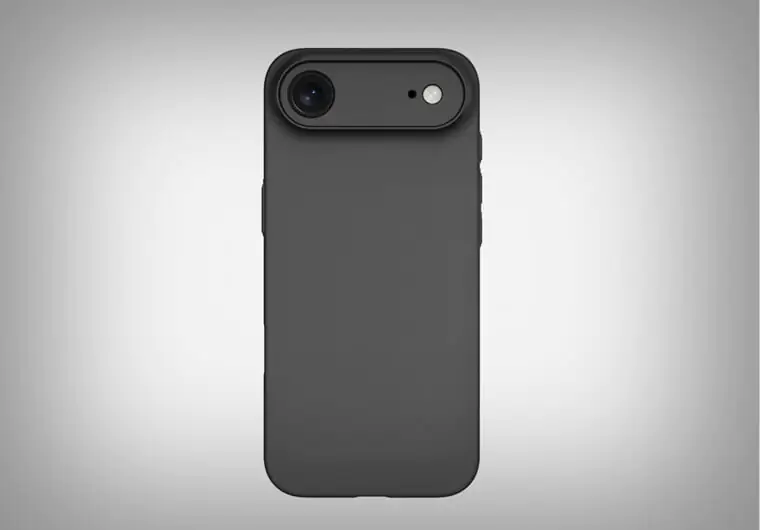
Cases protect your phone, but not all cases are equal. Some non-Apple branded cases come with thick padding or flashy designs that make your iPhone feel like a brick. Worse, many are poorly fitted, blocking important buttons or ports.
Pros and Cons
| Pros | Cons |
| Sometimes cheaper, extra padding | Poor fit, block ports/buttons, ruin sleek design |
The iPhone Air 17 was designed to be slim and lightweight. A bulky case defeats the purpose. Instead, choose a case that offers drop protection without hiding the phone’s original feel.
Fake Wireless Earbuds
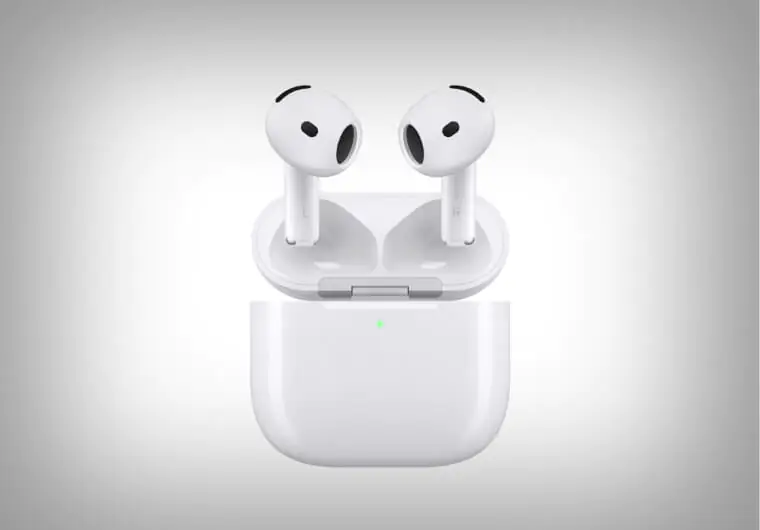
On the surface, fake AirPods look almost identical to the real ones. But once you start using them, the differences are clear. The sound quality is flat, the connection drops constantly, and the battery can be unsafe. In some cases, knock-off earbuds have even overheated during charging.
Pros and Cons
| Pros | Cons |
| Inexpensive, look like AirPods | Poor sound quality, no warranty, unsafe battery |
If you want wireless earbuds, stick with Apple AirPods or a reputable audio brand. You’ll get better sound, longer battery life, and a product that won’t risk your safety.
Overpriced Branded Accessories
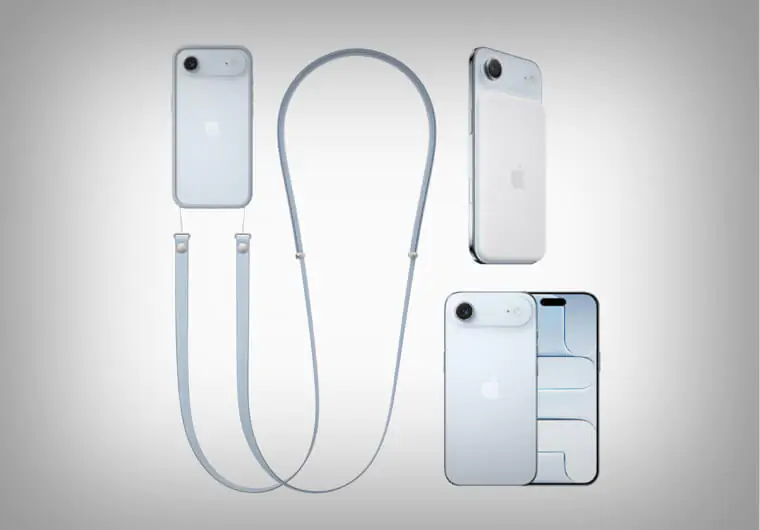
Luxury brands have jumped into the accessory game, offering iPhone cases, straps, and chargers that cost more than the phone itself. While the logo may feel stylish, the function is usually no better than mid-range options.
Pros and Cons
| Pros | Cons |
| Stylish, recognizable logos | Same function as mid-range items, higher cost |
If your goal is performance, skip the overpriced branding. A mid-range, well-reviewed accessory delivers the same function without draining your budget.
Low-Quality Power Banks
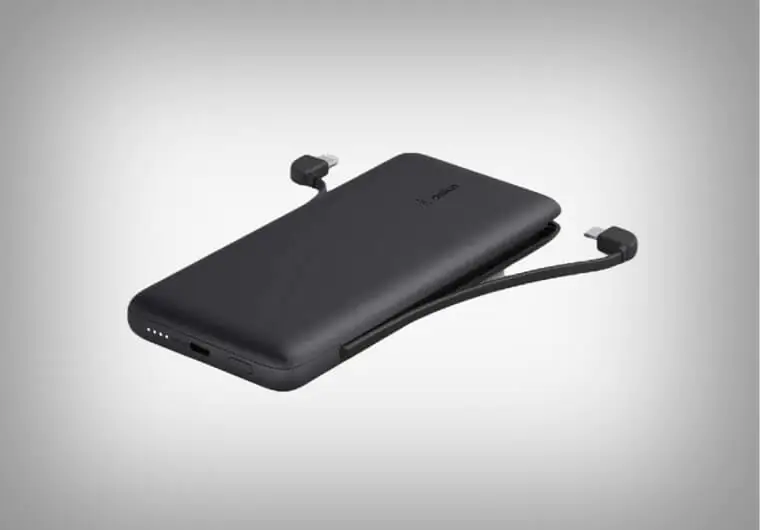
A portable power bank sounds like the perfect solution when you’re on the go. But low-quality models often don’t deliver the advertised capacity. Some even use unsafe batteries that can swell, overheat, or damage your iPhone.
Pros and Cons
| Pros | Cons |
| Portable charging | Unsafe, low capacity, risk of damaging the phone battery |
For safe charging, choose power banks with fast-charge support and certifications like CE or UL. A reliable power bank protects your phone and gives you real peace of mind when traveling.
Unnecessary Cleaning Sprays
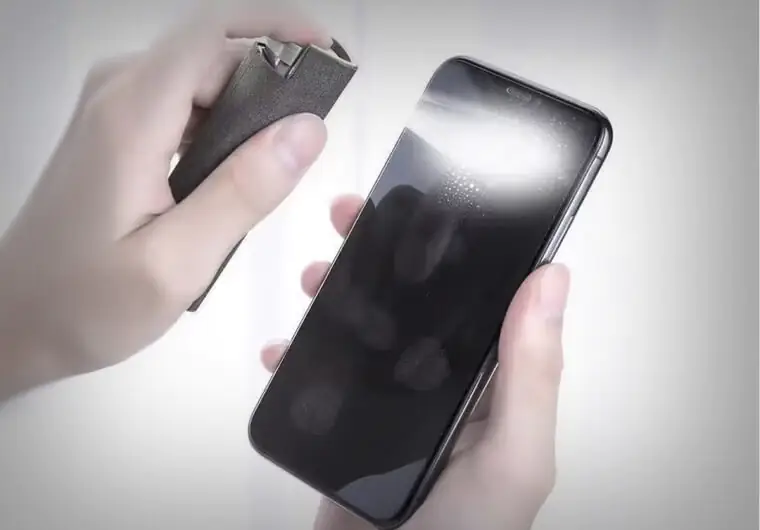
Many companies sell “special” cleaning sprays for phone screens. They promise streak-free results and germ removal. The truth? A simple microfiber cloth does the same job — and it doesn’t cost extra.
Pros and Cons
| Pros | Cons |
| Claim to remove smudges | Expensive, microfiber cloth works better |
Unless you’re dealing with stubborn grime, you don’t need expensive sprays. Keep a clean microfiber cloth handy, and your iPhone Air 17 will always look fresh.

Why Smart Spending Matters for iPhone Users
When buying accessories, it’s tempting to go for the cheapest or the trendiest. But smart spending is about value and safety. A low-quality cable may save you a few dollars now, but it can shorten your phone’s lifespan. A fake earbud might look stylish but could damage your ears.
Always check for certifications, brand reputation, and customer reviews. Certified accessories protect your investment and give you a smoother iPhone experience.
Pay All Your Subscriptions with ARPAY Gift Cards
While hardware accessories are important, managing your digital spending is equally valuable. That’s where ARPAY comes in. It’s a trusted e-commerce platform that makes paying for digital services fast and secure.
Here’s what you can do with ARPAY gift cards:
- Apple gift cards: Pay for iCloud storage, apps, Apple Music, and more.
- Streaming subscriptions: Cover Netflix, Spotify, Disney+, and other services directly.
- Gaming and shopping: Buy digital gift cards for platforms like PlayStation, Xbox, Amazon, or Google Play.
Instead of sharing your credit card details across multiple sites, you can safely manage everything with ARPAY. Delivery is instant, and you always know your money is going toward exactly what you intended.
Read more about Iphone 17 Series: iPhone 17 Review: A19 Power, 8x Zoom & New ‘Air’ Model
Conclusion
The iPhone Air 17 deserves the right accessories, but not everything marketed for it is worth your money. Cheap screen protectors, uncertified cables, fake earbuds, and other low-quality products only create problems. Choosing certified, well-reviewed items ensures your device stays safe and performs at its best.
Stay ahead of the curve with ARPay Apple News—your go-to destination for everything Apple! From the latest App Store updates and exclusive deals to breaking Apple news and must-know tech trends, we’ve got it all in one place.

FAQs
Are third-party accessories safe for iPhone Air 17?
Yes, as long as they carry Apple’s MFi certification or are from a trusted brand. Avoid uncertified products.
What accessories should I definitely buy for iPhone Air 17?
A quality screen protector, a slim but protective case, and a certified charging cable.
Can I use ARPAY gift cards for Apple services?
Yes, ARPAY sells Apple gift cards that work for iCloud storage, App Store purchases, and Apple Music.
Why avoid fake wireless earbuds?
They have poor sound, weak batteries, and may even cause ear discomfort or overheating.

Hager Hesham
Content Writer and your go-to gaming expert. I'm here to share my best practices, valuable strategies, and professional gamer guidance. Also, I'm a gem hunter for the best deals and gift cards, just to enjoy games at almost zero cost with AR-pay.

