


When your child taps, swipes, and plays their way through an educational app, something special happens. They forget they’re studying. Interactive learning apps turn education into playtime, making subjects that once felt like chores suddenly feel like fun challenges.
Apps bring learning right to your fingertips. Whether you’re waiting at the dentist’s office or sitting on the couch after dinner, your child can practice math, improve their handwriting, or explore stories.
Technology has changed how kids build skills in reading, writing, math, and creative thinking. The right app meets them where they are and grows with them.
Here’s a look at the best educational apps helping kids learn and grow in 2025.
Math Apps for Kids
Prodigy Math: Kids Game
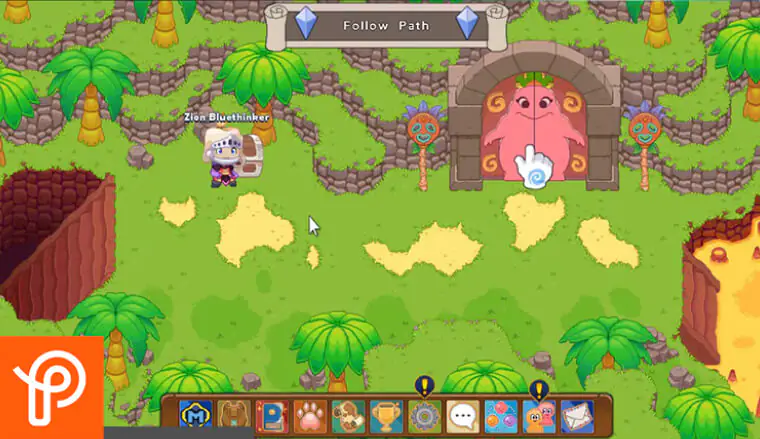
Prodigy Math wraps math problems inside a role-playing game. Kids create their own characters, go on quests, and battle monsters. The twist? They answer math questions to win battles and move forward in the game.
This setup keeps kids playing longer than traditional worksheets ever could. They’re solving problems without feeling like they’re doing homework. The app adapts to each child’s skill level, making sure they’re challenged but not overwhelmed.
Best for: Ages 6 to 12
Key features:
- Fantasy game world that responds to correct answers
- Adaptive learning that adjusts difficulty
- Covers curriculum-aligned math concepts
Level up your child’s math adventure with Prodigy Math! Buy Google Play Gift Cards from ARPay today and unlock quests, rewards, and endless fun in learning.
Monster Math: Math Fluency for Kids

Monster Math focuses on speed and accuracy with basic operations like addition, subtraction, multiplication, and division. In this educational app, kids help a friendly monster named Maxx by solving math problems quickly during mini-games.
The app builds fluency through repetition that doesn’t feel boring. Each game session lasts just a few minutes, making it perfect for quick practice sessions. The app personalizes lessons based on where your child struggles most, spending extra time on weak areas.
Best for: Ages 4 to 10
Key features:
- Quick, focused math drills
- Personalized learning paths
- Progress tracking for parents
Read also: Top 10 Games for Kids: Educational Games for Growing Minds

Reading, Writing, and Language Skills Educational Apps
Handwriting Success
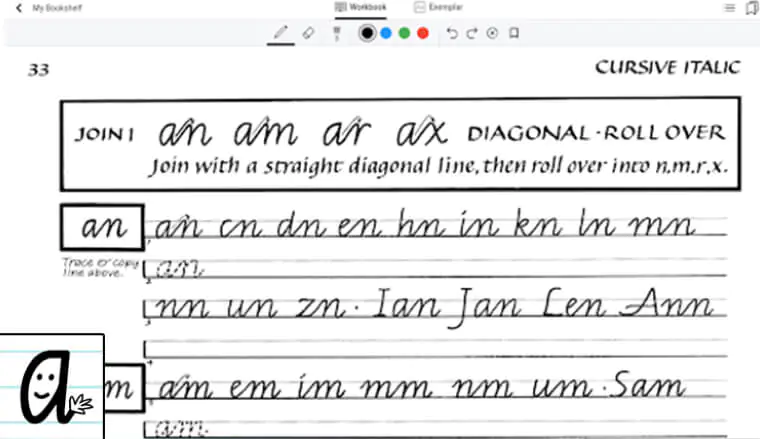
Handwriting Success takes the frustration out of learning to write. The app guides kids through proper letter formation with clear arrows and starting points. Each stroke lights up as they trace it correctly.
Interactive exercises keep kids engaged. They’re not just copying letters on paper; they’re completing fun activities that reward good form. The app moves from simple shapes to full sentences at a pace that builds confidence.
Best for: Ages 4 to 10
Key features of this educational app:
- Step-by-step letter formation guides
- Multiple writing styles to practice
- Immediate feedback on technique
Starfall ABCs
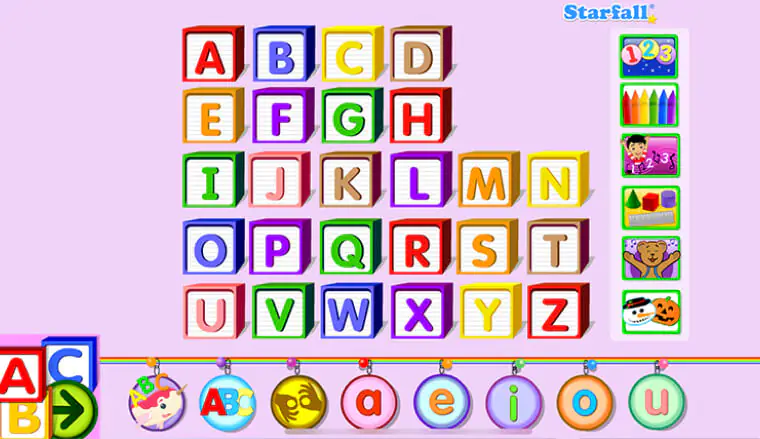
Starfall ABCs makes learning the alphabet feel like playing with blocks. Young kids tap letters to hear their sounds, watch short animations, and sing along with catchy songs. The repetition sticks because it’s entertaining.
Each letter gets its own section with games and activities. Kids learn letter recognition, phonics, and early reading skills without pressure. The bright colors and cheerful voices make this app perfect for preschoolers and kindergarteners.
Starfall ABCs: Ages 2 to 6
Key features of this educational app:
- Letter-sound matching activities
- Songs that reinforce the alphabet
- Child-friendly interface
Duolingo for Kids
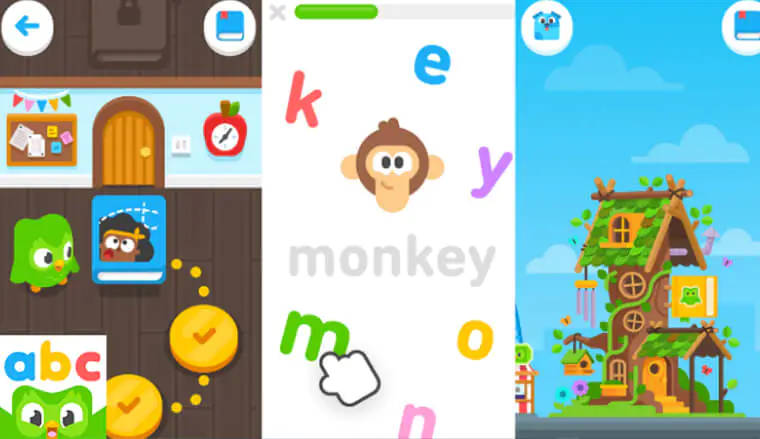
Duolingo for Kids turns language learning into a daily habit. The app teaches Spanish, French, and other languages through bite-sized lessons that take just five minutes. Kids earn streaks for practicing every day, which motivates them to keep going.
The lessons feel like games. Kids match words with pictures, speak phrases out loud, and complete challenges. The app celebrates their progress with fun animations and encouragement. It’s the same proven method adults use, adjusted for younger learners.
Best for: 4 to 10 years
Key features of Duolingo for Kids app:
- Multiple languages available
- Daily streak system for motivation
- Voice recognition for pronunciation practice
Writing Wizard
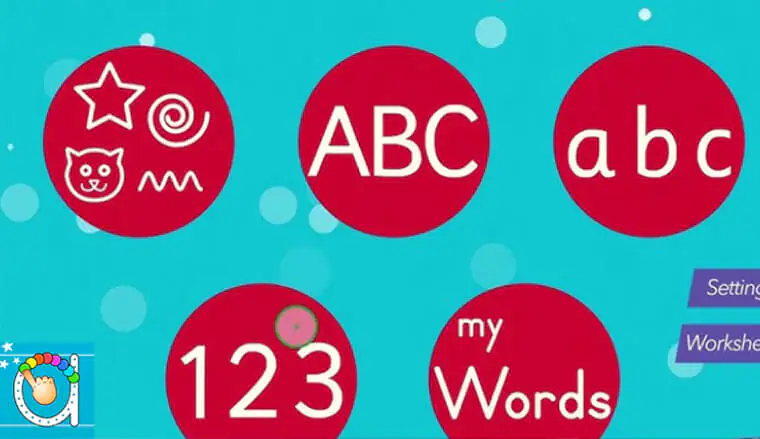
Writing Wizard teaches kids to write letters and words through colorful, playful exercises. The app uses different colors for different strokes, helping kids understand how letters are built. Sound effects play when they complete a letter correctly.
Kids can trace letters, practice freehand, and even create their own word lists. Parents can customize the difficulty and add specific words they want their child to practice. The combination of visual and audio feedback makes learning to write feel rewarding.
Best for: Ages 3 to 8
Key features:
- Color-coded letter strokes
- Customizable word lists
- Five different fonts to practice
Spelling & Phonics: Kids Games
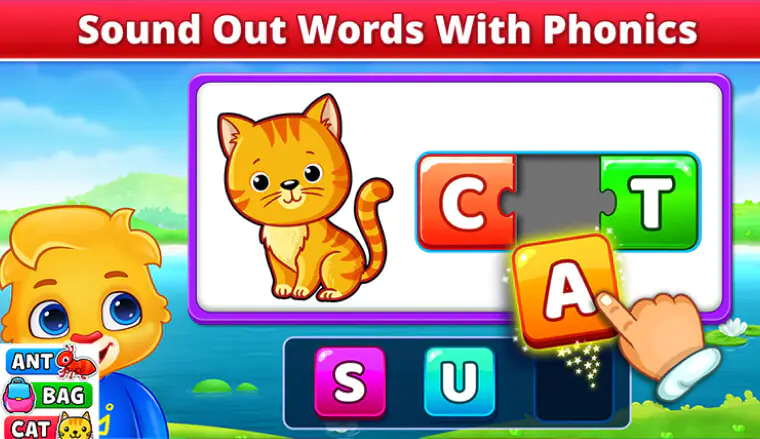
Spelling & Phonics breaks down the building blocks of words through short, focused games. Kids match letters to sounds, build words from scrambled letters, and practice common spelling patterns.
Each game lasts just a few minutes, perfect for short attention spans. The app reinforces phonics rules through repetition that feels fresh because the games vary. Kids see the same concepts multiple times in different contexts, which helps the rules stick.
Best for: Ages 4 to 9
Key features:
- Short game sessions
- Phonics-based approach
- Progressive difficulty levels
Turn spelling practice into playtime! Buy App Store & iTunes Gift Cards from ARPay and give your child full access to Spelling & Phonics for endless fun in learning.
Creativity and Imagination Educational Apps
Epic: Kids’ Books & Reading Educational App
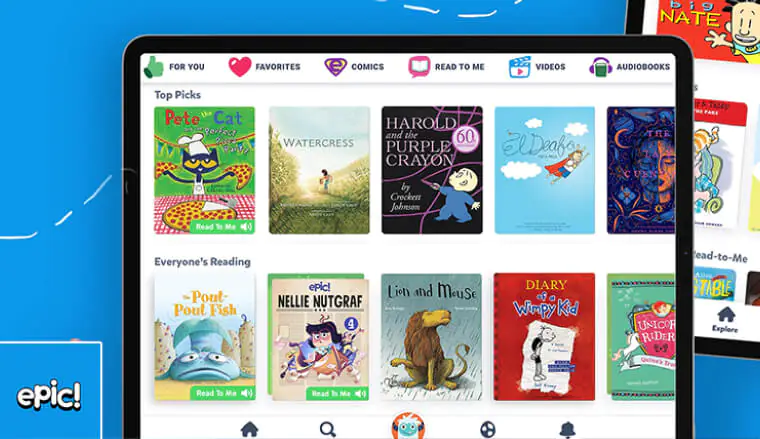
Epic gives kids access to thousands of books on a single platform. Picture books, chapter books, graphic novels, educational videos, and audiobooks all live in one place. Kids can explore topics they love or try something completely new.
The app tracks reading time and suggests books based on interests. Parents can see what their child is reading and set daily goals. The library updates regularly, so there’s always something fresh to read. It’s like having a bookstore in your pocket.
Best for: Ages 4 to 9
Key features:
- Over 40,000 books available
- Reading recommendations based on interests
- Offline reading mode
ScratchJr
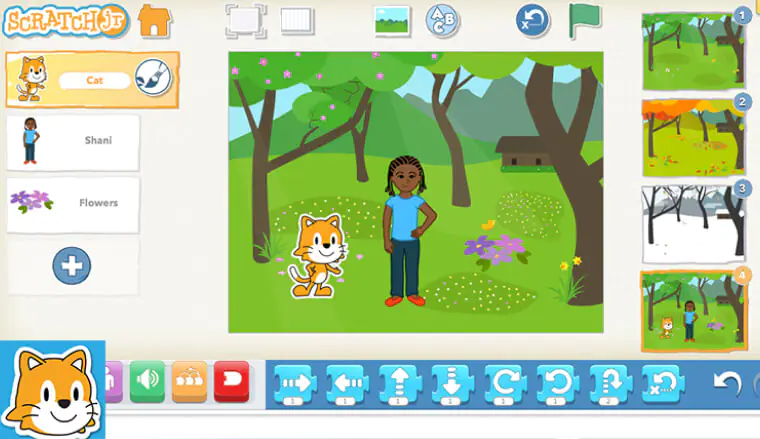
ScratchJr introduces kids to coding without making it feel like computer science class. Kids snap together colorful programming blocks to make characters move, jump, dance, and interact. They create their own stories and simple games.
This learning app teaches logical thinking and problem-solving. Kids learn that actions have sequences and consequences. They experiment, make mistakes, and try again. The visual nature of the blocks makes abstract coding concepts concrete and understandable.
Best for: Ages 4 to 9
Key features:
- Block-based coding interface
- Character and background customization
- Save and share projects
Communication and Positive Behavior Educational Apps
ClassDojo
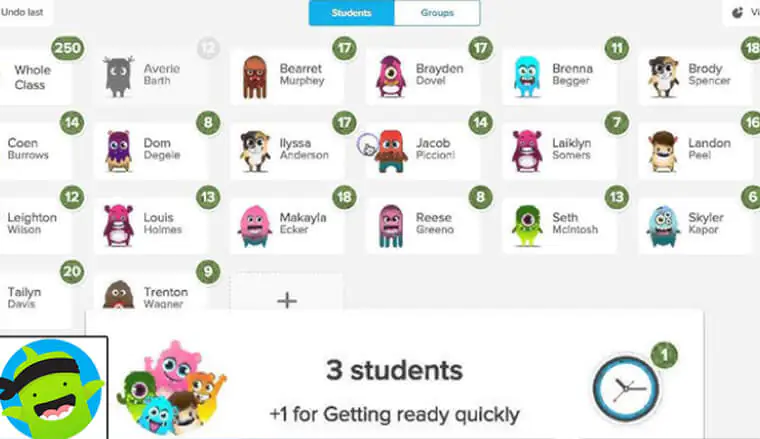
ClassDojo builds bridges between home and school. Teachers use it to share updates, photos, and messages with parents. Kids earn points for positive behaviors like helping classmates or staying focused.
The app creates a supportive environment where good choices get noticed. Kids see their progress and feel motivated to keep improving. Parents stay informed about what’s happening in the classroom without waiting for report cards. The communication loop helps everyone work together.
Best for: Ages 4 to 9
Key features:
- Real-time classroom updates
- Positive behavior tracking
- Direct messaging between teachers and parents
Read also: The 10 Games EVERY Age Can’t Stop Playing
Conclusion
The right educational apps can turn screen time into growth time. These apps don’t just fill empty moments; they build skills that last. Math becomes a game. Writing becomes creative expression. Reading becomes an adventure kids want to continue.
Your child’s learning style is unique. Some kids love competing in math games, while others prefer quiet story time with a digital book. Try a few learning apps from this list and watch which ones spark that special interest. When kids enjoy what they’re doing, they stick with it longer and learn more deeply.
Pick an educational app from this list and give your child a fun learning start in 2025. The tools are here. The possibilities are endless. Your child’s next “aha!” moment might be just a download away.
Make learning fun and easy! With ARPay, you can purchase gift cards for top educational apps; safe, fast, and always available when your child is ready to learn.

FAQs
What age group are educational apps best suited for?
Educational apps work for kids from preschool through middle school, typically ages 3 to 13. The key is matching the app to your child’s current skill level rather than just their age. Many apps like Prodigy Math and Monster Math adapt their content automatically, making them useful across several years.
For younger kids aged 3 to 5, choose apps with simple interfaces like Starfall ABCs. Older kids aged 8 and up can handle more complex apps like ScratchJr that require planning and problem-solving.
How much screen time should kids spend on educational apps?
Most experts suggest limiting recreational screen time for kids to one or two hours per day. Educational apps can be part of this time, but balance matters. Short, focused sessions of 15 to 20 minutes work better than hour-long marathons.
The goal is keeping kids engaged without causing fatigue or replacing other activities like outdoor play, reading physical books, or family time. Quality matters more than quantity. A focused 15-minute session with Duolingo teaches more than an hour of distracted swiping.
Are free educational apps as good as paid ones?
Free apps can be excellent, but they often include ads or limit access to certain features. Apps like Duolingo for Kids offer strong free versions with optional paid upgrades. Others like Epic require subscriptions to access their full libraries.
Free apps work well for trying out different learning styles before committing money. If your child loves an app and uses it regularly, the paid version usually removes distractions and unlocks more content. Consider free apps as test drives and paid apps as long-term investments in your child’s education.

Maggi
A content writer who specializes in the entertainment field, developing entertaining and interactive content that resonates with the culture of this field. I keep abreast of current trends, especially in the world of games, movies and shopping.

