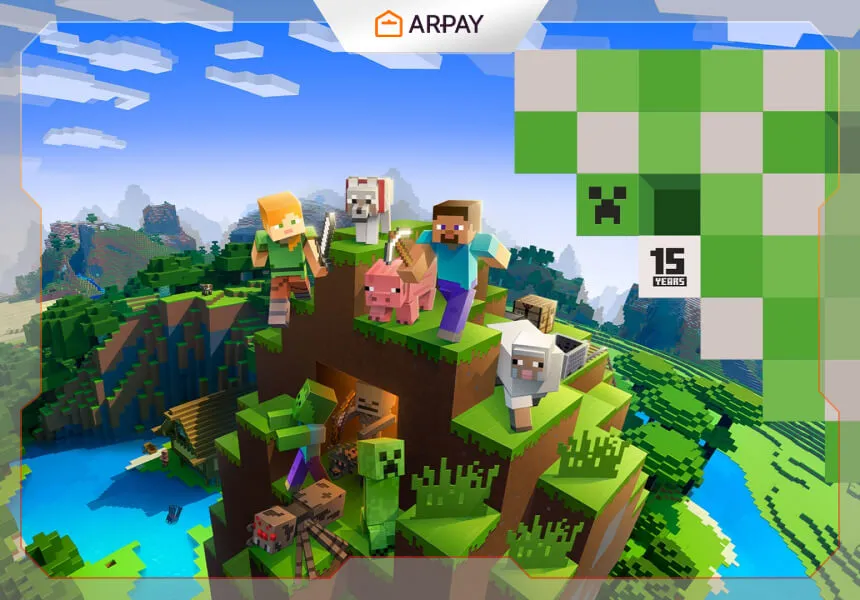
Minecraft is a vibrant sandbox game that changed gaming with its blocky style and open-ended play. It’s a virtual playground where players can create, explore, and survive in worlds built from blocks—whether you’re building a tiny cabin, engineering a Redstone machine, or setting off on a long survival journey.
This is a 2026 refresh of a 2024 download guide. The core steps still apply, but store pages, button labels, and edition names can shift over time, so treat any interface wording as “close enough to follow” rather than a guaranteed exact match.
Before you download anything, make two quick decisions: what device you want to play on (PC, mobile, console), and whether you want to play solo, split-screen, or online with friends. Those choices determine which version you should install and what account requirements you’ll run into.
What you need before downloading (2026 checklist)
Minecraft is available across many platforms, but the download experience isn’t identical everywhere. In 2026, you’ll have the smoothest setup if you confirm these basics first.
- A stable internet connection for the initial download, updates, and account sign-in (where required).
- Sufficient storage space—Minecraft installs are manageable, but updates and worlds can grow over time.
- The right edition for your friends: if you plan to cross-play, confirm which editions and platforms can play together in 2026.
- A legitimate purchase path: avoid unofficial downloads, “free launcher” sites, and anything that asks you to disable security features.
How to download Minecraft
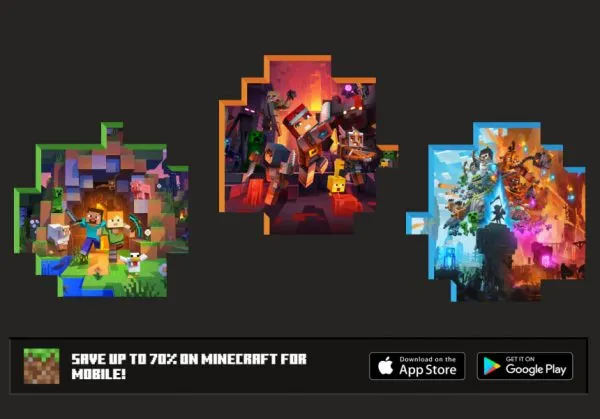
The safest rule is simple: download from official stores or the official Minecraft site for your device. The exact buttons may say “Get Minecraft,” “Buy,” or “Download,” but the goal is the same—choose your platform, complete purchase (if needed), then install from the trusted source.
Downloading Minecraft on PC
On PC, the biggest choice is usually edition. The source mentions Java Edition and Bedrock Edition; which one you need depends on who you play with, what servers you want, and whether you care about mods. Current edition naming, bundles, and cross-play behavior should be confirmed for 2026.
- Go to the official Minecraft website (or the official PC store listing where Minecraft is sold).
- Select “Get Minecraft” or the equivalent purchase/download entry point.
- Choose the PC version you want (for example, Java or Bedrock) based on your play needs.
- Complete the purchase process if you haven’t bought the game yet. Prices and bundles vary by region and time.
- Download and install using the official installer/launcher, then sign in with the account you purchased on. Account requirements can change.
If you care about mods, check compatibility before you commit. Mods, mod loaders, and server versions can lag behind the newest release, so “latest version” isn’t always the best choice for a modded setup.
Downloading Minecraft on mobile (Android and iOS)
On mobile, Minecraft is typically installed through the official app store for your device. The source mentions “tap the price and proceed with the purchase,” which is a good reminder: mobile listings can be paid, and pricing varies by region, sales, and platform policies.
- Android: open the Google Play Store, search for “Minecraft,” and select the listing published by Mojang (or the official publisher shown).
- Review the price, device compatibility, and purchase details, then buy/install from the store.
- iOS: open the App Store, search for “Minecraft,” open the official listing, then purchase and tap Install.
Mobile is great for quick play, but it’s worth checking controls and account settings early. If a child is playing, review in-app purchase settings and online play permissions first, because stores and parental controls differ between Android and iOS.
Downloading Minecraft on consoles (Xbox, PlayStation, Nintendo Switch)
On console, you generally download Minecraft from the platform store. The exact store names and menu layouts can change with system updates, but the flow is consistent: find the official listing, purchase if needed, then install to your console.
- Open your console’s store (Xbox Store, PlayStation Store, or Nintendo eShop).
- Search for “Minecraft” and select the official listing.
- Choose the version/edition shown for your console, then purchase/download. Region availability and pricing can vary.
- Install the game and make sure the console user profile is the one you intend to play on.
If you’re planning to play online, also confirm what subscriptions or account permissions are required for online multiplayer on your console in 2026, because policies vary by platform and can change over time.
Benefits of playing Minecraft
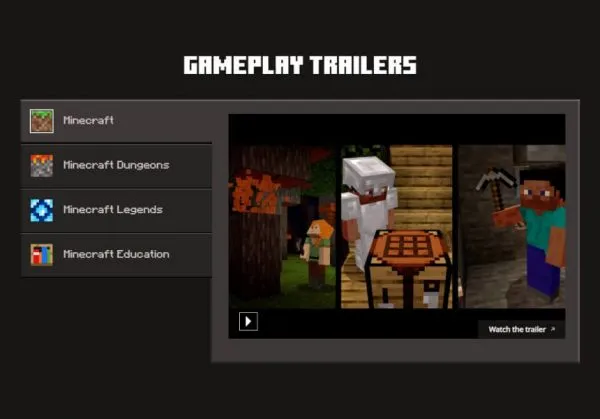
Minecraft’s biggest strength is that it supports different kinds of play: creative building, survival progression, exploration, and collaborative projects. The original article frames these as “benefits,” and in 2026 it’s still fair to say Minecraft can encourage learning and creativity—just remember outcomes depend on how the game is used and what mode a player chooses.
- Encourages learning: the open-ended nature pushes players to experiment with gathering resources and building systems.
- Rewards creativity: the sandbox environment supports limitless creation, from houses to cities to mini games.
- Supports digital fluency: learning menus, inventory systems, crafting recipes, and server rules can build confidence using digital tools.
- Builds problem-solving: survival play requires planning (food, shelter, tools) and adapting to risk.
- Encourages teamwork: multiplayer worlds can become shared projects—if you set clear rules and use safe server options.
- Cost-effective entertainment: the source suggests there are no ongoing costs after purchase, but subscriptions, marketplaces, and optional purchases can exist depending on platform and version in 2026.
For parents, Minecraft can be a great “co-play” game: you can build together, set a simple goal for a session (finish a starter house, map a cave, build a farm), then stop at a natural milestone. That helps keep playtime structured and less endless.
New features in the latest update (2026 note)
The original article’s “latest update” section listed general Windows and Android operating system features that are not Minecraft-specific. In this 2026 refresh, the right approach is to keep it Minecraft-focused: Minecraft updates typically include new blocks or items, world-generation tweaks, balance adjustments, performance improvements, and bug fixes—exact features depend on the version you install. Verify current patch notes for 2026 before naming specific additions.
If you’re troubleshooting a download that “keeps updating,” it’s usually one of these: a pending base game install, a large patch, a content pack update, or a storage issue. The fix is rarely complicated—confirm storage space, keep the device on Wi‑Fi, and let the update finish once—then it usually settles.
Conclusion
Minecraft’s appeal is still easy to understand in 2026: it’s a canvas for imagination, a playground for exploration, and a great way to collaborate when you set the right boundaries. To download safely, stick to official stores, pick the edition that matches your device and friends, and keep your account details secure.