Quick answer: Google One is Google’s paid plan that expands your shared storage across Google services and adds plan features like sharing with family; it’s worth it when you’re consistently hitting storage limits or need a predictable backup plan. (source: Google One)
Last verified: 2026-05-01
“Cloud storage” sounds abstract until the day you can’t send an email, your phone stops backing up photos, or a device breaks and you realize the backup wasn’t working. Google One exists to make storage predictable across your Google account—and to make sharing that storage easier for families. (source: Google One)
This explainer focuses on what matters for shoppers: what Google One includes, how storage is counted across Google services, what family sharing really means, and when subscribing is the right move versus cleaning up space or switching plans. (source: Google One Help)
What Google One is (in plain English)
Google One is the consumer subscription that expands your Google account storage beyond the free tier and can include additional plan benefits depending on your country and plan level. (source: Google One) The storage is shared across key Google services tied to your account, so it’s not “extra Drive only” or “extra Photos only”—it’s a pool you allocate by how you use Google.
How Google storage is counted (the part most people misunderstand)
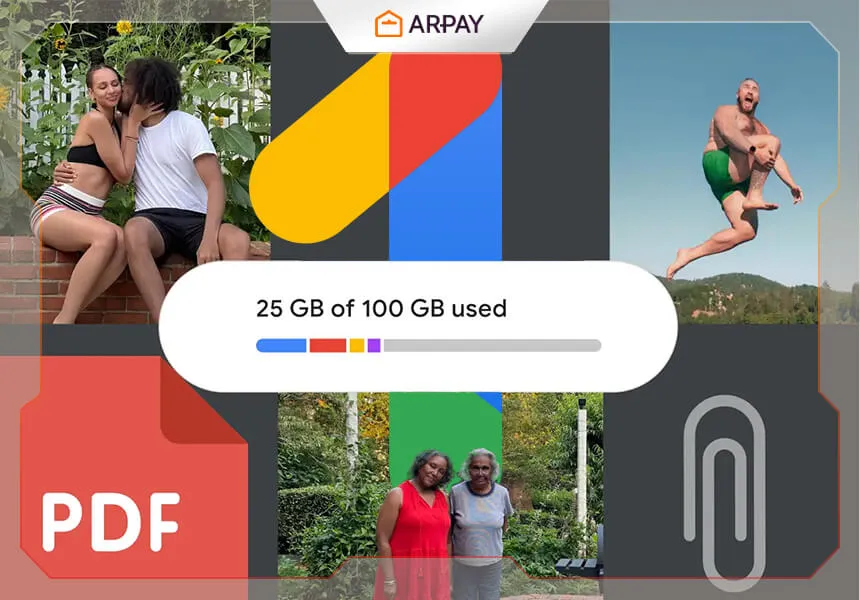
Google account storage is typically shared across Google Drive, Gmail, and Google Photos. (source: Google One Help) That means three common “surprises” are normal: photos can fill storage faster than expected, large email attachments count toward your cap, and old Drive files you forgot about can quietly become your biggest storage hog.
If you’re trying to decide whether to subscribe, don’t guess. Check what is actually consuming space in your account and whether that usage is growing month to month. If it’s flat, cleanup might be enough. If it’s steadily rising—especially from photos and videos—a paid plan becomes less about luxury and more about stability. (source: Google One)
Backup: why Google One can be worth it even if you’re “not out of space yet”
Cloud storage is really about resilience. Phones get lost, screens break, and upgrades happen. A subscription can be worth it when it makes backup automatic and reduces the number of times you have to manually manage files. The best time to set up backup is before the “I need this right now” moment. (source: Google One Help)
Family sharing: what it does and what it doesn’t
Google One plans often allow you to share storage with a family group. (source: Google One Help) The key idea is “shared capacity, separate files”: people can benefit from the shared storage pool without automatically seeing one another’s private Drive files, emails, or Photos libraries. Sharing is about the storage allotment, not merging your digital life.
Where families get tripped up is budgeting the shared pool. If one person records a lot of video, they can consume a large share of the storage quickly. In practice, Google One works best for families when everyone agrees on simple norms—like deleting duplicate videos and using shared albums thoughtfully. (source: Google One Help)
Is Google One the “ultimate” cloud storage?
It’s “ultimate” only if you’re already living in Google’s ecosystem. If you use Gmail daily, store files in Drive, and rely on Google Photos, then Google One can be the simplest way to make storage predictable. (source: Google One) If you don’t use those services much, you may get better value from a different cloud provider or a hybrid setup that includes local backups.
A practical checklist: should you subscribe?
Google One is most worth it if at least one of these is true: you are frequently warned about low storage, your photo/video library grows consistently, you rely on Drive for important documents, or you want to share storage with family under one predictable plan. (source: Google One Help) If none of these apply, start with cleanup and reassess later.
If you do subscribe, treat it as a system, not a purchase: turn on backup, confirm it’s working, and set a monthly habit to clear obvious junk (large attachments, duplicate videos, forgotten downloads). That’s how a storage plan stays “invisible” instead of becoming another thing to manage. (source: Google One Help)
FAQ
Does Google One storage cover Google Drive, Gmail, and Photos?
Typically yes: Google account storage is commonly shared across Drive, Gmail, and Google Photos. Confirm the current rules in Google’s official storage documentation for your account and region. (source: Google One Help)
Can I share Google One with family members?
Many Google One plans support family sharing through a family group. Availability and exact rules can vary, so verify the sharing options in Google One settings and help pages. (source: Google One Help)
What’s the simplest way to stop running out of storage?
Do two things: clean up the largest obvious items first (big videos, large email attachments, old backups), then choose a plan that matches your monthly growth. If you keep adding photos and videos, a subscription is often the most predictable fix. (source: Google One; source: Google One Help)