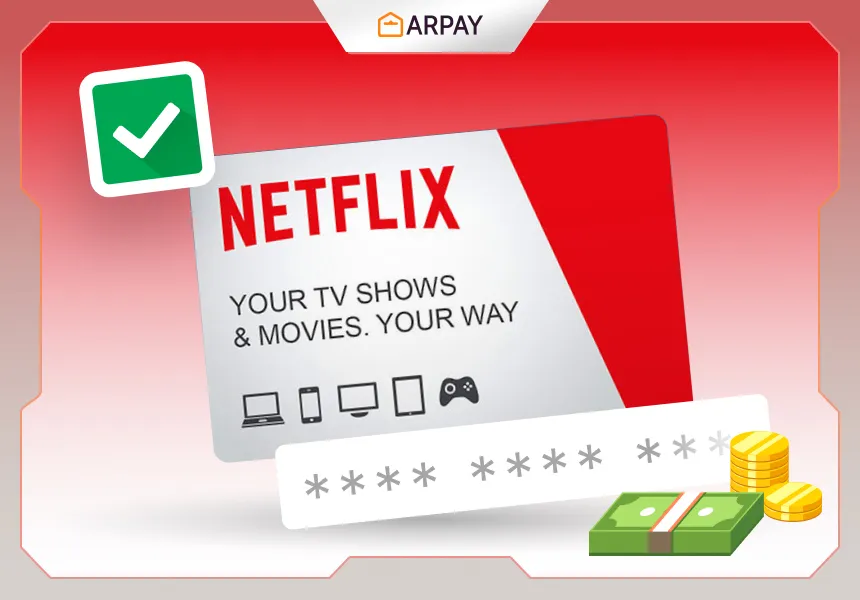
Knowing how to redeem various types of vouchers, gift cards, or promotional codes such as Netflix gift cards is essential in today's digital age. Redeeming these offers allows you to access benefits, discounts, or virtual goods associated with them.
Whether it's redeeming a gift card for a shopping spree, unlocking exclusive content in a game, or accessing premium features of a service, understanding the redemption process ensures that you can fully enjoy the benefits and value of these offers.
To redeem a Netflix gift card, you can follow these steps:
- Go to the Netflix website and sign in to your account.
- Click on the "Redeem Gift Card" link.
- Enter the 11-digit code from your gift card.
- Click on the "Redeem" button.
- The gift card balance will be added to your account. You can then use the balance to pay for your Netflix subscription or to buy movies and TV shows.
Things to keep in mind when redeeming a Netflix gift card:
- The gift card must be in the same currency as your Netflix subscription.
- The gift card cannot be redeemed for cash.
- The gift card expires after 1 year.
- If you have any problems redeeming your Netflix gift card, you can contact Netflix customer support.
Other ways to redeem a Netflix gift card: By phone call: Call Netflix customer support at 1-866-579-7171 and provide the gift card code. By sending an e-mail: Mail the gift card code to Netflix, PO Box 98271, Los Gatos, CA 95031-8271.
How to buy a Netflix gift card online
- Visit the official Netflix website (www.netflix.com) or a trusted online retailer that sells gift cards such as ARPay.
- Look for options or search for "Netflix gift cards" on an online store.
- Select the type of Netflix gift card you want to purchase. There are usually options for different monetary values or subscription durations.
- Add the selected gift card to your cart or proceed to purchase.
- Provide the requested payment and delivery information during the checkout process. This may include your billing details and the email address where you want the gift card to be sent.
- Review the order details and ensure all information is accurate before completing the purchase.
- After the purchase is successful, you will receive a confirmation email with the Netflix gift card details. This usually includes a unique code.
- If you are buying the gift card for someone else, you can forward the email or provide them with the gift card code directly.
- The recipient can then use the gift card code to redeem it on their Netflix account, either by visiting the Netflix website or through the Netflix mobile app. The specific redemption process may vary slightly depending on the platform.
Conclusion
Please note that the availability of Netflix gift cards online may vary depending on your location and the website you choose to purchase from. It is recommended to buy from trusted sources to ensure the validity of the gift card code. If you have any issues or questions during the purchasing process, it's best to reach out to customer support provided by the website or contact Netflix directly for assistance.