


nothing stops the fun quite like a Roblox error code popping up on your screen. These pesky interruptions can freeze your game, block your access, or kick you out at the worst possible moments.
The good news? Most Roblox errors have quick solutions. This guide walks you through every common error code you might encounter, explaining what each one means.
We’ll look at everything from basic connection issues to specific platform errors on PC, mobile, and Xbox.
Think of this guide as your complete troubleshooting companion straightforward fixes without any technical confusion. Let’s start with understanding what these numbers really mean.
Stay ahead in the gaming world! Explore all the latest updates, news, and trends in the gaming industry with ARPay Gaming News – your ultimate hub for everything gaming!
Understanding Roblox Errors Code
Roblox error codes pop up when something goes wrong while you’re trying to play. Basically they’re messages from the game telling you exactly what’s happening behind the scenes.
Most issues stem from two main sources: server problems or connection hiccups. Server problems happen on Roblox’s end, maybe they’re doing maintenance, or the servers are especially busy.
Connection problems usually start closer to home, like when your internet cuts out or slows down.
Reading these codes might feel overwhelming at first, but they’re actually helpful tools. They save you time troubleshooting because once you know what a code means, you’ll know exactly what needs fixing.
Wanna Free gifts on Roblox? Check this out: Roblox Island of Move Codes 2025: Unlock FREE Rewards Now!

Roblox Errors Codes: Common Status Codes and Solutions.
Connection Error (Error 279)
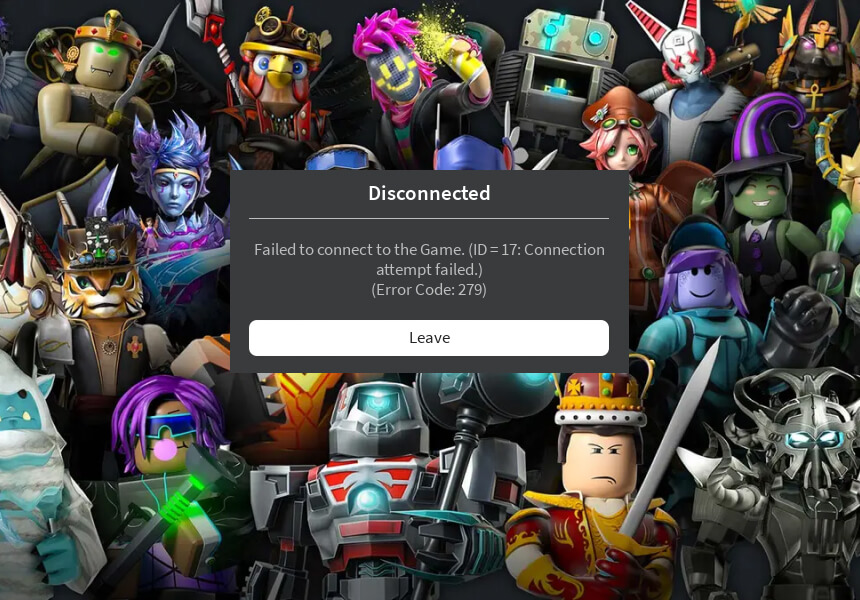
What’s happening: Your connection to Roblox’s servers was interrupted.
Fix:
- Check your router and restart it if necessary.
- Disable any firewalls or security software temporarily.
- Switch to a wired connection for better stability.
Startup Error (Error 3)
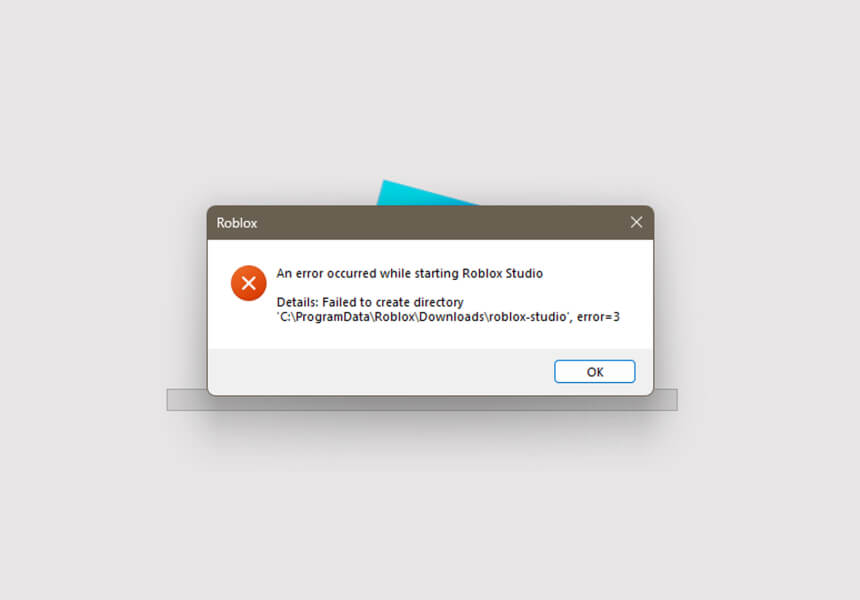
What’s happening: Roblox fails to launch on your device.
Fix:
- Update the Roblox app or reinstall it.
- Ensure your device meets Roblox’s minimum requirements.
- Restart your device and try again.
Error 267: Activity Warning
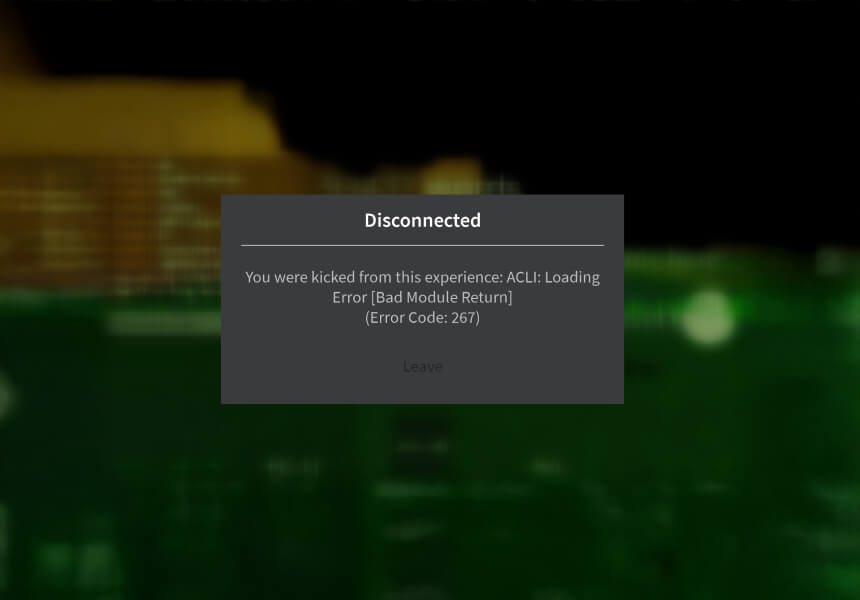
What’s happening: Game detected unusual behavior
Fix:
- Wait out any temporary restrictions
- Contact game developers
- Review game rules to stay safe
Upgrade Error

What’s happening: Roblox cannot upgrade to the latest version.
Fix:
- Uninstall and reinstall Roblox.
- Ensure you have enough storage space for updates.
- Restart your device and try upgrading again.
Purchase Error
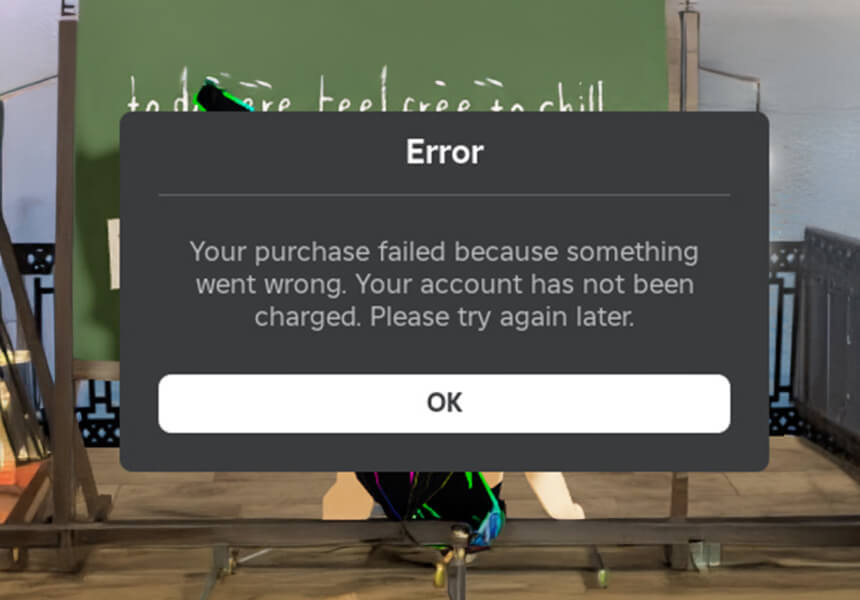
What’s happening: An issue occurred while attempting to purchase items in Roblox.
Fix:
- Confirm your payment details and try again.
- Contact Roblox Support if the issue persists.
- Check if there are any ongoing server issues affecting purchases.
Down for Maintenance
What’s happening: Roblox servers need routine upkeep
Fix: Wait a short while and try again these updates make your gaming better
Time estimate: Usually takes 1530 minutes
Maximum Number of Friends
What’s happening: You’ve hit the 200 friend limit
Fix: Remove inactive friends to make space
Game Pass Loading Problems
What’s happening: Your purchased content won’t load
Fix:
- Refresh your game page
- Check your internet speed
- Make sure you’re logged into the right account
- Clear browser data if needed
Error 400: Bad Request
What’s happening: Your game client sent confusing info to the server
Fix:
- Doublecheck the game URL
- Clear your browser cache
- Restart Roblox completely
Error 403: Access Denied
What’s happening: You don’t have permission to view this page
Fix:
- Log out and back in
- Turn off any VPN services
- Clear your browser data
Error 404: Missing Page
What’s happening: The page you want isn’t where it should be
Fix:
- Check the web address
- Try finding the game through the main menu
- Ask the game creator if they moved or removed content
Error 500: Server Issue
What’s happening: Roblox’s servers hit a snag
Fix:
- Check Roblox status page
- Wait 510 minutes
- Try a different game while waiting
- Restart your device if problems persist
Error 503: Service Down
What’s happening: Servers can’t handle requests right now
Fix:
- Refresh the page
- Clear your browser files
- Look for Roblox service updates
Error 504: Timeout
What’s happening: Server took too long to respond
Fix:
- Check your internet connection
- Try again in a few minutes
- Contact support if it keeps happening
Error 517: Connection Lost During Session
What’s happening: You were disconnected from the server due to a session timeout or server shutdown.
Fix:
- Rejoin the game after a few minutes.
- Check your internet connection for any interruptions.
- Restart Roblox to refresh the connection.
Error 522: Server Connection Error
What’s happening: Roblox servers failed to communicate with your device.
Fix:
- Verify that your internet connection is stable.
- Disable any VPNs or proxies that may interfere with the connection.
- Wait a few moments and try again.
Error 523: Server is Offline
What’s happening: The game server you’re trying to access is currently unavailable.
Fix:
- Confirm with the game developer whether the server is under maintenance.
- Check Roblox’s server status page for updates.
- Wait until the server is back online.
Error 524: Authorization Error
What’s happening: You don’t have permission to join the game or server.
Fix:
- Make sure the game is not set to private.
- Log out of Roblox and back in to refresh your account credentials.
- Contact the game developer if the issue persists.
Error 529: Roblox HTTP Error
What’s happening: Roblox’s servers are experiencing temporary downtime.
Fix:
- Wait for 5–10 minutes and try rejoining the game.
- Restart your device and router to refresh your connection.
- Check Roblox’s official status page for updates.
Error 260: Data Problems
What’s happening: Game can’t get your player data
Fix:
- Check your internet stability
- Reset your modem
- Make sure firewalls allow Roblox
Error 261: Stream Issues
What’s happening: Game data isn’t flowing properly
Fix:
- Test your connection speed
- Switch to Google DNS servers
- Try wired internet if possible
Error 262: Send/Receive Problems
What’s happening: Your device struggles to talk with Roblox
Fix:
- Reset network settings
- Update Roblox app
- Check for system updates
- Critical Connection Errors
Error 268: Client Problems
What’s happening: Your game client needs attention
Fix:
- Clear DNS cache
- Switch to reliable DNS servers
- Reinstall Roblox if needed
Error 271: Connection Drop
What’s happening: Lost touch with game servers
Fix:
- Close background apps
- Restart Roblox
- Test internet stability
Error 610: Unable to Join Game
What’s happening: This error typically occurs when there’s a problem with Roblox’s servers or your account.
Fix:
- Log out and back in to refresh your account session.
- Clear your browser cache or reinstall the Roblox app.
- Check if Roblox servers are down.
Error 769: Teleport Failed
What’s happening: The game couldn’t teleport you to another place.
Fix:
- Ensure that the game or place you’re trying to access isn’t under maintenance.
- Check your internet connection for stability.
- Try joining a different game to see if the issue persists.
Error 770: Place Not Found
What’s happening: The game or place you’re trying to join no longer exists or is private.
Fix:
- Verify the game’s URL or ID.
- Contact the game developer to check if the place has been moved or removed.
Error 771: Place is Currently Updating
What’s happening: The game is undergoing updates by the developer.
Fix:
- Wait for the developer to finish updating the game.
- Check back after 10–15 minutes.
Error 772: Teleportation Restricted
What’s happening: Teleportation to certain places in the game has been disabled.
Fix:
- Contact the game developer for clarification.
- Play other available parts of the game in the meantime.
Error 773: Unauthorized Place Access
What’s happening: The game restricts access to your account or group.
Fix:
- Ensure you meet the requirements (group membership, etc.) to access the game.
- Contact the developer if you believe this is an error.
Error 805: Request Timeout
What’s happening: Your request to join the game timed out due to a slow connection or server overload.
Fix:
- Check your internet speed and connection stability.
- Restart Roblox and try again.
- Avoid joining during peak hours if servers are overloaded.
Xbox Specific Error codes
Error 103: Xbox Age Settings
What’s happening: Content blocked due to age restrictions
Fix:
- Update privacy settings
- Use parent account to adjust
- Set correct birth date
Error 106: Xbox Friends List
What’s happening: Friend connections not working
Fix:
- Add friends on Roblox website first
- Confirm Xbox friend status
- Restart your game
Error 116: Xbox Privacy
What’s happening: Content viewing restricted
Fix:
- Go to Xbox settings
- Update privacy options
- Allow usergenerated content
Conclusion
Roblox can occasionally be a platform where you encounter error codes and connection issues. However, these problems are usually easy to fix. When you face Roblox error codes, stay calm and follow the steps mentioned above to resolve the issues quickly.
Remember, these errors are not permanent, and with the right steps, you can get back to enjoying your game in no time!
Feeling generous? Gift these exclusive items to friends through Roblox gift cards, now available with arpay for seamless transactions, no card needed!

FAQs
What is a Roblox error codes?
Roblox error codes are numbered codes displayed to users when the game doesn’t function properly. These codes help identify the issue and provide suggestions for solutions.
Error codes are preventing me from playing. What should I do?
If error codes are stopping you from playing, check your internet connection and device settings. Most of the time, the issue is temporary and can be resolved with a specific fix.
I received an error code on Roblox. Should I contact Roblox Support?
If the error code persists despite trying various solutions, reaching out to the Roblox Support team might be a good option.

Hager Hesham
Content Writer and your go-to gaming expert. I'm here to share my best practices, valuable strategies, and professional gamer guidance. Also, I'm a gem hunter for the best deals and gift cards, just to enjoy games at almost zero cost with AR-pay.

