

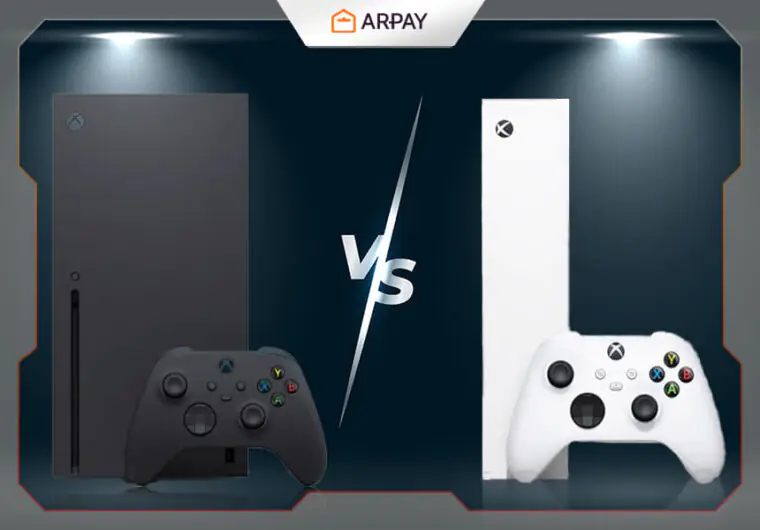
In 2025, gaming consoles are a common presence in households, and the decision is no longer about buying the newest gadget. It is about making a smart choice. Microsoft’s dual-console approach offers two clear options: the powerful Xbox Series X and the compact, more affordable Series S.
In this article, we will compare both consoles to help you decide which one suits your needs best.
The Visual Showdown: Power vs. Practicality
The most significant difference between the two consoles is how they paint pictures on your screen. This is where the technical jargon usually comes in, but let’s break it down simply. It’s about the level of detail and smoothness you’ll experience in your games.
The 4K Powerhouse: Xbox Series X

The Xbox Series X is built for one primary purpose: to deliver a breathtaking, native 4K gaming experience. If you own a 4K television, this is the console that will make it sing. Games look incredibly sharp, with richer textures and more vibrant worlds. It’s like the difference between watching a standard movie and seeing it in a premium cinema.
Its superior graphical power (a mighty 12 teraflops, for those counting) also means it handles demanding features like ray tracing with more confidence. This technology creates incredibly realistic lighting, shadows, and reflections. On the Series X, more games can run these features while maintaining a smooth performance, pulling you deeper into the game.
The Smart Performer: Xbox Series S
The Xbox Series S is the clever, efficient sibling. It targets a 1440p resolution, which is a step above Full HD (1080p) and looks fantastic on smaller TVs or 1440p computer monitors. On a 4K TV, it uses smart upscaling to look great, though it won’t be as crisp as the native 4K from the Series X.
Think of it this way: the Series S delivers the same next-gen speed and core features but at a more accessible resolution. It’s perfect if you haven’t upgraded to a 4K TV yet or if you prioritize smooth gameplay over the absolute highest pixel count. It’s a remarkable piece of engineering that packs a punch in a tiny package.

Beyond the Pixels: The Gaming Experience
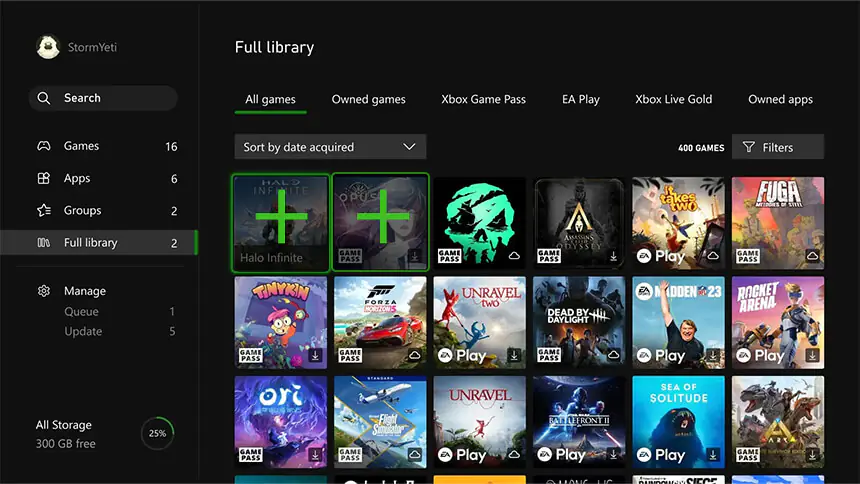
Visuals are only part of the story. How a console fits into your gaming habits day-to-day is just as important. Here, the differences in design philosophy become clear.
Storage and Space: The Digital Divide
The Xbox Series X typically comes with a 1TB internal SSD, while the Series S started with 512GB (though a 1TB model is also available). In an age of massive game installs, that extra space on the Series X is a welcome comfort. You’ll spend less time managing your library and more time playing.
The other major factor is the disc drive. The Series X has a 4K Blu-ray drive, meaning you can buy physical games, watch Blu-ray movies, and play your old Xbox One, Xbox 360, and original Xbox discs. The Series S is all-digital. This sleek design comes at the cost of a disc drive, meaning all your games must be purchased from the online Microsoft Store.
Game Compatibility: A Shared Universe
every game that runs on the Series X also runs on the Series S. You have access to the exact same library, including the incredible value of Xbox Game Pass. You won’t miss out on any exclusives or big releases.
However, the experience can sometimes differ. Because of its lower memory and graphical power, some developers might scale back features on the Series S version. For example, a game might lack a high-performance 120fps mode or, in rare cases, a feature like the split-screen co-op in Baldur’s Gate 3 at launch. These instances are not the norm, but they are worth knowing about.
The Final Verdict: Who Should Buy Which?
After all is said and done, the choice comes down to you. There is no single “better” console, only the one that is better for your specific needs.
Choose the Xbox Series X if…
- You own or plan to buy a 4K TV and want the absolute best visual quality.
- You are a performance enthusiast who wants the highest frame rates and best ray tracing.
- You have a collection of physical discs or love hunting for pre-owned game bargains.
- You want the most internal storage right out of the box.
Choose the Xbox Series S if…
- You are looking for the most affordable entry into next-gen gaming. You game on a 1080p or 1440p display.
- You love its compact, minimalist design that fits anywhere.
- You are an all-digital gamer and plan to heavily use Xbox Game Pass.
Read more: Xbox Best Seller Games: Unlocking the Best Xbox Experiences!
How to Use an Xbox Gift Card to Maximize Your Benefits
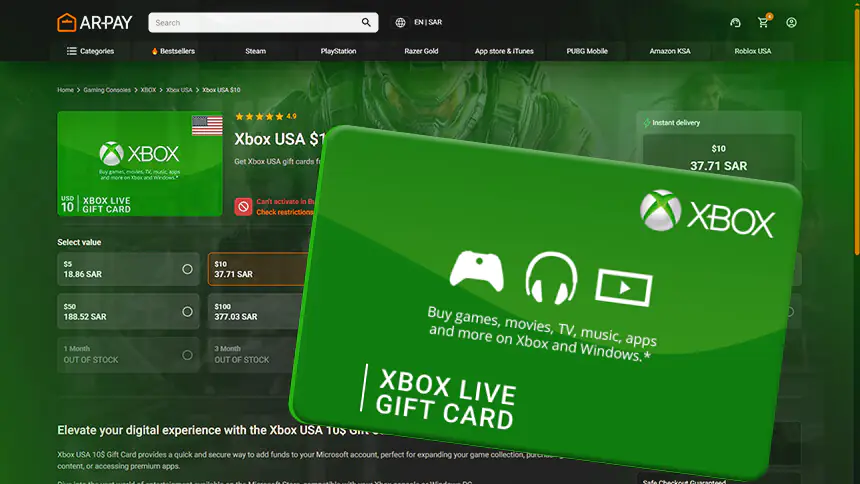
Once you’ve picked your console, the next step is building your game library. This is where an Xbox Gift Card becomes your best friend.
You can redeem the code directly on your new Xbox console through the Microsoft Store. Just navigate to the “Redeem” section, type in your 25-character code, and the funds are instantly added to your account balance. You can also do it on a web browser via the Microsoft website.
The real magic is what you can do with that credit. You can:
- Buy New Games: Purchase any digital game available on the Xbox Store, from the latest AAA blockbusters to charming indie titles.
- Subscribe to Game Pass: Use your balance to pay for an Xbox Game Pass subscription. This gives you access to hundreds of games, including all of Microsoft’s first-party titles on day one.
- Get DLC and Add-Ons: Expand your favorite games with new story content, maps, or cosmetic items.
It’s the most flexible way to manage your gaming budget and ensure you’re always ready for the next big release.
Conclusion
Whether you choose the raw power of the Xbox Series X or the smart, compact design of the Xbox Series S, you’re stepping into a fantastic gaming ecosystem. Both offer incredible speed, a vast library, and features that make playing games more seamless than ever. The right choice is the one that makes you excited to pick up the controller.
Kickstart your game library with an Xbox Gift Card from AR-Pay. It’s the fastest and easiest way to load up your account and start your next-gen adventure today.

FAQ
Is the Xbox Series S less powerful than the old Xbox One X?
In terms of raw graphical power (teraflops), yes. However, the Series S has a much faster CPU and a next-gen SSD. This means it loads games dramatically faster and supports modern features like ray tracing and higher frame rates that the One X cannot. It delivers a true next-gen experience, while the One X is a powerful last-gen machine.
Can I upgrade the storage on the Xbox Series S and X?
Yes. Both consoles support official Storage Expansion Cards that plug into the back and offer the same speed as the internal SSD. You can also use external USB 3.1 hard drives to store and play older Xbox One, 360, and original Xbox games, or to store Series X|S games that you aren’t currently playing.
Does the Xbox Series S have a disc drive?
No, the Xbox Series S is an all-digital console. It does not have a disc drive, so you cannot play physical game discs or Blu-ray movies. All games must be purchased and downloaded from the digital Microsoft Store.

Maha Amer
I’m Maha, a Turkish content writer at ARPay Blog. I love helping readers explore the exciting world of gift cards, vouchers and gaming deals. With a focus on delivering up-to-date information, With a guarantee for an easy, quick and 100% safe shopping process.

