


Step 1. Choose your product by searching or browsing our categories.

Step 2. Choose desired product nominal and click Buy now

Step 3. View your shopping cart and Continue to payment
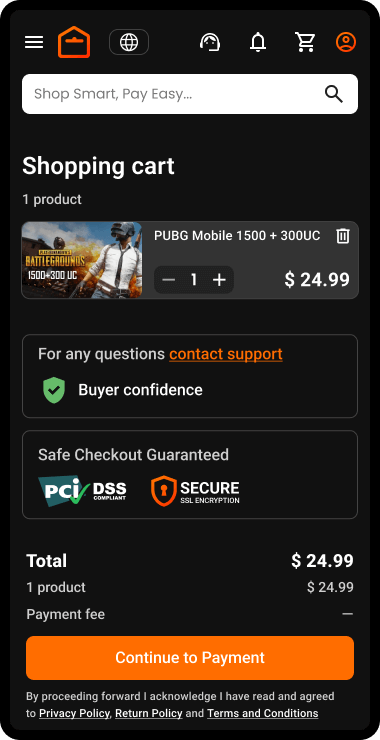
NOTE: if you’re not logged the system will ask you to authenticate yourself. Read the guide How to Register on ar-pay.com
Step 4. Choose Payment method and Pay
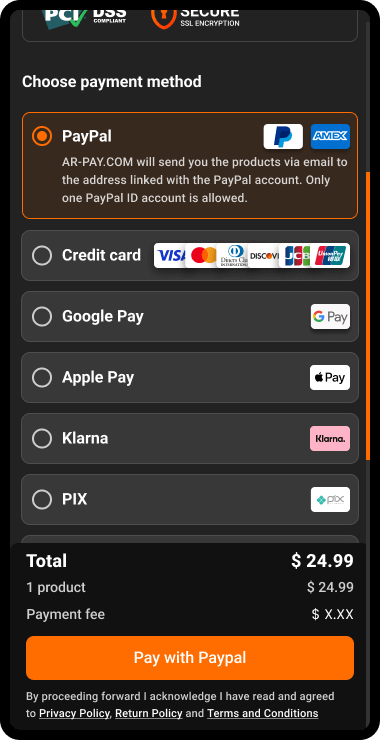
Step 5. Validating the payment

Step 6. Issuing cards

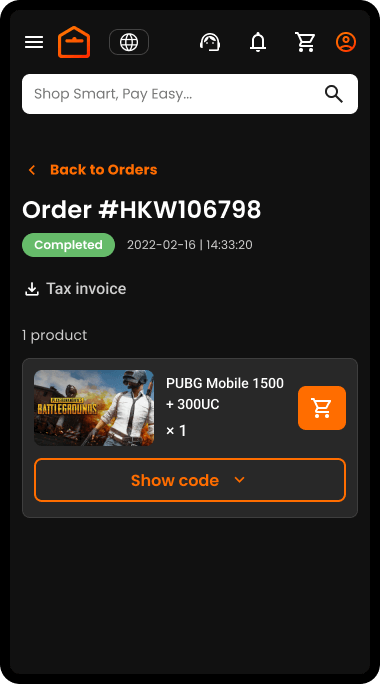
Your order is Completed and you are being redirected to your order page where you have your product codes
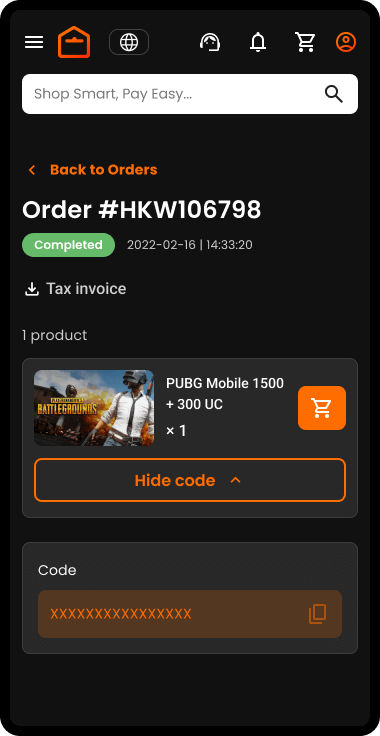
Step 7. Click on the Show code button to see your code
Copy your code and use it
Note: You will also receive an email with a link to your product codes

Maha Amer
I’m Maha, a Turkish content writer at ARPay Blog. I love helping readers explore the exciting world of gift cards, vouchers and gaming deals. With a focus on delivering up-to-date information, With a guarantee for an easy, quick and 100% safe shopping process.

