

Congratulations! If you’ve already completed your identity verification (KYC), you’re well on your way to maximizing your AR-PAY experience. Now that you’re reaching the limit of your current tier, it’s time to take the next step: verifying your payment method.
Why Verify Your Payment Method?
Verification of your payment method is a crucial step in securing your account and gaining access to even higher purchase limits. It helps us maintain a safe platform and ensures all transactions are genuine.
What Are the Benefits?
- Unlock the Next Level of Purchase Limits: Verified payment methods allow you to buy more without interruption.
- Strengthen Your Security: Verifying your payment method helps protect your funds and account integrity.
- Enable Additional Features: Some promotions or payment options may be reserved for fully verified users.
What You Need to Submit
To verify your payment method, you’ll need to provide one of the following:
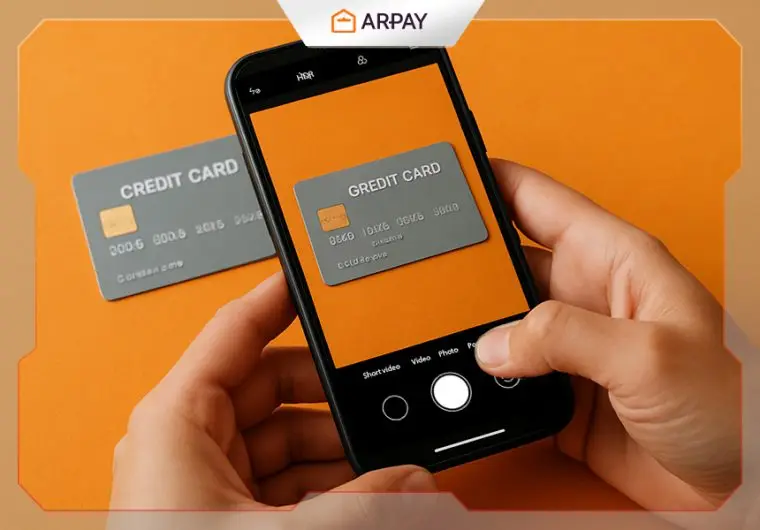
A scan or photo of the bank card you used to make your purchase. (Make sure your name is visible). Read the step-by-step guide below.
OR
A transaction statement from your e-wallet. (Accepted: PayPal, PIX, and others). If you prefer to send a wallet transaction statement, simply contact our team.
How Long Does It Take?
Once we receive your payment method verification, our team will review it within 48 hours. You’ll receive an email once your account has been successfully upgraded.
Take your AR-PAY experience to the next level—verify your payment method today!
NOTE: Purchase limits are different for each country!

Step-by-step guide to Verify Payment method in ar-pay.com
Step 1. Click on your Account

Step 2. Select Payment Methods
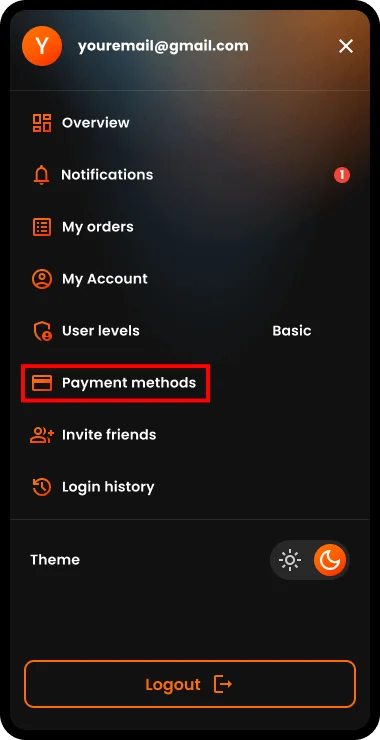
Step 3. Click on the button to add and Verify a Payment method

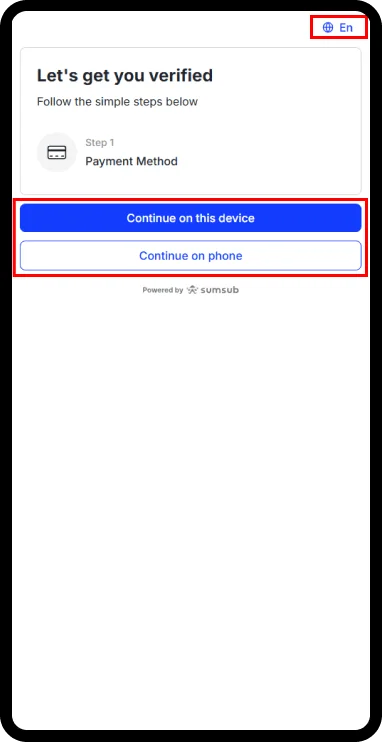
Step 4. Select Your preferred language and choose one of the two options to start the Verification process
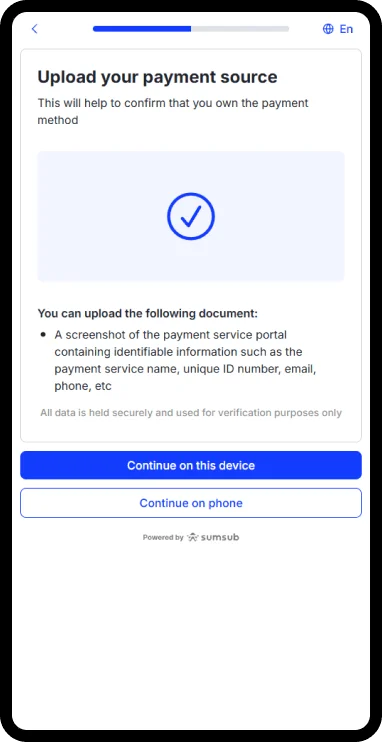
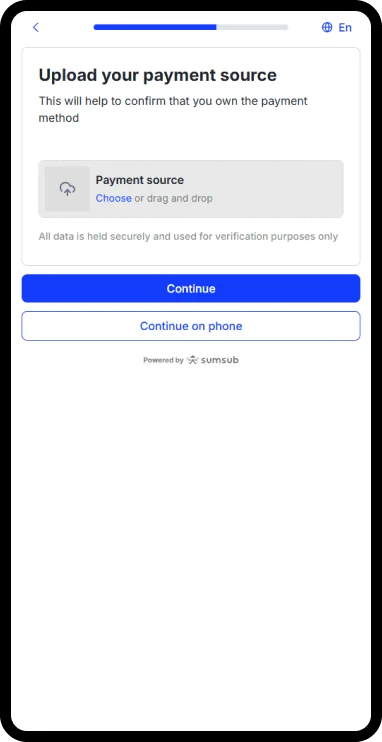
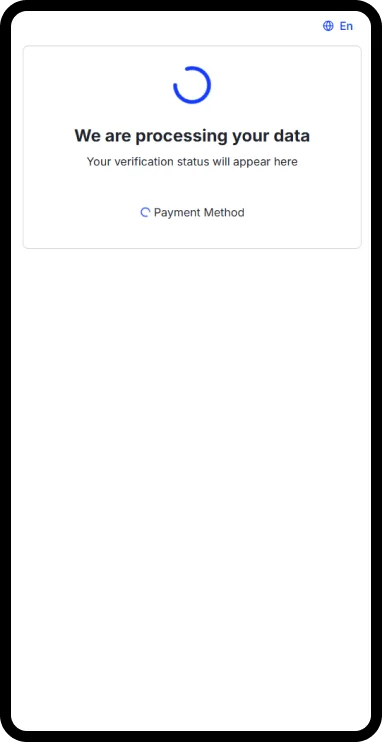
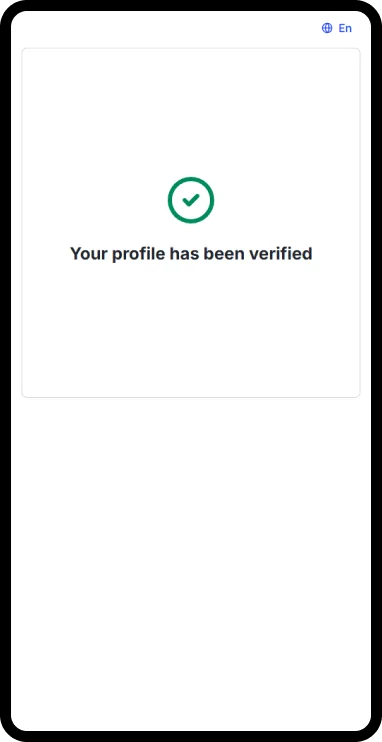
Step 5. Complete the Verification process successfully.

You’re all set now.
Payment method is verified, and your limits are increased.
NOTE: You can verify more than one payment method, thus your limits will increase, just follow the same steps with a different card or wallet.
NOTE: It may take up to 24 hours to increase the limits.

Maha Amer
I’m Maha, a Turkish content writer at ARPay Blog. I love helping readers explore the exciting world of gift cards, vouchers and gaming deals. With a focus on delivering up-to-date information, With a guarantee for an easy, quick and 100% safe shopping process.

