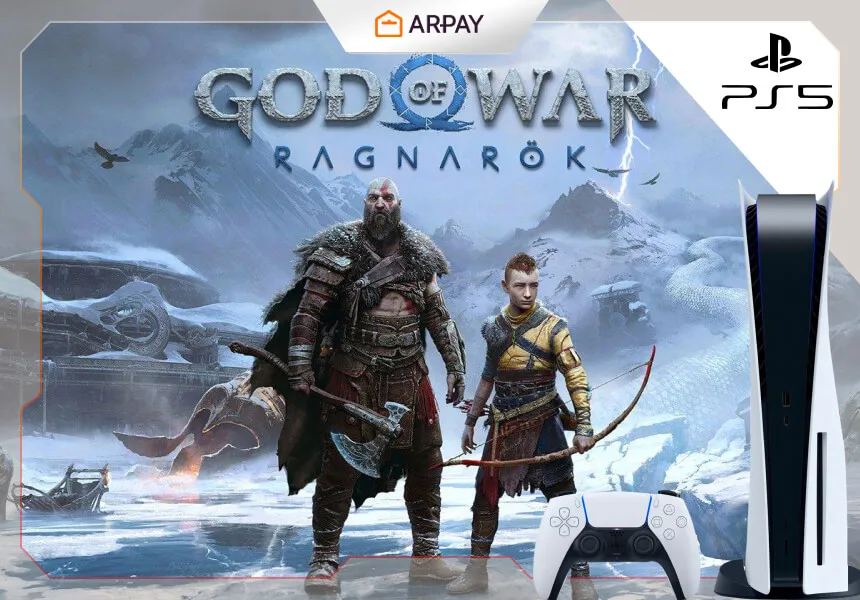
PlayStation Gift Cards are a convenient way for God of War Ragnarök players to purchase or gift digital content on the PlayStation Store without using a credit card. They’re essentially prepaid wallet funds: you redeem a code, the value appears in your PSN wallet, and then you spend that balance on games, add-ons, or subscriptions that your account is allowed to buy. Exact eligibility can vary by region and account type in 2026.
God of War Ragnarök is available digitally on the PlayStation Store, so gift cards can cover the purchase as long as the wallet balance is enough for the edition you choose (and any applicable taxes in your region). Pricing and bundles change often, so confirm the current store price before you redeem in 2026.
What are PlayStation Gift Cards?
PlayStation Gift Cards are prepaid codes that add funds to your PlayStation Network (PSN) wallet. Once redeemed, that balance can be used to purchase games, add-ons, in-game credits, season passes, movies, and subscriptions available on the PlayStation Store—subject to your region’s rules and your account’s permissions in 2026.
They’re popular because they keep checkout simple: you don’t need to type card details into your console, and they’re easy to gift to someone who already has a PlayStation account. The one thing you must get right is region—gift cards are typically locked to the store region they’re sold for.
Enjoy God of War Ragnarök with PlayStation Gift Cards
Yes—you can use PlayStation Gift Cards to purchase God of War Ragnarök. The workflow is straightforward: redeem the code, confirm the wallet balance, then buy the game from the PlayStation Store using that balance at checkout.
Where things get tricky in 2026 is not the redemption step, but the details around editions, taxes, region restrictions, and whether your wallet balance fully covers the total. If the balance is short, you may need an additional top-up depending on store policy and payment rules in your region.
How to play God of War Ragnarök using PlayStation Gift Cards
Use the steps below as a practical checklist. Menu labels can vary slightly by console software version and region, but the process is generally the same in 2026.
- Confirm your PSN account region before redeeming anything. Gift cards usually only work for the matching store region.
- Redeem the gift card code on the PlayStation Store (console, app, or web). Look for a “Redeem Code” or similar option under your profile/menu.
- Enter the 12-digit code carefully and confirm. If your code has fewer digits, it may be a discount code rather than wallet funds.
- Check your wallet balance after redemption to confirm the funds were added successfully.
- Open the God of War Ragnarök store page, select the edition you want, and proceed to checkout using wallet funds.
- After purchase, keep your email receipt or transaction confirmation until the download is complete and the game is accessible from your library.
If you’re gifting, the safest move is to give the recipient the gift card (or wallet code) rather than signing into their account yourself. That keeps account security clean and avoids region confusion.
Which edition should you buy?
God of War Ragnarök is typically available in multiple editions on the PlayStation Store, and the right pick depends on how much bonus content you care about. Exact edition names and what’s included can vary by region and over time, so confirm the current edition list and inclusions in 2026 before you purchase.
Standard Edition is the simplest choice: the full base game with no extra decision fatigue. If your goal is the story, combat, and exploration through the Nine Realms, this is usually enough.
Digital Deluxe-style editions often bundle cosmetics or extra in-game items, and sometimes digital extras like an artbook or soundtrack. If you enjoy collecting bonuses or you want extra gear from the start, the deluxe option can be worth it—just verify what you actually receive in 2026.
Collector-focused editions tend to include physical items and are often tied to retail stock rather than purely digital store purchase. If you want to pay fully with PSN wallet funds, stick to editions that are sold digitally on the PlayStation Store in your region.
Quick checklist before buying
A little prep prevents most gift-card headaches. Run through this checklist before redeeming and purchasing in 2026.
- Match regions: gift card region must match your PSN account region.
- Confirm the edition: review what’s included and the current price on the PlayStation Store.
- Account balance: ensure wallet funds cover the full total, including taxes where applicable.
- Code handling: keep the code private, and avoid sharing screenshots or PINs in messages.
- Keep receipts: retain purchase proof until redemption is successful and the game downloads.
Common mistakes to avoid
- Buying a gift card for the wrong PSN region, which may prevent redemption.
- Choosing an edition without checking what each version includes (and whether it’s digital or physical).
- Typing the 12-digit code too quickly and missing a character—double-check before confirming.
- Forgetting that gift cards add funds to your wallet first, then you purchase the game separately from the store.
- Assuming “wallet funds last forever” without checking regional terms for your account in 2026.