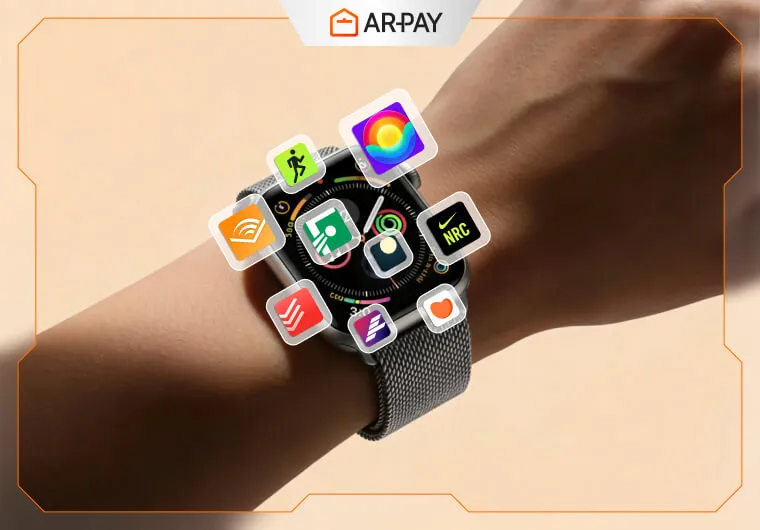
Quick answer: the best Apple Watch setup in 2026 is not “more apps,” it’s fewer apps with clear roles—health, focus, communication, and quick utilities. If an app can’t deliver value in a 5–15 second wrist interaction, you’ll stop using it. (source: Apple)
Last verified: 2026-05-05
Use this list like a menu: pick 1 app per role and skip duplicates. The Watch becomes powerful when your complications and notifications are intentional, not noisy. (source: Apple)
The 12 apps (grouped by what they’re best for)
Health & training
- Workouts (Apple Fitness / Workout): the simplest, most reliable way to record training, rings, and basic metrics without extra accounts. (source: Apple)
- Gentler Streak or WorkOutDoors: for people who want better workout views, training structure, or outdoor detail beyond the default screens. (source: App Store listings)
- WaterMinder: hydration works on Watch because logging is fast; if logging isn’t instant, it doesn’t happen. (source: App Store listings)
Sleep & recovery
- AutoSleep (or a single sleep tracker you commit to): sleep data is only useful when you track consistently, not when you rotate apps. (source: App Store listings)
Focus & mental clarity
- Headspace or Calm: short, repeatable sessions work better on Watch than long programs you never open. (source: App Store listings)
- Forest (or a Pomodoro timer you like): the Watch is perfect for starting focus and checking the timer without grabbing your phone. (source: App Store listings)
Capture & organization
- Just Press Record: the best “save this thought now” tool when typing is impossible. (source: App Store listings)
- Todoist or Things: quick “next task” checks and one-tap completion are where Watch task apps shine. (source: App Store listings)
Navigation & everyday utilities
- Apple Maps or Google Maps: wrist directions plus haptics reduce “screen checking” in the real world. (source: Apple)
- Carrot Weather (or Weather): one great complication beats opening the phone just to see rain timing. (source: Apple)
- 1Password or Bitwarden: useful for approvals or quick lookups, but only if you already trust and use a password manager daily. (source: vendor docs)
If you want to keep app spending separate from impulse purchases, start here: https://ar-pay.com/en/category/shopping. (source: App Store listings)
FAQ
Do I really need 12 apps on Apple Watch?
No—most people do best with 5–7 apps, properly configured with complications and quiet notifications. This list is a pool to choose from. (source: Apple)
What’s the biggest mistake beginners make?
Installing multiple apps that do the same job (two sleep trackers, two habit apps), then drowning in notifications and inconsistent data. Pick one per role and commit for two weeks. (source: Apple)
How do I know if a subscription app is worth paying for?
If it removes a daily friction (ads, limits, better tracking) and you actually use it weekly. If you use it “sometimes,” look for a free tier or a one-time purchase alternative. (source: App Store listings)