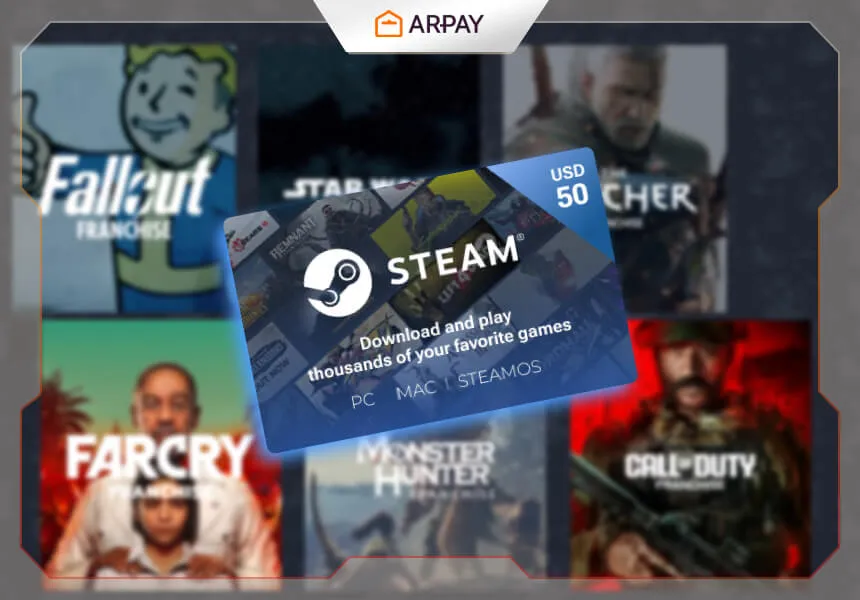
Quick answer: A $50 Steam Gift Card adds $50 USD of value to a Steam Wallet balance (source: Steam Support), which you can use on Steam Store purchases like games, DLC, and some in-game items—so it’s best when you plan what you’re buying before you redeem.
Last verified: 2026-05-01
A $50 Steam Gift Card sounds simple—add credit, buy games—but most “bad experiences” come from two avoidable issues: redeeming the wrong region/currency card for your account, or spending the balance impulsively on a sale you didn’t plan for. This guide keeps it practical: what the card actually is, how redemption works, what to double-check, and how to get the most fun per dollar. (source: Steam Support)
What is a $50 Steam Gift Card?
A $50 Steam Gift Card is a prepaid code (digital or physical) that you redeem on Steam to add $50 USD to your Steam Wallet. (source: Steam Support) After redemption, the value sits in your Wallet balance and can be used as a payment method on Steam.
Think of it as a budgeted store balance, not a discount coupon. The main benefit is control: you can fund Steam spending without using a bank card at checkout, which is useful for gifting or for keeping game spending within a fixed cap. (source: Steam Support)
What can you buy with $50 Steam Wallet credit?
In general, Steam Wallet funds can be used for Steam Store purchases like games, downloadable content (DLC), and other content offered through Steam. (source: Steam Support) What you can buy can vary by region and by the specific item’s availability, so the “safe” rule is: if it’s sold through the Steam Store checkout and accepts Steam Wallet as a payment method, your balance can be applied.
If you’re shopping during big sale periods, $50 USD (source: Steam Support) can cover one major title, a few smaller indies, or a bundle—depending on pricing in your region and the discounts at the time. The trick is to decide your plan before you browse, because Steam sales are designed to pull you into “just one more” purchases. (source: Valve)
How to redeem a $50 Steam Gift Card (the safe way)
Redemption is straightforward: sign in to the Steam account that should receive the funds, go to the Wallet code redemption page, enter the code, and confirm. (source: Steam Support) Do this on a trusted device and network, and avoid typing codes into third-party sites—only redeem through Steam’s official flow.
- Redeem immediately after purchase so you can spot issues (wrong card type, invalid code) while the transaction is still fresh. (source: Steam Support)
- Double-check you’re signed into the correct account before you submit the code—Wallet code redemptions are typically not reversible. (source: Steam Support)
Region and currency rules: the #1 thing that causes problems
Steam has region and currency behaviors that can affect gift cards and Wallet codes. (source: Steam Support) In practice, that means a “$50 USD” card (source: Steam Support) is not automatically the right choice for every account worldwide. Your Steam account’s country and store currency matter, and some codes are intended for specific regions.
The safest approach: buy the Wallet code type that matches the recipient’s Steam store region and currency, and if you’re unsure, check Steam’s official Wallet code and gift card documentation before purchasing. (source: Steam Support)
How to stretch $50 on Steam (without buyer’s remorse)
The best way to maximize $50 USD (source: Steam Support) is to choose a spending strategy before the sale tab grabs you. Three strategies work consistently:
- One “main game” you’ll actually finish: pick a single title you’re excited to commit to, then stop browsing. (source: Steam)
- A curated indie bundle: choose a few shorter games with strong reviews so you get multiple complete experiences. (source: Steam)
- Base game + meaningful DLC: only do this if you already love the base game, because DLC spending can balloon fast. (source: Steam Support)
A simple rule keeps you honest: don’t buy more than you can realistically play in the next month. “Library guilt” is the most expensive outcome of a Steam sale, even when the prices look small. (source: Valve)
Gifting tips (so the recipient can actually use it)
If you’re gifting a $50 Steam Gift Card (source: Steam Support), the best gift is “usable value.” That means matching the recipient’s region/currency, sending it in a secure way (don’t post codes in group chats), and including one line of context like “This is Steam Wallet credit—redeem in your Steam account settings.” (source: Steam Support)