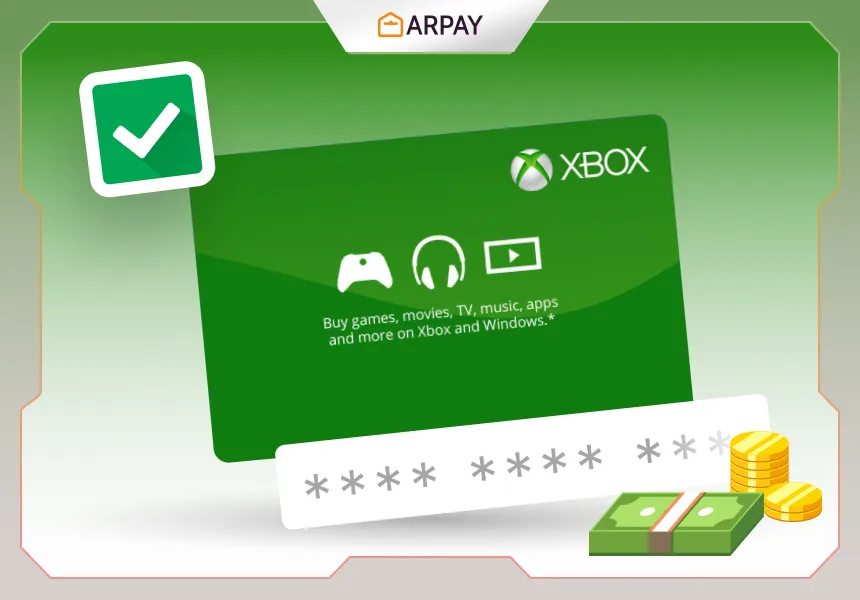
Knowing how to redeem vouchers, gift cards, or promotional codes is essential if you want to actually use the value you paid for. Xbox Gift Cards are one of the most common examples: you redeem a code, the balance goes to your Microsoft/Xbox account, and then you spend it in the Xbox/Microsoft store ecosystem.
This is a 2026 refresh of a guide that referenced 2025 in the title. The overall redemption flow is still accurate, but store layouts and menu labels can change with console updates, so treat the exact wording of buttons as “similar to this” rather than a guarantee.
9 steps to redeem Xbox gift cards
These are the core steps for redeeming on an Xbox console. If you’re redeeming on the web or in the Xbox app, the screens will look different, but the same essentials apply: sign in to the correct account, enter the 25-character code accurately, and confirm the balance was added.
- Turn on your Xbox console and sign in to your Xbox/Microsoft account. If you don’t have one, create it first. Account requirements can vary by region and age settings in 2026.
- Press the Xbox button on your controller to open the guide.
- use to the Store tab (or the closest equivalent store entry in the guide).
- Select Redeem Code (or Redeem a Code).
- Enter the gift card code. The source says it’s usually a 25-character alphanumeric code—type carefully, or paste it if available.
- Select Next (or a similar confirmation option) to proceed.
- Follow any additional prompts to complete redemption (for example, confirming the account or acknowledging terms). Prompts can vary in 2026.
- After successful redemption, the balance is added to your account. You can use it for games, DLC, subscriptions, and other content sold through Xbox/Microsoft storefronts, depending on region and policy.
- If you redeem via the web or Xbox app instead, look for a Redeem option under your account/profile or store menu. The flow is similar: sign in, enter code, confirm.
Let the fun begin: once the balance is in your account, treat it like a dedicated gaming budget. If you’re trying to avoid surprise spending, decide ahead of time whether the balance is for one big purchase (a game) or multiple smaller ones (DLC, cosmetics, add-ons).
Tips to keep in mind when redeeming Xbox gift cards
- Make sure the code is valid and hasn’t already been redeemed before you plan a purchase.
- Region matters: Xbox gift cards can be region-specific, so make sure the card region matches the account region you’re redeeming on.
- Choose your redemption method: console, website, or app—use whichever is most reliable for you. In 2026, the web flow can sometimes be faster for copy/paste.
- Enter the code slowly and carefully. Most redemption failures are simple typos (O vs 0, I vs 1).
- Check your account balance after redemption so you know how much you have available for checkout.
- Expect taxes or fees in some regions. Consider the final checkout total so you don’t end up a small amount short.
- Treat the code like cash: keep it private and don’t share it with anyone you don’t trust.
How to buy Xbox gift cards online
Buying online is usually straightforward, but the safest 2026 advice is to use reputable, authorized sellers. The source mentions retailers like Microsoft Store and Amazon as examples; whichever seller you use, confirm region/currency and delivery method before paying.
- Choose a trusted retailer that sells Xbox gift cards (digital or physical).
- Search for “Xbox gift card” and choose a denomination/value that matches your budget. Denominations vary by country and retailer.
- Confirm the region/currency shown on the product page matches the account you’ll redeem on.
- Complete checkout and choose your delivery method (email code delivery or physical shipment). Delivery options depend on the retailer.
- After you receive the code, redeem it on console, web, or app using the steps above.
If you’re buying as a gift, ask one question first: what region is the recipient’s Microsoft/Xbox account set to? That single check prevents most “code not valid in your region” headaches.