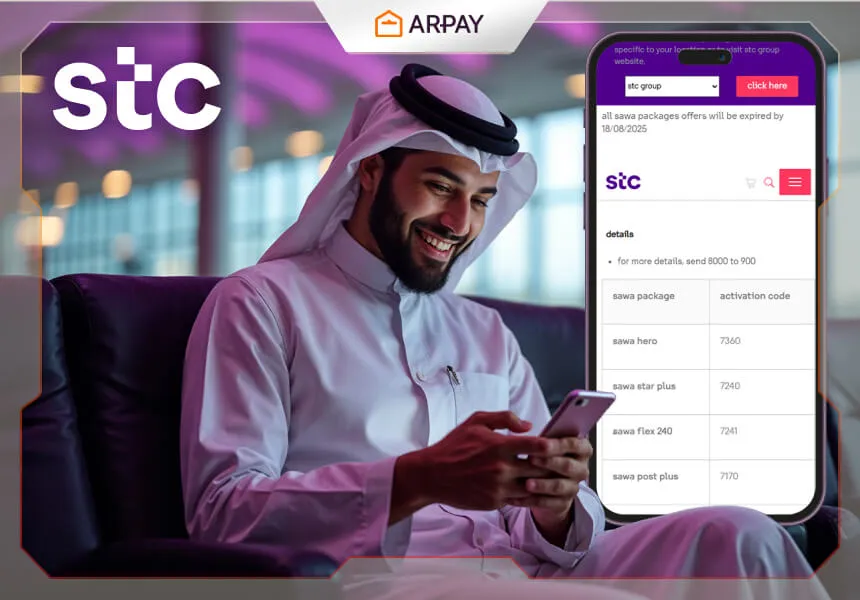
STC is one of Saudi Arabia's most trusted telecom providers, offering data, call, and roaming plans to suit every need. Promotions change frequently. And knowing exactly how to check them fast is how you stop leaving savings on the table.
Good news: Checking offers is simple. And even more rewarding when you recharge with STC gift cards.
Quick Methods to Check STC Offers (Under 30 Seconds)
- USSD STC offer check code Method: Dial *888# from your STC number.
- Select "Offers" from the menu to view available promotions.
- MySTC App: Open the MySTC app.
- Log in with your STC number.
- Tap “Offers” to see customized deals and current promotions.
- STC Website: Visit the official STC website.
- Navigate to “Offers & Promotions”.
- Filter by your plan (prepaid/postpaid) to find relevant offers.
- Call 900: Dial 900 from your STC number for direct customer support.
Why You Should Regularly Check STC Offers
STC promotions change often. missing one could mean missing big savings. Here’s why you should stay updated:
- Monthly savings: Take advantage of discounted data bundles and call packages.
- Limited-time deals: Promotions are often tied to holidays or specific campaigns.
- Customized offers: STC may present exclusive offers based on your usage pattern (e.g., bonus GBs for frequent data use).
Checking frequently keeps you one step ahead and helps you get the best value.
4 Fast Methods to Check STC Offers in 2026
1. Via the MySTC App
- Download the App: Get the MySTC app from the App Store (for iOS) or Google Play (for Android).
- Sign In: Use your STC number to log in securely.
- Find Offers: Tap on the “Offers” section to see personalized deals based on your usage, including current promotions and available bundles.
2. Via the STC Website
- Visit the Website: Go to the official STC website (stc.com.sa).
- Navigate to Offers: Look for the “Offers & Promotions” section, usually featured on the homepage or in the main menu.
- Filter Offers: Choose whether you want to see prepaid, postpaid, or data-specific offers to narrow down the available options to suit your plan.
3. Using USSD STC package check code
- Dial *888#: Simply dial *888# from your STC number.
- Follow the Menu: The on-screen menu will guide you to available offers. This is the quickest way, especially for prepaid users who don't want to use an app or website.
- No Data Needed: You don’t need internet access for this method, making it perfect for checking offers even when you're offline.
4. By Contacting Customer Service
- Call 900: Dial 900 from your STC number to speak directly to customer support for up-to-date offer information.
- Live Chat: Alternatively, use the MySTC app or visit the STC website to start a live chat for personalized assistance with current deals.
- Real-time Assistance: Customer support can provide detailed answers about ongoing promotions and help you find the best deals for your needs.
Note: Customer service can also give real-time updates on limited-time offers or exclusive promotions that might not be available through other methods.
Want to discover more ways to save on telecom services and manage your payments smarter? Explore the ARPAY blog for the latest guides, exclusive offers, and easy methods to stay in control of your bills and subscriptions.
Troubleshooting: What to Do if Methods Are Not Working
Occasionally, you may encounter issues when trying to check or activate offers. Use these troubleshooting steps to resolve common scenarios:
USSD Code (*888#) "Connection Problem" or "Invalid MMI Code"
- Check Signal: Ensure you have at least 2 signal bars. USSD codes require a stable cellular connection.
- Roaming Status: If you are abroad, USSD codes may not function on all carrier networks. Use the MySTC app over Wi-Fi instead.
- Airplane Mode: Toggle Airplane Mode on and off to refresh your connection to the STC network towers.
MySTC App Not Showing Offers
- Update the App: Ensure you are running the latest version from the App Store or Play Store. Old versions may fail to load 2026 promotional data.
- Clear Cache: If the app hangs, clear the app cache in your phone settings or re-install the application.
- Login Status: Ensure you are logged in with the primary SIM number. Offers may not appear if you are browsing as a "Guest."
Offer Activation Failures
- Insufficient Balance: Ensure your prepaid balance covers the cost of the offer. (Dial
*166#to check balance). - Plan Incompatibility: Some offers are specific to prepaid or postpaid only. Verify your plan type before attempting activation.
- Conflicting Bundles: You cannot always "stack" similar offers. If you have an active data bundle, the system may prevent you from activating a conflicting one until the current one expires.
Best Way to Recharge and Benefit: Use AR-PAY STC Gift Cards
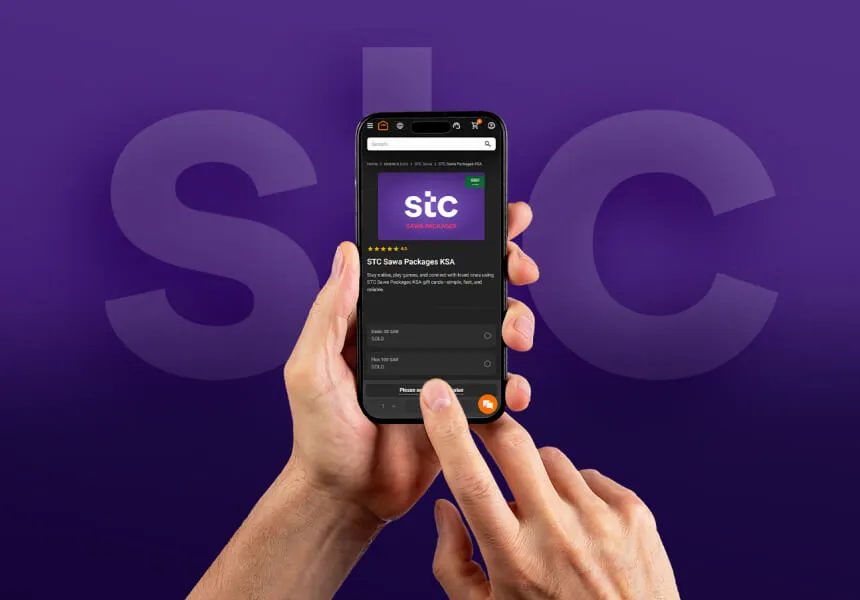
AR-Pay is a trusted online platform where you can securely purchase STC recharge cards in seconds. anytime, anywhere.
Why AR-Pay is the preferred recharge method?
- Immediate delivery via email or SMS
- No need to visit a physical store
- Convenient for remote recharges or gifting family and friends
Pro Tip: Combine Offers with AR-Pay Recharge
Double the value by using AR-Pay cards during promotions.
For example, if STC is running a double-data promotion, using your AR-Pay recharge at the right time means more data for the same price, without delay.
Keep your AR-Pay balance ready to grab these limited-time benefits the moment they go live.
Read More: Navigate STC Pay Like a Pro: Expert Advice for Every User
Conclusion
STC offer check is fast, free, and can meaningfully cut your monthly telecom bill, especially when you recharge through a secure, instant platform like AR-Pay. Use the 30-second USSD method to stay on top of deals daily, and keep your AR-Pay balance ready to lock in limited-time promotions the moment they go live.
check your STC offers today and recharge instantly with STC gift cards to make the most of every riyal.




