What are Minecraft Gift Cards?
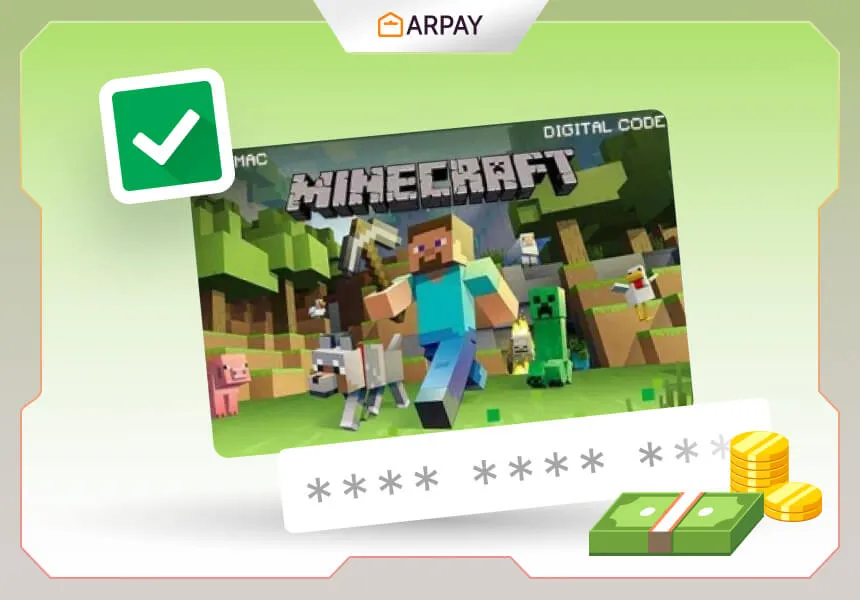
Minecraft Gift Cards are prepaid cards that you can buy and send to anyone via SMS. The balance on the gift card can be used by the receiver to buy Minecraft or Minecraft: Legends, the upcoming spin-off game that expands the Minecraft universe with dungeons,quests, and magic.
Additionally, you can purchase Minecoins—the in-game money used to purchase maps, skins, textures, and other items from the Minecraft Marketplace—with Minecraft Gift Cards. Minecraft Gift Cards are available in multiple denominations ranging from $10 to $20, and they are perpetually valid.
How to use Minecraft Gift Cards?
Using Minecraft Gift Cards is incredibly simple and practical.All you have to do is take the following steps:
- Go to Minecraft.net and sign in or create an account.
- Choose "Redeem a code" under "Store."
- Click "Redeem" after entering the 25-digit gift card code.
- With the balance on your gift card, decide what you wish to purchase.
- The amount of the gift card can be redeemed and added to your account balance on Minecraft.net. It will also be displayed on the game launcher.
For any platform, you can buy Minecraft or Minecraft: Legends with your account balance.For Minecraft: Bedrock Edition, you can buy Minecoins.
The advantages of utilizing Minecraft Gift Cards for your gameplay
- Get access to new features and content using Minecraft Gift Cards. You may play the newest improvements to the game, like the 1.20 "Trails & Tales" update that adds new mobs, blocks, mechanics, personalization options, crafting recipes, and much more, by using Minecraft Gift Cards to purchase Minecraft or Minecraft: Legends.
- By using Minecoins to purchase maps, skins, textures, and other items from the Minecraft Marketplace, you can also start new adventures and explore new worlds.
- Save time and money. You can save money by purchasing Minecraft or Minecraft: Legends with Minecraft Gift Cards rather than purchasing them separately for different platforms.
- Not having to enter your payment information each time you wish to make a purchase might also save you time.
- Astonish your loved ones and pals. You can surprise your friends and family with something they will love and appreciate by using Minecraft Gift Cards to send them gifts.
Along with choosing your gift card, you can select a theme from among ARPay's numerous choices, which span a variety of brands and games.
How to use ARPay to purchase Minecraft Gift Cards
Using ARPay platform, you can purchase gift cards from a variety of brands and applications on the website. Purchasing Minecraft Gift Cards online is simple and secure when you use ARPay. And that's how:
- Go to ARPay and choose the "Minecraft Gift Card" option from the available brands.
- Select how much and how many gift cards you wish to purchase.
- Name, phone number, email address, and optional personal message should be entered for the receiver.
- Use your chosen payment option to make the purchase (credit card, debit card, PayPal, etc.).
- Get a message containing the gift card details and a redemption link.
How to redeem Minecraft Gift Cards
Redeeming Minecraft Gift Cards is very simple and straightforward. You just need to follow these steps:
- Visit Minecraft.net and login or create an account.
- Go to ‘Store’ and select ‘Redeem a code’.
- Enter the 25-digit gift card code and click ‘Redeem’.
- Choose what you want to buy with your gift card balance.
- You can also redeem your gift card code on the game launcher by clicking on ‘Redeem Code’ at the bottom left corner.
Conclusion
A great way to experience Minecraft in all of its splendor and diversity is with Minecraft gift cards.You can save money and time, get access to new content and features, and give wonderful gifts to your friends and family with Minecraft Cards.The greatest website for purchasing gift cards is ARPay, where you can quickly and safely purchase and redeem Minecraft cards.
Tips for Getting the Most Out of Your Minecraft Gift Cards
- Watch for game sales. Minecraft occasionally discounts its titles. Having a gift card balance ready lets you make a purchase the moment a sale goes live, stretching your spending power further.
- Spend Minecoins thoughtfully. The Minecraft Marketplace adds new maps, skins, and textures regularly. Browse the latest catalogue before spending so you buy content you will genuinely use rather than impulse-purchasing.
- Choose gift cards over specific items when gifting. Because the recipient can decide whether to buy the game, Minecoins, or Minecraft: Legends, a gift card is a more flexible and personalised present than a single item.
- Keep your code private. Treat the 25-digit code like cash. Never share it in public forums or with unknown parties — codes cannot be reissued once they have been used.
- Verify regional compatibility. Minecraft Gift Cards sold in one country may not be redeemable in another. Before buying for someone overseas, confirm that the card currency and region match the recipient's Minecraft account.
Quick Checklist Before You Redeem in 2025
Minecraft Gift Cards are simple to use, but a quick pre-check can save you time if you are redeeming a code for yourself or sending one to someone else. Since redemption happens through Minecraft.net (and can also be accessed through the game launcher), preparing a few details first helps you avoid the most common mistakes.
- Confirm you are signed in to the correct Minecraft.net account before redeeming the code.
- Have the full 25-digit code ready and type it carefully to avoid look-alike characters.
- Decide what you want to buy first: Minecraft or Minecraft: Legends on any platform, or Minecoins for Minecraft: Bedrock Edition.
- Keep your purchase message or redemption link from ARPay saved until the balance is added successfully.
What to Buy First with Your Gift Card Balance
Once your gift card balance is added to your account on Minecraft.net, you have a few smart paths depending on your playstyle. If you are new, purchasing Minecraft (or Minecraft: Legends) first is usually the simplest way to start playing right away on your preferred platform. If you already own the game and want more customization, Minecoins are useful for Marketplace items such as maps, skins, and textures in Minecraft: Bedrock Edition.
If you are gifting, consider how the recipient plays. Players who spend time building and exploring often enjoy Marketplace content, while new players may prefer using the balance toward the base game. Because multiple cards can be combined on one account, the recipient can also stack balances over time for bigger purchases.
Troubleshooting: When a Code Does Not Work
If your Minecraft Gift Card code does not work on the first try, do not panic. The most common fix is to re-enter the 25-digit code carefully, since it is easy to confuse similar characters. Make sure you are redeeming through the official “Redeem a code” section on Minecraft.net, or use the game launcher option by clicking “Redeem Code” at the bottom left corner.
Summary Box
Minecraft Gift Cards help you buy Minecraft or Minecraft: Legends on any platform and Minecoins for Minecraft: Bedrock Edition. Redeem on Minecraft.net, combine multiple cards if needed, and keep your ARPay delivery message until redemption is complete.