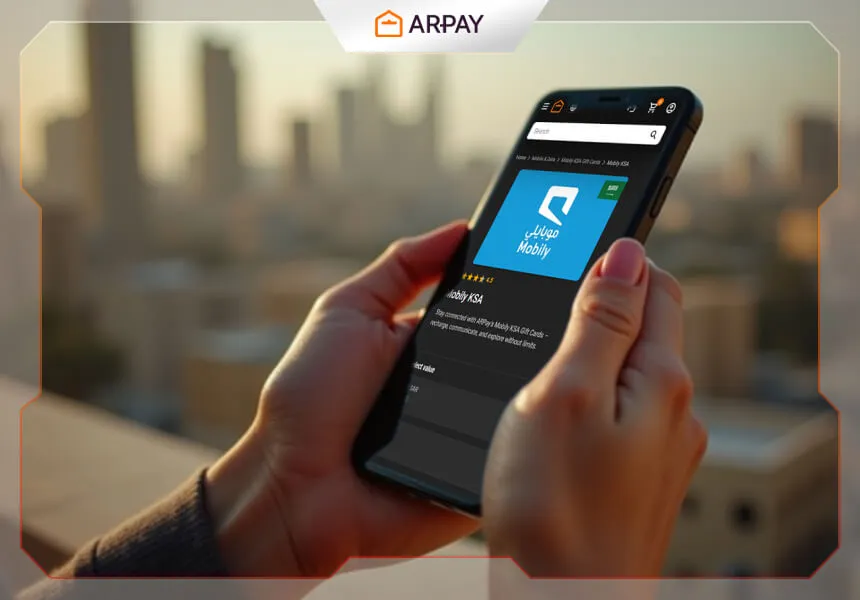
Recharge Mobily with ARPAY gift cards is one of the fastest ways to top up your account when credit runs low. Running out of balance often happens at the worst moment, especially when you need to make an urgent call, send a message, or restore mobile data quickly.
Mobily serves millions across Saudi Arabia as a leading telecom provider, and ARPAY gift cards simplify the recharge process by removing the need to search for physical stores or wait in queues. This guide explains how to recharge Mobily using ARPAY in a clear step-by-step flow, from preparation to purchase to balance confirmation.
Why Use ARPAY to Recharge Mobily?
Choosing the right platform affects both speed and reliability. ARPAY is positioned as a trusted digital gift card provider that focuses on secure transactions and a smooth customer experience. If your goal is to recharge quickly with fewer steps, ARPAY keeps the process straightforward.
Trusted Digital Gift Card Provider
ARPAY operates with transparency and security standards designed to protect your transactions. This matters when handling payment details and recharge codes, especially for users who top up frequently.
Instant Delivery and 24/7 Availability
Your Mobily recharge does not have to wait for business hours. ARPAY’s model supports instant delivery, which is useful for late-night emergencies, travel days, and high-usage periods when you need immediate credit.
Multiple Secure Payment Options
ARPAY supports several payment methods so users can choose what suits them best. Available options include:
- Credit and debit cards from major providers.
- Bank transfers for users who prefer that route.
- Digital wallets for quick checkout.
- Local payment solutions tailored for Saudi users.
Seamless User Experience
The ARPAY platform is built to keep recharge simple without losing useful functionality. That combination helps both new users and regular top-up users complete purchases with less friction.
What You Need Before You Start Recharging Mobily Through ARPAY
Preparing the essentials in advance saves time and prevents errors during checkout or redemption. Before you begin, confirm each requirement below.
Account and Number Requirements
- Active Mobily prepaid number: make sure the line is not expired or suspended.
- Your registered mobile number: keep it available for verification steps.
- Account information: know whether your service is prepaid or postpaid.
Access Requirements
- Stable internet connection for smooth access to ARPAY.
- Web browser or mobile device: both desktop and mobile versions can be used.
- Valid email address: purchase confirmations and receipts are sent there.
Payment Preparation
- A chosen payment method such as card or digital wallet.
- Sufficient funds in your selected payment source.
- A valid Mobily recharge gift card from ARPAY, which provides the recharge code.
Once these points are ready, the recharge process becomes much easier and faster.
How to Recharge Mobily Using ARPAY Gift Cards
The actual recharge process is straightforward when you follow the steps in order.
Step 1: Access the ARPAY Platform
Go to the ARPAY website and start from the main page. Confirm you are using the correct platform to avoid mistakes during checkout.
Step 2: Find Mobily Recharge Cards
use to the telecom section and choose Mobily recharge cards. This ensures you are buying the right card type for your line.
Step 3: Choose Your Recharge Amount
ARPAY offers multiple denominations to match different usage patterns and budgets:
- Small top-ups for emergency calls or quick data boosts.
- Medium amounts for regular monthly usage.
- Larger packages for heavy users or family accounts.
Pick the amount that aligns with your expected usage to avoid overpaying or recharging too frequently.
Step 4: Complete Your Purchase
Proceed through checkout and finalize payment using your preferred method. Review details before confirming so your order matches your Mobily top-up needs.
Step 5: Apply the Card to Your Mobily Account
On the order page, you will receive a unique recharge code with simple redemption instructions. Apply the code to your Mobily account to complete the top-up.
How to Check the Available Balance on Your Mobily SIM Card
After recharging, many users prefer to verify that the top-up was applied correctly. Mobily provides several ways to check your available balance.
1) Check Balance via USSD Code
This is the fastest method and does not require internet access.
- Dial *1411# on your Mobily device.
- Press the call button and wait briefly.
- Your available balance appears on screen.
You can note the amount for later reference if you are monitoring consumption.
2) Check Balance via SMS
If you prefer text-based confirmation, use the SMS method:
- Open your messaging app.
- Send the number 1 to 1411.
- Wait for the reply message showing your current balance.
Saving these messages can help track usage trends over time.
3) Check Balance in the Mobily App
The official Mobily app gives a more detailed account view:
- Download and open the Mobily app.
- Log in with your account credentials.
- Check the home screen for your available balance and plan details.
4) Online Balance Verification
You can also verify your balance online through Mobily account access options. This can be useful when managing your line from a browser instead of a phone app.
Practical Tips for a Smooth Recharge Experience
- Double-check your number before applying any recharge code.
- Use a stable connection to avoid interrupted checkout sessions.
- Keep your confirmation email and receipt for future reference.
- Choose recharge amounts based on actual usage patterns, not assumptions.
- Verify balance right after recharge using USSD, SMS, app, or online checks.
These simple habits help reduce errors and make each top-up faster next time.
Conclusion
Step-by-step, how to recharge Mobily using ARPAY comes down to three phases: prepare your details, complete the ARPAY purchase, and confirm your balance. With instant delivery, multiple secure payment options, and 24/7 availability, ARPAY offers a practical digital path for Mobily top-ups across Saudi Arabia.
If you want a faster alternative to physical recharge methods, ARPAY gift cards provide a clear and reliable process. Once you get used to the flow, topping up your Mobily line takes only a few minutes.