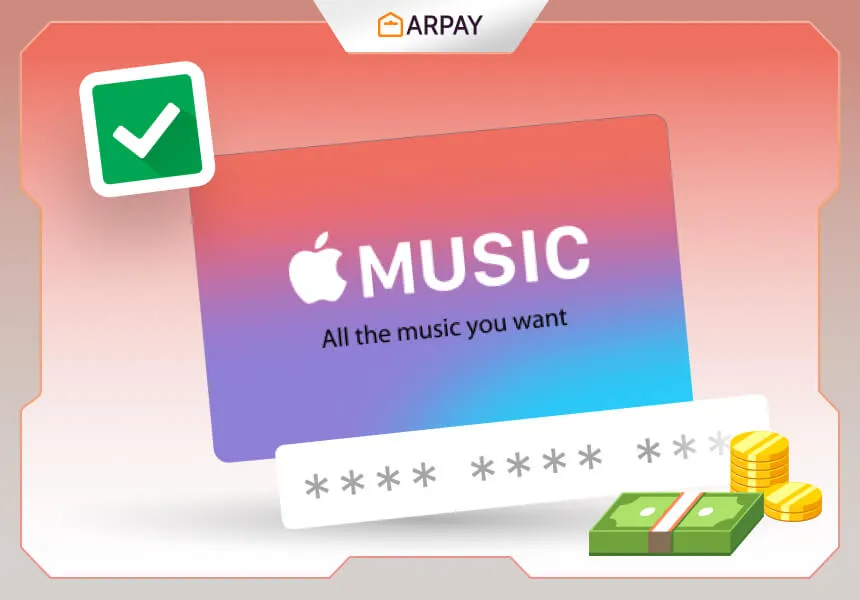
Are you eager to explore the vast collection of music offered by Apple Music US? Whether you've recently signed up or received a gift card, redeeming your Apple Music US subscription is quick and easy.
Here's a step-by-step guide on how to redeem your Apple Music US gift card on your iPhone or iPad:
- Open the Music app on your Apple device.
- Tap on the "For You" tab.
- Scroll down and tap on your profile picture or initials.
- Select "Redeem Gift Card or Code."
- Sign in with your Apple ID if prompted.
- Enter the code from your gift card.
- Tap on "Redeem" to apply the balance to your Apple Music US subscription.
Your Apple Music US subscription will be activated immediately. You can start listening to music right away!
Here are some additional things to keep in mind when redeeming Apple Music US:
- You can only redeem one redemption code per Apple ID.
- If you have an existing Apple Music US subscription, your free trial will be added to the end of your current subscription.
- You must redeem your code within 90 days of receiving it.
- If you have any problems redeeming your code, contact Apple Support.
Ways to get a free Apple Music subscription:
- If you buy a new Apple device, you may be eligible for a free six-month subscription to Apple Music US.
- If you are a student, you can get a free Apple Music US subscription through your university.
- If you are a member of the military, you can get a free Apple Music US subscription through the Military Appreciation Program.
How to Buy an Apple Music Gift Card
Apple Music is a great way to listen to music, but it can be expensive. If you want to gift someone a subscription to Apple Music, you can buy them an Apple Music gift card.
Here's how to buy an Apple Music gift card:
- Go to the Apple Store website.
- Click on the "Gift Cards" tab.
- Select the "Apple Music" gift card.
- Choose the denomination of the gift card.
- Enter the recipient's email address.
- Add a message to the gift card.
- Click on the "Buy" button.
The Apple Music gift card will be emailed to the recipient immediately. They can then redeem the gift card on their iPhone, iPad, Mac, or Apple TV.
Here are some other places where you can buy Apple Music gift cards:
- In-store: Many retailers sell Apple Music gift cards, including Best Buy, Target, and Walmart.
- Through a third-party seller: There are many third-party websites that sell Apple Music gift cards, such as Amazon and eBay.
When buying an Apple Music gift card, be sure to check the expiration date. Apple Music gift cards expire 12 months after the date of purchase.
Quick Pre-Redeem Checklist
Before redeeming an Apple Music US code, take one minute to verify the basics. Most redemption problems happen because of timing, account mismatch, or code entry mistakes. The process is simple, but checking a few details first makes it smoother.
- Make sure you are signed in with the correct Apple ID.
- Confirm you are redeeming from the Music app using the profile area under “For You.”
- Enter the code exactly as shown to avoid failed attempts.
- Redeem within 90 days of receiving the code.
- If you purchased a gift card, check its expiration window (12 months from purchase).
What Happens After You Redeem?
After successful redemption, the Apple Music US subscription activates immediately, so listening can begin right away. If you already have an active Apple Music US subscription, the guide notes that your free trial period is added to the end of your current subscription. This helps you avoid losing value when redeeming during an existing plan.
Also remember that one redemption code can be redeemed per Apple ID, so it is important to redeem on the intended account from the start. If you accidentally use a different Apple ID, correcting that later can be more difficult than checking before redemption.
Common Redemption Issues and Practical Fixes
Code not working
Re-enter the code carefully and ensure you are signed in with the correct Apple ID. If the issue continues, contact Apple Support as recommended in the guide.
Cannot find the redeem option
Use the exact path listed in the article: Music app > For You > profile icon/initials > Redeem Gift Card or Code. Following this path prevents confusion between Apple services.
Didn’t receive the gifted code
If the sender purchased from the Apple Store website, the gift card is emailed immediately to the recipient. Ask the recipient to check inbox and spam folders, then verify the email address used during purchase.
Buying Guide: Where to Buy Apple Music Gift Cards
The article lists three purchase routes, and each one fits different needs. Choosing the right source can save time and reduce risk.
- Apple Store website: best if you want instant email delivery and direct gifting steps.
- In-store retailers (Best Buy, Target, Walmart): useful if you prefer buying physically while shopping.
- Third-party sellers (Amazon, eBay): convenient, but always verify expiration details before purchase.
Available denominations in this guide are $10, $25, $50, and $100, so you can match the gift amount to budget and usage.
Summary Box
Redeeming Apple Music US is straightforward when you follow the in-app path, use the right Apple ID, and redeem within the stated time limits. For gifting, choose a trusted purchase source, verify expiration and denomination, and keep the recipient email accurate. With these checks, redemption stays fast and stress-free.