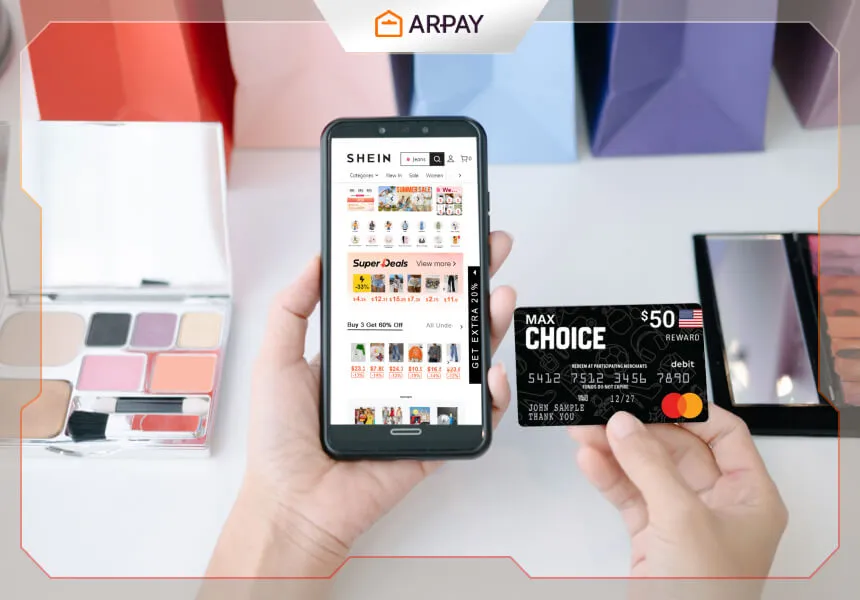
Ever dreamt of an endless shopping spree on SHEIN? You can get pretty close—without wrecking your budget—by paying with a MasterCard gift card.
In 2026, MasterCard gift cards are still a popular way to shop online because they’re prepaid, easy to gift, and keep spending contained. If you load a fixed amount, you know exactly what you can spend on dresses, accessories, beauty items, or a full cart refresh.
This guide walks you through using a MasterCard gift card on SHEIN from start to finish, plus what to do if your payment fails, your balance looks “wrong,” or checkout keeps asking for extra verification.
How to shop on SHEIN using a MasterCard gift card
1) Get your MasterCard gift card
First, purchase a MasterCard gift card from a trusted retailer. Before you shop, confirm the card has enough balance to cover:
• Your cart subtotal
• Shipping (if any)
• Taxes or duties (if any)
A quick rule for 2026: leave a small buffer. Online retailers sometimes place temporary authorization holds, and even a minor difference can cause a prepaid card to decline. []
2) Activate (and register) your gift card if required
Some MasterCard gift cards are active immediately after purchase, while others require activation steps printed on the packaging.
Also, many online checkouts work more smoothly when the issuer allows you to register a billing address to the card. If SHEIN (or your payment screen) requests an address match, follow the issuer’s instructions to add your details first. Whether registration is available depends on the card program. []
3) Visit the SHEIN website or app
Go to SHEIN’s website or open the SHEIN app on your phone. Create an account if you don’t have one, or log in to your existing account.
If you’re shopping across devices, make sure you’re signed into the same account so your cart, saved addresses, and order tracking stay consistent.
4) Browse and select your items
Explore SHEIN’s catalog and add items to your bag. Before you move to checkout, it helps to:
• Double-check sizes (especially for shoes and tailored fits)
• Review materials and care instructions
• Scan a few recent reviews for fit notes
This saves you from returns and keeps your gift card value going toward items you’ll actually keep. []
5) Review your shopping cart
Open your bag/cart and confirm quantities, colors, and sizes. This is also the best moment to check your total and decide whether your gift card balance is enough.
If you’re very close to the card’s limit, consider removing one item or switching to a lower-priced option to avoid a decline at payment time.
6) Proceed to checkout and enter shipping details
Click “Checkout” and confirm your delivery address, contact number, and any delivery notes. Accuracy matters—address mismatches can cause delays and sometimes payment verification issues for online orders. []
7) Choose the payment method and pay with your MasterCard gift card
On the payment page, select “Credit/Debit Card.” Enter your MasterCard gift card details like a normal card:
• Card number
• Expiration date
• CVV
If you have a promo code, apply it before placing the order so the final amount is as low as possible. Promo availability and stacking rules change often, so confirm the discount is actually applied in your order summary. []
8) Place the order and track delivery
Double-check your order details, then click “Place Order.” You should receive a confirmation message and/or email with tracking details once available.
Keep the confirmation until the package arrives. If anything goes wrong (partial shipment, cancellation, or refund), having the order ID ready makes support faster. []
Alternative payment option on SHEIN: using SHEIN gift cards
SHEIN may also support SHEIN gift cards in some regions. The basic flow is similar:
1) Add items to your cart and proceed to checkout.
2) Look for a gift card or voucher field during payment.
3) Enter the gift card code and apply it.
4) If the gift card doesn’t cover the full total, pay the remaining amount with another accepted method.
Exactly where the gift card field appears can change with app updates, and availability can vary by country. []
Troubleshooting: why your MasterCard gift card won’t work on SHEIN
If your MasterCard gift card payment fails, don’t panic—most issues come down to one of a few predictable causes. In 2026, these are the most common fixes:
- Insufficient available balance: Make sure the card covers the full total (including shipping and tax). Temporary authorization holds can also reduce available balance until they release. []
- Card not activated: Some cards require activation steps on the packaging before online use. []
- Address or verification mismatch: If checkout requires a billing address match, register your address with the card issuer when possible, then retry. []
- Merchant or transaction restrictions: Some gift cards block certain online transactions, cross-border purchases, or specific merchant categories. This depends on the issuer and card program. []
- Cart total changes after you click pay: If shipping, tax, or discounts update at the final step, your remaining balance might no longer cover the purchase. Re-check the final total before confirming. []
If you’ve confirmed balance and details and it still fails, contact the card issuer first (they can see declines and restrictions), then contact SHEIN support if needed. []
Conclusion
MasterCard gift cards can make shopping on SHEIN feel simple and controlled: you set a budget, fill your cart, and check out like you would with a normal card.
In 2026, the biggest success tip is to prepare for the small “online shopping” extras—shipping, taxes, and possible authorization holds—so your prepaid balance doesn’t come up short.
Whether you’re treating yourself or gifting someone else, following the steps above will help you pay smoothly and avoid the most common checkout problems.