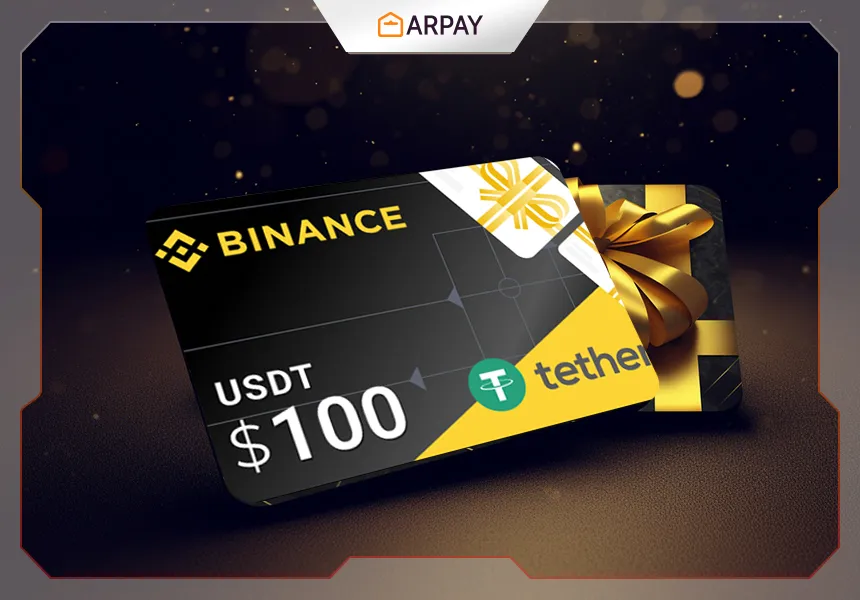
If you want to buy a Binance Gift Card, AR-PAY gives you a direct way to do it with multiple payment methods and a simpler purchase flow. This guide explains what Binance Gift Cards are, how to buy them on AR-PAY, which payment methods may work best, how to avoid common mistakes, and what to do if a payment fails.
Can You Buy Binance Gift Cards on AR-PAY?
Yes. You can buy Binance Gift Cards on AR-PAY using one of the supported payment methods available for your country and checkout flow. The practical process is simple: choose the Binance Gift Card product, select the payment method that fits your region, complete checkout, and wait for delivery to your email.
What Is a Binance Gift Card?
A Binance Gift Card is a digital product that can be used to send or receive supported crypto value in a simpler gift-card format. For buyers, it can be a practical way to access a Binance-linked digital product flow without relying on a single payment option or one fixed purchase route.
How to Buy a Binance Gift Card on AR-PAY
- Open the Binance Gift Card category on AR-PAY.
- Choose the product or denomination you want.
- Click Buy Now and continue to checkout.
- Sign in to your AR-PAY account or create one if needed.
- Select the payment method that matches your country, currency, and checkout preference.
- Complete the payment authorization.
- Wait for the product details to be delivered to your email.
Best Payment Options for Buying Binance Gift Cards
The best payment option depends on your country and what works reliably for your checkout flow. AR-PAY already has supporting guides for payment-method-specific routes, so users who need a more specific path can choose the one that fits them best.
- Buy Binance Gift Card with PayPal
- Buy Binance Gift Card with Google Pay
- Buy Binance Gift Card with Apple Pay
- Buy Binance Gift Card with UnionPay
- Buy Binance Gift Card with Binance Pay
Use This Method on AR-PAY
If you want a direct seller flow for Binance Gift Cards instead of a marketplace-style experience, AR-PAY is designed to give you a clearer purchase route. This is useful when you want to compare payment methods, complete checkout with a method available in your region, and receive the product through a straightforward digital-goods flow.
Start here: Buy Binance Gift Cards on AR-PAY
When Buying a Binance Gift Card Makes Sense
- You want a practical way to purchase Binance-related gift card products.
- You need a payment-method choice instead of a single rigid checkout option.
- You want to compare methods like PayPal, Google Pay, Apple Pay, cards, or local alternatives.
- You want a direct purchase flow with clear follow-up support paths.
When You Should Try Another Route
- Your preferred payment method is unavailable in your country.
- Your first payment attempt fails.
- You need another supported payment method with better regional acceptance.
- You are unsure whether a method works best for your currency or local checkout conditions.
What If the Payment Fails?
- Try a different supported payment method instead of repeating the same failed attempt.
- Double-check country, currency, and checkout compatibility.
- Retry from another browser or device if the checkout session looks unstable.
- Check your email and spam folder after successful payment.
- If needed, use the AR-PAY support page.
Trust and Safety
If your concern is whether buying a Binance Gift Card is safe, the most important step is to use a clear purchase path and avoid misleading third-party offers. If you want extra context, read the AR-PAY guide on how to protect yourself from Binance gift card scams.
Helpful Related Guides
Conclusion
If your goal is to buy a Binance Gift Card, the most important thing is to choose a purchase path that fits your region, payment method, and checkout behavior. AR-PAY can help you do that with a direct digital purchase flow and multiple payment-method options. If one method fails, switch quickly to another supported option instead of abandoning the purchase entirely.
Quick checklist before buying a Binance Gift Card
Before you place an order on AR-PAY, take a moment to prepare your checkout details. The article explains that the best purchase flow depends on your country, currency, and preferred payment method, so checking these points early can help you avoid failed payments or delays. This is especially important if you are choosing between PayPal, Google Pay, Apple Pay, UnionPay, Binance Pay, cards, or local alternatives.
- Open the Binance Gift Card category on AR-PAY and confirm you are choosing the correct product.
- Select the denomination that matches your intended purchase.
- Sign in to your AR-PAY account or create one before completing checkout.
- Choose a payment method that works for your country, currency, and checkout preference.
- After successful payment, check your email inbox and spam folder for product details.
How to choose the right payment method
There is no single best payment option for every buyer. The guide makes it clear that reliability depends on local checkout conditions. If PayPal works well in your region, it may be a convenient choice. If wallet checkout is smoother for you, Google Pay or Apple Pay may be better. If regional acceptance is your main concern, UnionPay or another supported local method may be more practical.
The key is to avoid repeating a method that already failed. If your first payment attempt does not go through, switch to another supported option rather than submitting the same failed route again. This keeps the process faster and reduces checkout frustration.
What to do after payment succeeds
Once payment authorization is complete, AR-PAY sends the product details to your email. Do not close the process mentally until you confirm that the delivery email arrived. If you cannot find it, check your spam or junk folder before contacting support. This simple step solves many delivery concerns without needing to repeat the purchase.
Safety reminders for Binance Gift Card buyers
The safest approach is to use a clear purchase path and avoid misleading third-party offers. AR-PAY is positioned in the article as a direct seller flow, which helps reduce confusion compared with marketplace-style experiences. After receiving your product details, follow the related guides for checking balance, redeeming the gift card, and avoiding scams if you need the next step.
Summary box
Buying a Binance Gift Card on AR-PAY is easiest when you match the product, denomination, region, currency, and payment method before checkout. If one method fails, switch to another supported option. After payment succeeds, verify email delivery and use the related AR-PAY guides for balance checks, redemption, and scam prevention.