If you've received or purchased an Apple Gift Card or an iTunes Gift Card, you'll likely want to know the remaining balance before you start shopping.
In the past, iTunes cards were primarily for digital content like music and movies. Today, Apple has consolidated all its gift cards into the unified Apple Gift Card, which adds funds directly to your Apple Account balance. This balance can be used to buy almost everything from Apple, including products, devices, accessories, apps, games, music, movies, iCloud+ subscriptions, and more.
Checking your balance is quick and easy, whether online or through various apps on your devices.
Methods for Checking Apple Gift Card Balance
Via the App Store or Other Apple Apps
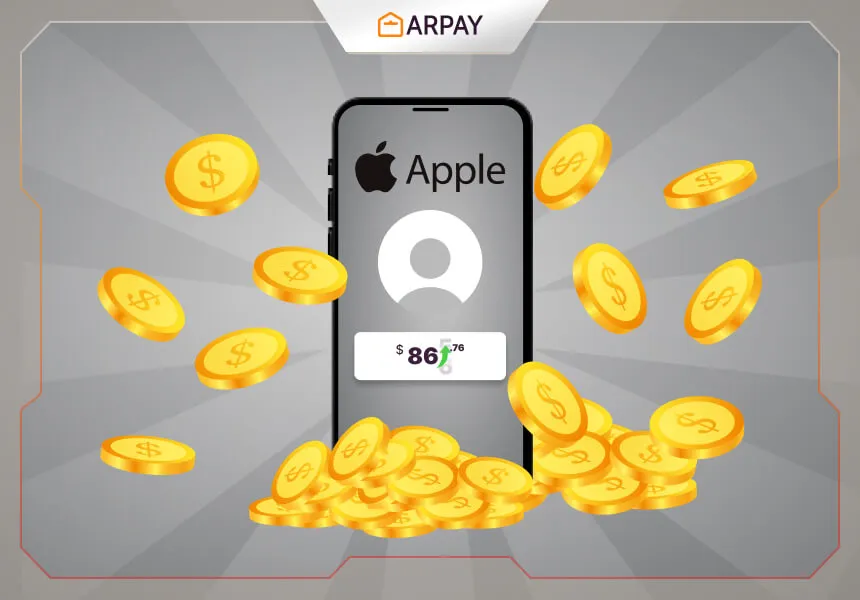
Once you redeem a gift card, its value is converted into your Apple Account balance. This balance is your digital wallet for all Apple purchases. Here's how to check this consolidated balance:
- Open an Apple App: You can use the App Store, Apple Music app, Apple TV app, or the Books app on your iPhone, iPad, or Mac.
- Tap Your Profile Icon: In most of these apps, you'll find your profile picture or initials in the top-right corner of the screen. Tap it to access your account settings.
- View the Balance: Your current Apple Account balance will be displayed prominently, usually right below your name. If you have no balance, this field may not appear.
- Add a New Balance: From the same account screen, you will also find the option to "Redeem Gift Card or Code." You can use this to add a new card, and your total balance will update immediately.
Via the Web
To check your Apple Gift Card balance online, you can follow these steps:
- Go to the official Apple Gift Card balance check page on Apple's website.
- Sign in with your Apple ID.
- Enter your Apple Gift Card number or PIN in the designated field.
- Click the “Check Balance” button to see the remaining balance on your card.
Note: You can also check the balance in the Wallet app on your iPhone if your Apple Account card is added there
Balance Importance and Key Notes
Understanding how your Apple Account balance works is essential for maximizing your purchases and protecting your funds.
- Unified Balance for All Services: Apple stores the redeemed value from gift cards in your account balance for future purchases. This means you can use the balance to buy an app, then use the remainder to pay for part of an Apple Music subscription or purchase a movie.
- Compatibility with Old Cards: Older physical or digital iTunes Gift Cards work the same way as the new Apple Gift Cards. Once redeemed, the value becomes part of your Apple Account balance and is accessible from the account section of any Apple app.
- Geographic Restrictions: Apple Gift Cards are region-locked. You cannot redeem a card purchased in one country in another country's storefront. For example, a card purchased in the United States can only be used in the US App Store.
- Important Security Warning: Beware of third-party websites and apps that claim to check your gift card balance. These are often scams designed to steal your card number and PIN, allowing fraudsters to drain your balance. Always use the official Apple website or official Apple apps only to check or redeem your balance.
For more information on how to buy Apple gift cards using different payment methods, see our supported payment guide on ARPAY.
Special Notes for ARPAY Apple Gift Cards
If you're using Apple Gift Cards purchased fromARPAY, here are a few important tips:
- Check regional compatibility: Ensure the Apple Gift Card you purchased from ARPAY matches your Apple ID's country/region settings. ARPAY clearly labels the region for each card type.
- Contact ARPAY support first: If you experience any issues with card redemption, reach out to ARPAY customer service before contacting Apple, as they can verify the card's status and authenticity.