How To Redeem App Store And iTunes Gift Cards

How To Redeem App Store And iTunes Gift Cards

Aug 16, 2023 · 7 min · Jonas Bergström
Fresh · today

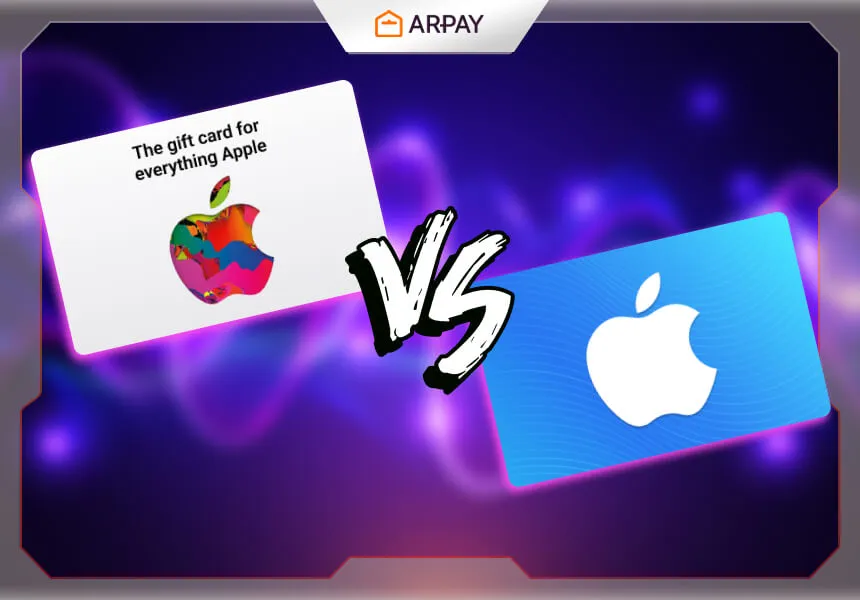
iTunes cards are a way for Apple device users to make various purchases from the Apple Store. In the Apple Store or the App Store, we can buy and download games, e-books, songs, movies, and many other applications with ease, speed, and safety.

How To Redeem App Store And iTunes Gift Cards

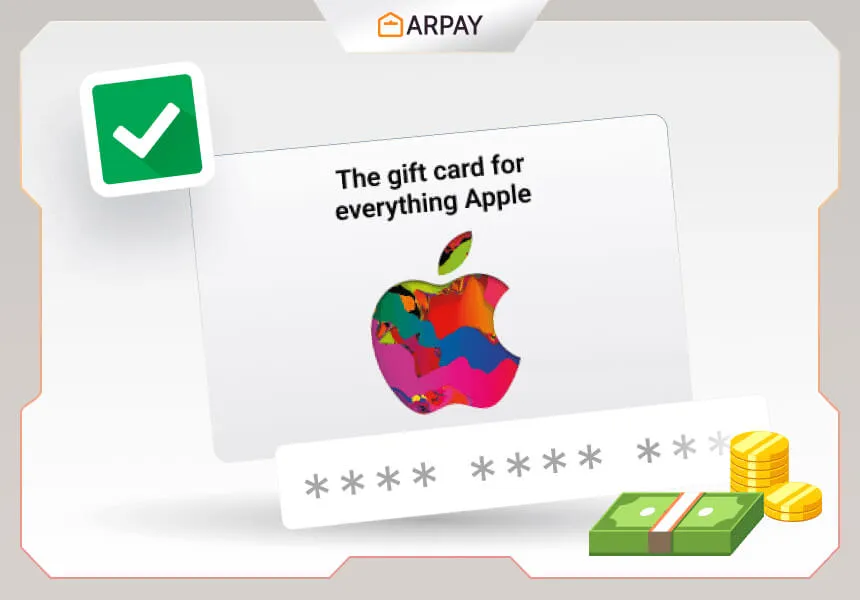
1- Open the App Store or iTunes Store on your Apple device. 2- Scroll to the bottom and tap on "Redeem." 3- Sign in with your Apple ID if prompted. 4- Enter the code on your gift card. 5- Tap on "Redeem" to complete the process.

The advantages of iTunes cards

One of the most important advantages of iTunes cards is that it offers many services. One of the most important of these is the use of these cards by different ages and even children, as they do not require a specific age or age. And that by having a fixed balance that can be easily controlled. In addition, the use of iTunes cards is not required for users to have a bank account, nor are they required to use a visa. In addition to the possibility of giving it to another user to use it easily and safely by using the balance specified in it.

Reasons to use iTunes cards

One of the most important reasons for using iTunes cards is the ability to adjust the size of the user’s monthly expenses. This is by purchasing a card with a certain value that is sufficient for the person’s monthly needs, instead of using bank cards directly. It is also possible to purchase different other cards outside of iTunes from the same online store. Apple has launched the iTunes program for Windows 10 for the first time. It is not different from the other downloaded versions, except that it will only be updated via the store.

Here are some things to keep in mind when redeeming an App Store and iTunes gift card:

  • You can only redeem a gift card once.
  • The gift card must be in the correct currency for the country or region where you are redeeming it.
  • If you have a balance on your Apple ID, the gift card credit will be applied to your balance first.
  • You can use the gift card credit to buy apps, games, music, movies, TV shows, books, and iCloud storage.
  • You cannot use the gift card credit to buy physical products from the Apple Store.

We hope this helps you redeem your app store and iTunes 

FAQs

What is an App Store and iTunes gift card?

An App Store and iTunes gift card is a prepaid card that can be redeemed for apps, games, music, movies, TV shows, and more on the App Store, iTunes Store, and Apple Books.

Where can I buy an App Store and iTunes gift card?

You can buy an App Store and iTunes gift card online, in-store, or through a third-party retailer.

How much does an App Store and iTunes gift card cost?

App Store and iTunes gift cards are available in denominations of $25, $50, $100, and $200.

How long is an App Store and iTunes gift card valid for?

App Store and iTunes gift cards are valid for 1 year from the date of purchase.

What if I lose my App Store and iTunes gift card?

If you lose your App Store and iTunes gift card, you can contact Apple customer service and they will help you cancel the card and issue you a new one.

What if I have a problem with my App Store and iTunes gift card?

If you have a problem with your App Store and iTunes gift card, you can contact Apple customer service and they will help you resolve the issue.

Redemption Checklist Before You Start

Before redeeming your App Store and iTunes Gift Card, a quick checklist can save time and avoid common errors. Confirm that you are signed in with the correct Apple ID, and make sure the gift card currency matches the country or region where you are redeeming it. Keep in mind that each gift card can only be redeemed once, so it is important to enter the code carefully. If you already have balance on your Apple ID, the new gift card value will be added and applied to that balance first.

  1. Open App Store or iTunes Store on your Apple device.
  2. Scroll down and tap Redeem.
  3. Sign in with your Apple ID when prompted.
  4. Enter the gift card code exactly as shown.
  5. Tap Redeem and verify the balance update.

Common Redemption Issues and Simple Fixes

Most redemption problems come from small details, not from the gift card itself. If the code does not work, double-check each character and try entering it again. If the account is signed in to the wrong region, the card may not be accepted because the currency must match your redemption country. Also remember that a previously used code cannot be redeemed again. If the issue continues, Apple customer service is the recommended support path mentioned in this guide.

  • Code rejected: recheck the code and try again carefully.
  • Wrong region: verify country and currency compatibility.
  • Already redeemed: each card is valid for one-time redemption only.
  • No visible credit: confirm you are using the same Apple ID.
  • Persistent issue: contact Apple customer service for resolution.

How to Use Gift Card Balance More Efficiently

One of the main reasons to use iTunes cards is better control over monthly spending. Instead of connecting direct bank cards for every purchase, you can load a fixed value and spend within that limit. This is especially useful for users who want predictable digital spending on apps, games, books, music, movies, TV shows, and iCloud storage. Because cards come in denominations such as $25, $50, $100, and $200, users can choose a value that fits their monthly needs and avoid unplanned purchases.

  • Choose a denomination that matches your monthly usage.
  • Use the balance first for priority digital purchases.
  • Track remaining credit after each purchase cycle.
  • Renew with a new card when your planned budget requires it.

Quick Comparison: Gift Card Balance vs Direct Payment

Based on this guide, gift cards are a practical choice for users who want controlled spending and simple account funding without requiring a bank account or Visa use. They are also easy to share with others as a safe prepaid value. Direct payment methods may still be useful for some users, but gift cards stand out when budget discipline, safe gifting, and easier control are the priority. This is why many users choose App Store and iTunes Gift Cards as a safer and more manageable option for recurring digital purchases.

Extra FAQs

Can I buy physical Apple products with this balance?

No. According to the guide, gift card credit is for digital content and services such as apps, games, music, movies, books, and iCloud storage, not physical Apple Store products.

What happens if my Apple ID already has credit?

The gift card amount is applied to your Apple ID balance first, and then used for eligible purchases on App Store, iTunes Store, and Apple Books.

How long is the card valid and where can I get one?

In this article, App Store and iTunes Gift Cards are presented as valid for 1 year from the date of purchase, and available online, in-store, or via third-party retailers.

Was this helpful?