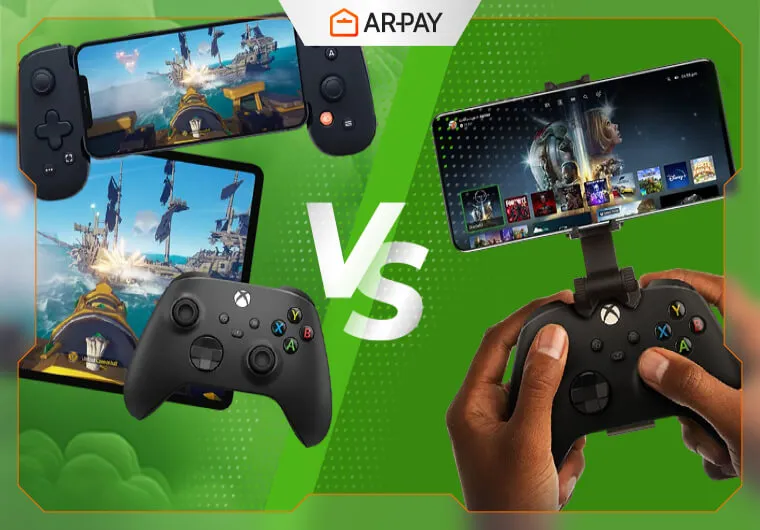
If you’ve ever wished you could dive into your Xbox library without being glued to your TV, you’re not alone. As gaming becomes more portable than ever, the debate around Xbox Cloud Gaming vs Remote Play is exploding, and for a good reason.
Both features let you stream your games anywhere, but what most gamers don’t realize is this:
they’re built on completely different tech, deliver completely different performance, and fit completely different types of players.
One gives you total freedom to play from anywhere in the world, even during a New Year’s Eve trip abroad.
The other can deliver lower latency and a smoother competitive edge, but only under the right conditions most players never think about.
In this guide, we’ll break down the hidden strengths, real-world performance differences, and the “use-case traps” that make gamers choose the wrong option—so you won’t.
Get ready, because the right choice might completely change how (and where) you play Xbox forever.
Ready to play anywhere, Cloud Gaming, Remote Play, or both?Top up with Xbox Gift Cards from Arpay and unlock instant access to games, Game Pass subscriptions, add-ons, and more.
What Is Xbox Cloud Gaming?
Xbox Cloud Gaming (formerly “Project xCloud”) is Microsoft’s cloud-streaming platform that runs games on powerful remote hardware inside Azure data centers. You don’t need a console, you don’t install anything, and you don’t deal with updates. Everything happens in the cloud.
How Xbox Cloud Gaming Works
- Microsoft runs the game on a server equipped with Xbox Series X-level hardware.
- Your device receives a live video feed of the game.
- Your inputs are sent back through the cloud.
- The system constantly adjusts quality based on your connection.
This architecture is similar to platforms like GeForce NOW and Amazon Luna, but deeply integrated with Xbox’s ecosystem.
Requirements
- An active Xbox Game Pass Ultimate subscription
- A stable internet connection (10 Mbps minimum, 20–40 Mbps recommended)
- A supported device and controller
Supported Devices
Cloud Gaming works on nearly any modern screen:
- Windows PCs
- macOS laptops (via browser)
- iOS and Android phones
- Tablets
- Samsung and LG smart TVs
- Xbox consoles
- Web browsers, including Edge and Chrome
This wide support makes it the most flexible gaming solution in the Xbox ecosystem.
Ideal For
- Gamers without a console
- Frequent travelers who want instant access to games
- Casual gamers who want quick sessions without installations
- Players with limited storage
- People sitting in hotels, airports, cafés, or anywhere Wi-Fi is available
Library Notes
Cloud Gaming includes Game Pass games only.
You can’t stream games you own unless they are part of the Game Pass library. Microsoft occasionally rotates titles, which may affect long-term access.
Why Gamers Love Cloud Gaming
- Instant boot times
- No updates, downloads, or patches
- Works on almost any screen
- Great for testing large AAA titles before downloading them locally
What Is Xbox Remote Play?
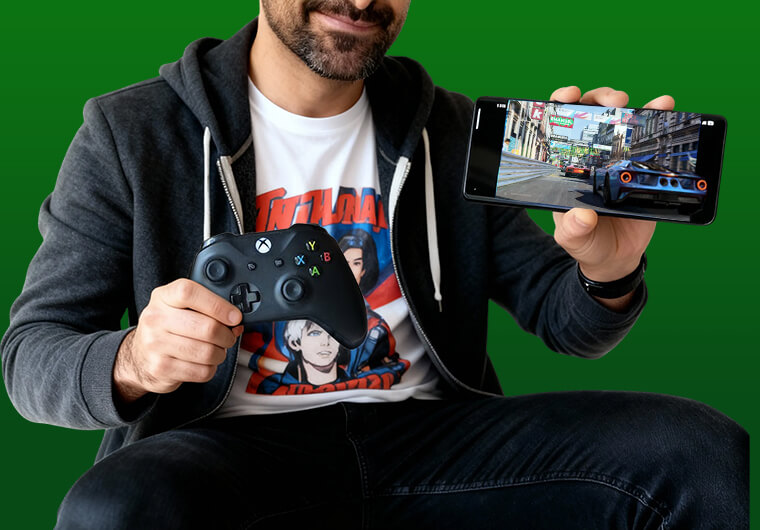
Xbox Remote Play allows you to stream games directly from your own Xbox console—not from the cloud. The game runs locally on your hardware, and the video feed is streamed to your device, similar to Steam Remote Play or PlayStation Remote Play.
This makes Remote Play a convenient option for players who want direct access to their existing library, regardless of factors like Xbox Game Pass Price or subscription availability.
How Remote Play Works
- Your Xbox console processes the game.
- The video stream is encoded in real time.
- The stream is sent over your home Wi-Fi or the internet.
- Your inputs travel back to your console.
Remote Play does not require Game Pass, subscriptions, or cloud servers. You are simply accessing your own machine remotely.
Requirements
- Xbox One, Series X, or Series S
- Remote Play enabled in settings
- A strong home Wi-Fi network (5 GHz recommended)
- Good upload speed (at least 5–10 Mbps)
Advantages
- Access to your entire library (digital or disc)
- Free to use
- Works with games that are not on Game Pass
- Keeps your graphics settings, add-ons, saves, and mods
- Lower latency compared to Cloud Gaming (when used on local Wi-Fi)
Limitations
- Your console must stay powered on
- You rely on your home network’s upload speed
- Remote performance varies when traveling
- Not all hotel or public Wi-Fi connections will support stable streaming
Why Gamers Prefer Remote Play
Remote Play is especially popular among competitive and performance-focused players because it preserves:
- Stable frame pacing
- Better responsiveness
- Access to your full settings and customizations
- Local save files and progress
If your home network is good, Remote Play can feel surprisingly close to native play.
Xbox Cloud Gaming vs Remote Play: Quick Comparison
| Feature | Cloud Gaming | Remote Play |
|---|---|---|
| Console required | No | Yes |
| Cost | Game Pass Ultimate | Free (if you own an Xbox) |
| Game library | Game Pass games only | Full Xbox library |
| Performance | Depends on Microsoft’s servers + your internet | Depends on your console + home network |
| Latency | Moderate | Lower |
| Device flexibility | Excellent | Good |
| Best use cases | Travel, casual gaming, mobility | Competitive gaming, full library access |
This table shows the fundamental trade-off: Cloud Gaming prioritizes convenience, while Remote Play prioritizes performance.
With Xbox Game Pass Gift Cards from Arpay, you can renew anytime, access new releases, and explore hundreds of games from any device without linking a credit card.
Performance & Latency: The Real Technical Breakdown Gamers Care About
Cloud Gaming Performance
When it comes to Xbox Cloud Gaming, your experience is shaped by far more than just your internet speed. Since the gameplay is rendered in a remote Azure data center, your device acts like a video receiver—meaning every button press has to travel to the server, be processed, and then sent back to you as a video frame. That’s where latency begins to show up.
Cloud Gaming performance is influenced by several key factors:
- Distance to the nearest Azure data center: the farther you are, the longer the round-trip delay.
- Your network stability: jitter and packet loss hurt streaming far more than raw speed.
- Wi-Fi strength and interference: weak routers or crowded environments can cause stutters.
- Bandwidth spikes in your area: peak-time congestion can reduce stream quality.
- Your device’s decoding abilities: older phones or laptops may struggle to decode the high-bitrate stream.
Even with extremely fast internet, physics is physics. The additional server distance often introduces noticeable input delay, especially in fast-paced games.
But for most genres, Cloud Gaming performs surprisingly well—offering a smooth, responsive experience in:
- RPGs and open-world adventures
- Story-driven narrative games
- Strategy titles (real-time or turn-based)
- Puzzle and indie games
- Simulation games
However, latency-sensitive categories remain Cloud Gaming’s weak point, particularly:
- Competitive shooters
- Fighting games
- Racing games
- Rhythm and precision-based platformers
These genres rely on split-second timing—something cloud servers, no matter how optimized, can’t match consistently for every region.
Remote Play Performance
Xbox Remote Play shifts the entire performance equation. Instead of connecting to a distant server, you're streaming directly from your own console, inside your own home network.
This significantly reduces latency because your device and console communicate locally, not across the country.
This usually results in much lower input delay and a smoother “console-like” feel—especially if your home network is solid. Remote Play’s performance depends on:
- Wi-Fi strength in your home (5 GHz or Wi-Fi 6 strongly recommended)
- Router quality and placement
- Network congestion (other devices streaming or downloading)
- Distance from your console to your router
- Your upload and download speeds, especially when streaming outside your home
On a well-optimized setup, Remote Play can deliver stunningly responsive gameplay—often feeling nearly identical to playing directly on your TV. Many gamers report that Remote Play at 1080p/60 fps or even 120 Hz locally feels fluid, sharp, and ideal for:
- Shooters
- Fighting games
- Racing titles
- Competitive multiplayer
It’s not perfect, your experience drops if your Wi-Fi is weak or your home network is congested, but when conditions are right, Remote Play easily outperforms Cloud Gaming in pure latency and responsiveness.
Xbox Cloud Gaming vs Remote Play: Which One Is Better for Various-Paced Games?
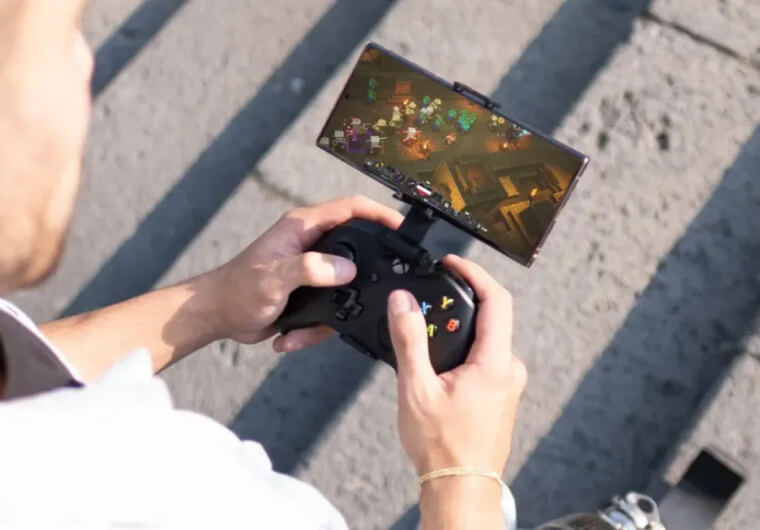
Competitive Shooters (Halo Infinite, Call of Duty, Apex Legends)
In shooters where every millisecond counts, Remote Play is the clear choice.
Because the stream originates from your home Xbox—rather than a distant data center—you get:
- Lower input latency
- Faster response times
- More consistent aim assist behavior
- Reduced stutter and fewer compression artifacts
- This makes Remote Play ideal for players who rely on muscle memory, flick shots, and tight reaction windows.
Fighting Games (Street Fighter, MK1, Tekken)
- Fighting games are notorious for punishing even tiny delays. A difference of 30–50 ms can decide whether your combo connects—or gets punished.
- Remote Play offers the closest experience to sitting directly in front of your console, giving you Tighter input feedback and better control during frame-perfect moves
- Cloud Gaming, while playable, introduces just enough delay to disrupt competitive timing.
Racing Games (Forza Horizon, F1, Need for Speed)
- Racing titles demand split-second steering corrections and real-time reactions to track conditions. Remote Play edges out Cloud Gaming because:
- Input delay is noticeably lower
- Steering feels more direct
- Quick drifts and sharp turns feel natural instead of delayed
- Cloud Gaming works for casual cruising but struggles in competitive races or tight circuits.
What About Slower or More Relaxed Games?
Not every game demands razor-sharp reflexes—and this is exactly where Xbox Cloud Gaming stands out.
Casual Games:
- For indie titles, puzzle games, platformers, and management sims, Cloud Gaming offers:
- Instant access without downloads
- Play-anywhere convenience
- Stable visuals with minimal latency issues
- Perfect for quick, laid-back gaming sessions on the go.
Narrative & Adventure Games:
- Story-driven games don’t rely on fast reactions, making Cloud Gaming an excellent fit for:
- RPGs
- Action-adventures
- Visual novels
- Open-world explorations
- Their slower pacing and cinematic style remain enjoyable even with mild cloud latency.
Xbox Cloud Gaming vs Remote Play: Which One Fits Your Life?
Best Scenarios for Xbox Cloud Gaming
Cloud Gaming excels in situations where convenience matters most:
- Travel-Friendly Gaming
If you're spending New Year’s Eve abroad—whether in London, Dubai, Istanbul, or Paris—you can access your library without carrying a console. A compatible device and the Xbox Android App make it easy to jump into your games anywhere.
- Gaming During Breaks
Suitable for quick sessions during work, school breaks, or while commuting (on stable mobile data).
- Trying New Games Instantly
Cloud Gaming is excellent for sampling big titles like Starfield or Forza Horizon 5 without large downloads.
- Multi-Device Households
Switch between laptop, tablet, phone, or TV seamlessly.
Best Scenarios for Xbox Remote Play
Remote Play thrives when performance matters:
- Playing in Another Room
If your main TV is in use, Remote Play lets you continue your session on a phone or laptop without interruption.
- Competitive Gaming
Shooters, fighters, and racing games benefit from Remote Play’s lower latency.
- Complete Access to Your Library
Cloud Gaming only works with Game Pass titles—but Remote Play works with every game you own.
- Customization Lovers
If you rely on Mods, Local saves, Installed expansions, Custom controller mappings, Remote Play preserves it all.
Quick Decision Guide for Xbox Cloud Gaming vs Remote Play(Fastest Way to Choose)
Choose Xbox Cloud Gaming if you want:
- Zero hardware
- Instant startup
- Play-anywhere flexibility
- Travel convenience
- Quick test sessions
- Gaming on devices without storage
Choose Xbox Remote Play if you want:
- Your entire library
- The lowest possible latency
- Full access to settings, saves, and add-ons
- Competitive gameplay
- A more “native” feel
- Zero subscription cost
Final Verdict: Which One Should You Actually Use?
Choosing between Xbox Cloud Gaming vs Remote Play depends entirely on your gaming style.
- If you are a casual gamer: Cloud Gaming is more convenient, easier to use, and ideal for short sessions.
- If you are a competitive gamer: Remote Play delivers meaningful advantages in speed, responsiveness, and accuracy.
- If you travel often: Cloud Gaming is the clear winner. No console required.
- If you're budget-conscious: Remote Play costs nothing once you own an Xbox.
Conclusion
When you zoom out, Xbox Cloud Gaming vs Remote Play aren’t rivals, they’re two sides of the same coin. Each one shines in a different scenario, and knowing when to use which is what really levels up your gaming experience.
If you want pure convenience: no installs, no waiting, and the ability to jump into a game from literally anywhere, Cloud Gaming is the move. It’s perfect for killing time at the airport, relaxing in a hotel, or sneaking in a few missions on a lunch break.
But when you need tight controls, fast response times, and gameplay that feels as close as possible to sitting in front of your console, Remote Play is the obvious winner. For shooters, fighters, and anything sweaty or competitive, it’s simply unmatched.
You don’t need to pick just one. Most gamers bounce between both—Cloud Gaming for on-the-go and testing new titles, Remote Play when performance really matters.
And with Xbox constantly upgrading their servers, improving latency, and polishing streaming features, the experience is only getting better. What feels “pretty good” today could feel downright amazing in a few months.
Power up your Xbox experience with Arpay. Grab your gift cards instantly for any game or subscription you need.Start playing without limits and enjoy the best performance wherever you are.
FAQs
Is Cloud Gaming the same as Remote Play?
No. Cloud Gaming connects to Microsoft’s servers, while Remote Play connects to your own console.
Does Cloud Gaming require an Xbox console?
No. You only need Game Pass Ultimate and a supported device.
Can Remote Play work outside the home?
Yes, but performance depends heavily on your home network’s upload and the internet speed on both ends.
Which offers better latency for shooters?
Remote Play. It is consistently faster and more responsive.
Can Cloud Gaming be used on smart TVs?
Yes. Many Samsung and LG TVs support Cloud Gaming directly through the Xbox app.