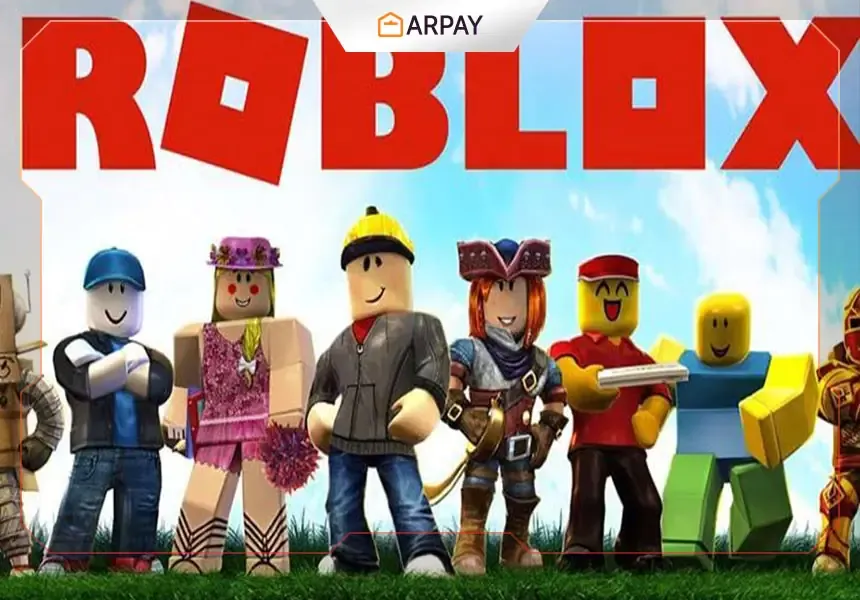
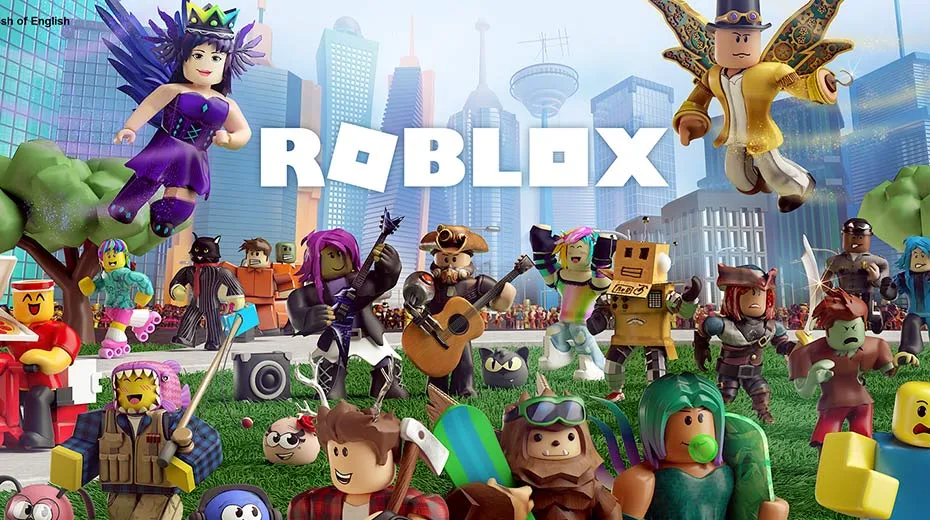
Roblox has recently achieved great fame in all countries of the world.
The game is a single-player game that contains over 50 million games that players have created.
Where the game is considered a platform that includes a large library of games.
Children and adults download the app for the game on their devices, then browse through the list of games and play them.
On the other hand, Roblox has a great social aspect that attracts many people to it.
So that each player will be able to add his friends and chat with them during the playing process.
There are about 100 million players enjoying Roblox globally, including children, adults, women, and girls
7 Important tips for beginners in Roblox game
There are tons of proofs that can help you learn the basic methods of Roblox.
We will provide the most important tips that will help you excel in the game.
First: build your own world
At the beginning of the game, you will need to build your own world in the game's program, which is Roblox studio, which is a free program available to build the game.
In order to start creating your own world, you can choose the templates that are presented in the game's program.
You will need to customize these templates according to your needs.
So you should check all available templates such as city, runway, and time zones.
You can also use templates with a special topic, and you can choose from the following topics: Residential Areas, Pirate Island, Western World, Future World, Medieval World, City, Magic World, or Fairies Island.
You can also choose ready-made templates and use them directly or make some adjustments to them.
Second: Choose the look that suits you
One of the most important things when creating your own world is choosing the right theme.
There are two ways in which you can change the appearance of games.
They are selecting the or right-clicking on the and changing the attributes.
Third: Choosing the right movement options
After building your own world, you must choose the animation options.
There are three types of animation options, stud1, studs 1/5, and off.
When you choose stud1 it means you can move one block.
It is the default that most players use to build their worlds.
When you use studs ⅕, you can only move the character a limited amount.
Whereas if you choose the option off this means that you do not want to restrict the movement of your character.
Fourth: Stopping or operating the collision option
Depending on the environment and this, you can disable or activate the collision option while playing.
You should use these options when opening doors, jumping on stiff hills, or hitting a tree or house.
So you have to use this option discreetly to make your world easy and look real.
Fifth: Assembling all relevant parts to each other
In the event that you are new to the game and want to develop your personal world in the game.
Gather all relevant parts and make them look organized to make your world more organized.
With attention not to over-accumulates.
By starting with small items, add more as needed.
Sixth: Make some float in the air
There is a lot of time when you need to make certain items float in the air like bricks, weapons, or any other items.
Then you need to turn on the docking settings.
Through this feature, you can add some excitement and excitement to your world and thus attract more people to your environment.
Seventh: the experience of rotating
If you want to add the most exciting and exciting to your own world in the game.
You can use the rotating feature by pressing Ctrl + R on your keyboard.
As for selecting the Tiltings, you can press Ctrl + T.
These points will help you outperform your competitors in the game, build your own amazingly wonderful world, and improve and develop your own playing style in the game
Quick Summary for New Players
Roblox is more than one game. It is a platform with a huge library of player-made experiences, and that is why so many children and adults spend time there every day. If you are just starting, the best way to learn is to begin small, test the basic tools in Roblox Studio, and then slowly improve your own world step by step.
The seven tips above are useful because they focus on the same thing: making your world easier to understand, better organized, and more fun to play. Once you understand templates, movement settings, collision, docking, and rotation, you can control the way your game feels instead of leaving everything random.
How to Think About Your First World
When you build your first world, do not try to add everything at once. Start with a simple idea, pick a template that fits it, and then make small changes until it begins to look like your own creation. A city, pirate island, medieval world, magic world, or fairies island can all be good starting points depending on the style you want.
It also helps to keep the world organized. If the parts are too crowded, the experience becomes harder to manage. If the parts are placed carefully, the world feels cleaner and more natural. That is why the article encourages adding relevant parts together and avoiding over-accumulation.
Practical Tips Before You Begin
- Use Roblox Studio templates first if you are not sure where to start.
- Choose one theme and build around it instead of mixing too many ideas.
- Try the movement settings carefully so your character behaves the way you expect.
- Use collision settings only when they help your world feel realistic.
- Add floating objects or rotation only when they improve the design.
These small steps can make a big difference for beginners. They help you move from simple ideas to a world that feels more complete and more interesting to explore.
Final Note
If you keep learning through the tools inside Roblox Studio, you can slowly improve both your building style and your understanding of the platform. The best part is that Roblox gives you room to experiment, chat, play, and build in the same place. For beginners, that mix is what makes the game feel so open and so different.