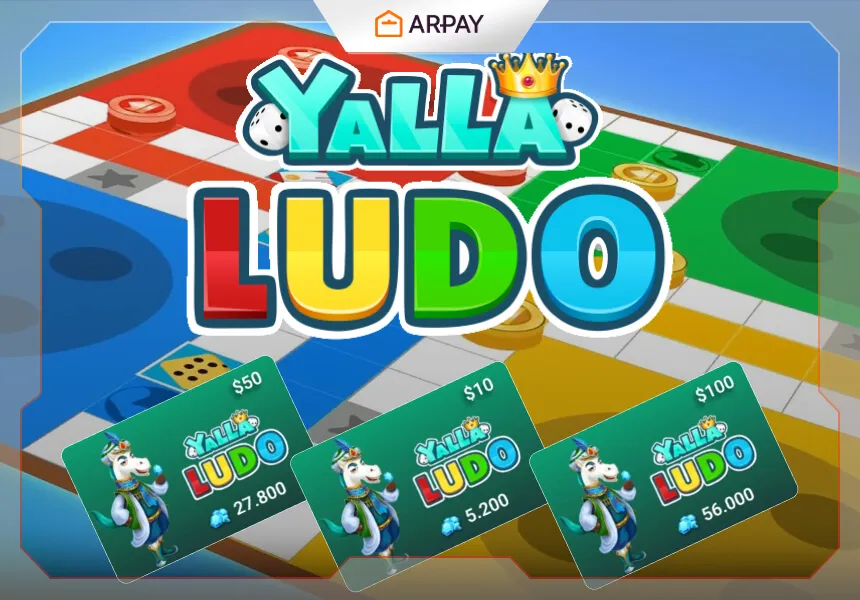
Yalla Ludo Diamonds are still one of the main ways players add a little more flexibility to their in-game experience in 2026. If you play often, a recharge can help you access optional cosmetics, selected premium features, and other account extras depending on what the current version of the game allows. The core appeal of Yalla Ludo has not changed much: it remains a mobile social game built around Ludo and Domino, with a strong emphasis on quick matches, voice chat, and playing with friends from different places.
That is why recharge guides still matter. Players do not just want to know that top-ups exist; they want to know what the usual process looks like, where friction can appear, and which claims should be treated carefully before spending money. In older versions of articles like this one, recharge flows were often described too confidently, as if payment methods, delivery times, and bonus offers never changed. In reality, they do change, sometimes quietly, and that is exactly why a 2026 refresh needs more caution.
Overview of Yalla Ludo
Yalla Ludo is still recognizable as a casual social board-game app rather than a heavy competitive title. Its strength comes from combining classic play with modern mobile habits: private rooms, public matchmaking, real-time voice chat, quick session length, and a design that works well on phones and tablets. That mix is what keeps it relevant. Even if you only play casually, the game is built to encourage repeat play and small account upgrades over time.
Key Features
Voice chat remains one of the most recognizable parts of the experience, because it turns simple board matches into a more social session. Multiplayer flexibility is another reason the game still works: you can usually play with friends, create rooms, or join broader online play depending on the current build. The interface is also fairly easy to understand, which lowers the barrier for casual users. As for rewards, coins, Diamonds, cosmetics, and event-related perks can change over time, so exact item access and reward usage should be checked against the live game before publication. []
How to Recharge Yalla Ludo Online
The exact screens may look a little different in 2026, but the general recharge flow is still familiar. First, open Yalla Ludo on the account you actually want to top up. This sounds obvious, but it is one of the easiest mistakes to make when players manage more than one account or switch devices. After that, look for the recharge, top-up, wallet, or store area inside the app. The wording is not guaranteed to be identical across all versions, so treat the menu name as approximate rather than fixed. []
Next, choose the denomination or package you want. This is where regional differences can start to matter. The available recharge amounts, gift-card compatibility, and bonus structures can vary by market, event timing, or seller route. Some players may see straightforward package tiers, while others may see different balance options tied to the payment path they use. That is why exact package lists should never be copied forward without a live check. []
Once you have chosen an amount, select a payment method. Depending on your route, this may involve a card, a mobile wallet, platform billing, or a gift-card-style redemption flow. If you use an outside seller instead of an in-app method, claims about instant delivery, permanent regional support, or universal compatibility should be verified before they are presented as settled facts. [] Then enter the required payment details, review the order carefully, and confirm the recharge.
After payment, do not assume the process is finished until the balance is visible in the app. Open the account or wallet area and make sure the recharge was actually applied. Delivery timing can differ depending on the route, and that difference matters if you are trying to join a limited event or use the balance immediately. []
Benefits of Recharging Yalla Ludo Online

The biggest practical benefit is convenience. You can usually complete the process from your phone without leaving the broader game flow for long. That matters if you play frequently or want to keep your account ready for optional items and upgrades. A second benefit is flexibility: when a game uses a premium currency like Diamonds, topping up gives you more freedom to respond when you actually want something instead of waiting until the last minute.
There can also be gameplay-adjacent benefits, such as easier access to selected features, cosmetics, or time-limited event items. But this is where older articles often go too far. It is one thing to say a recharge can support a fuller account experience; it is another to promise exclusive discounts, guaranteed bonuses, or specific premium perks without checking the current live offer. Those parts should still be reviewed manually in 2026. []
Conclusion
Yalla Ludo Diamonds still make sense for active players who want smoother access to optional extras, cosmetics, or premium account functionality. The recharge process itself is usually simple: open the app, find the top-up area, choose a denomination, select a payment method, complete checkout, and confirm the balance inside the game. The real caution point is not the basic flow but the surrounding claims: delivery promises, supported payment methods, regional availability, and bonus structures can all change over time. []