How to Buy on AR-PAY
Step 1: Choose your product by searching or browsing the available categories.

Step 2: Select your desired product denomination and click Buy Now.

Step 3: Review your shopping cart and click Continue to Payment.
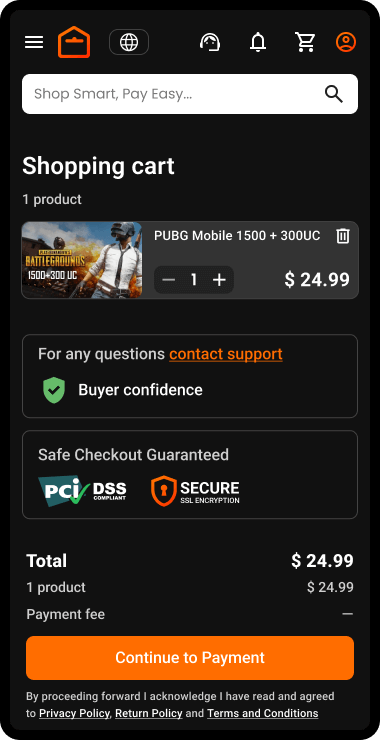
Note: If you're not logged in, the system will prompt you to log in or create an account. You can read the guide: How to Register on ar-pay.com.
Step 4: Choose your preferred payment method and complete the payment.
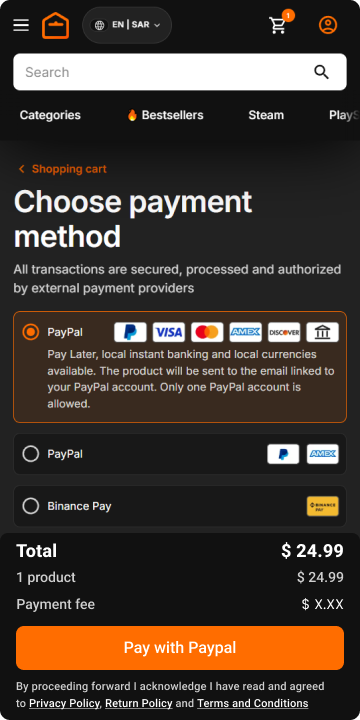
Step 5: Validating payment.

Step 6: Cards are being issued.

Your order is complete, and you will be redirected to the order page where your product codes are available.
Step 7: Click the Show Code button to display your code.
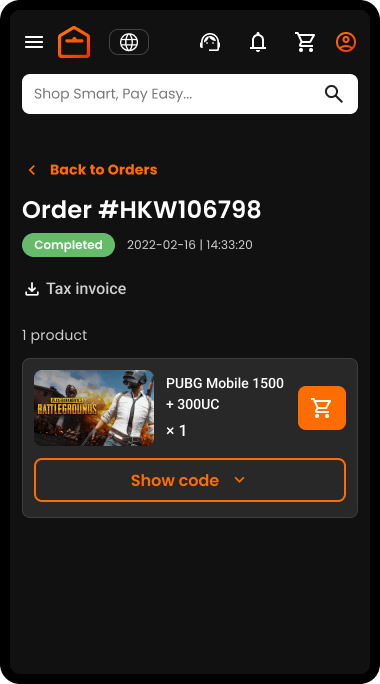
Copy your code and use it.
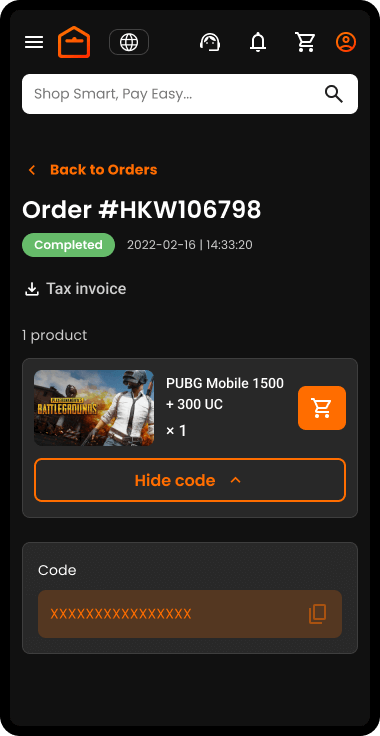
Note: You will also receive an email with a link to access your product codes.