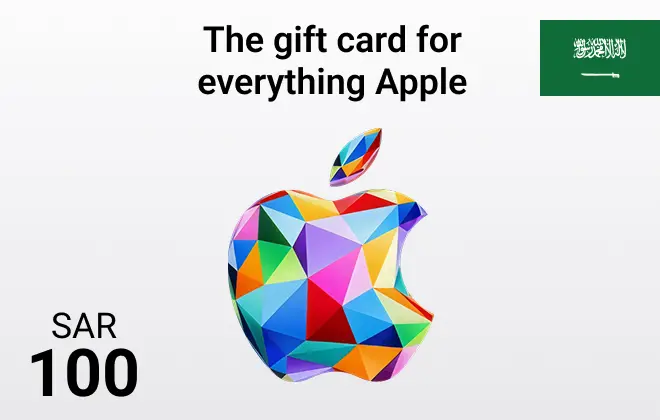
Apple Gift Card KSA 100 SAR
Discover endless possibilities with Apple Gift Cards KSA. Enjoy instant delivery and secure checkout with AR-PAY, your trusted source for premium digital experiences.
Saudi Arabia
100 SAR
100 SAR





Apple Gift Card KSA 100 SAR: Gateway to Endless Content
Get more out of your Apple experience with the Apple Gift Card KSA 100 SAR. Delivered instantly by ARPAY, it’s the perfect choice for upgrading your favorite apps, subscribing to Apple Music, or renting the latest movies.
Enjoy full access to Apple’s digital services in Saudi Arabia, including the App Store, iTunes Store, and iCloud. With this card, managing your Apple ID balance is simple, secure, and hassle-free. Exclusively for Saudi Apple IDs, ensuring flawless use within the KSA region.
Key Features:
- Value: 100 Saudi Riyals (SAR)
- Instant Delivery: Immediate code delivery after purchase.
- Region-Specific: Works with Saudi Apple ID accounts only.
- Wide Usage: Compatible with apps, games, music, movies, TV, books, and subscriptions.
- Secure Purchase: Confidence guaranteed with ARPAY.
How to Redeem Your Apple Gift Card KSA
Redeeming your Apple Gift Card is quick and easy. Once you receive your digital code from ARPAY, follow these steps to add the credit to your Apple ID:
On your iPhone, iPad, or iPod touch:
- Open the App Store app.
- Tap your profile picture at the top of the screen.
- Tap "Redeem Gift Card or Code."
- Tap "Enter Code Manually," then type your 16-digit code. (You can also use your device's camera to scan the code if available).
- Tap "Redeem."
On your Mac:
- Open the App Store.
- Click your name or the sign-in button in the sidebar.
- Click "Redeem Gift Card or Code."
- Click "Enter Code Manually," then type your 16-digit code.
- Click "Redeem."
On your Windows PC:
- Open iTunes.
- From the menu bar at the top of the iTunes window, choose Account > Redeem.
- Follow the instructions on the screen.
Once redeemed, the credit will be added to your Apple ID balance and can be used for purchases across Apple services.
Terms and Conditions
- The gift card is officially issued and managed by Apple Distribution International Ltd.
- Store Credit purchased in Saudi Arabia must be used with a Saudi Apple ID and redeemed only within Saudi Arabia, its territories, and possessions.
- No clearly stated expiration date.
- Non-refundable, non-transferable, and non-exchangeable, except where required by law.
- Usable only for Apple digital services
- Not valid for Apple hardware, retail store purchases, or gifting.
- Apple may void, deactivate, or suspend Store Credit or accounts if fraudulent or unlawful activity is suspected.
- Risk of loss transfers to the purchaser in Ireland upon electronic transmission.
- Apple is not liable for lost or stolen cards.
- Restrictions include: cannot be used for cash, resale, or outside Saudi Arabia.
- General Apple service terms and indemnity clauses apply.
- Customer support contact details are not specified in the excerpt.
For the complete Terms & Conditions, visit:
https://www.apple.com/legal/internet-services/itunes/giftcards/sa/terms-en.html